App
HomeRow Typing Tutor
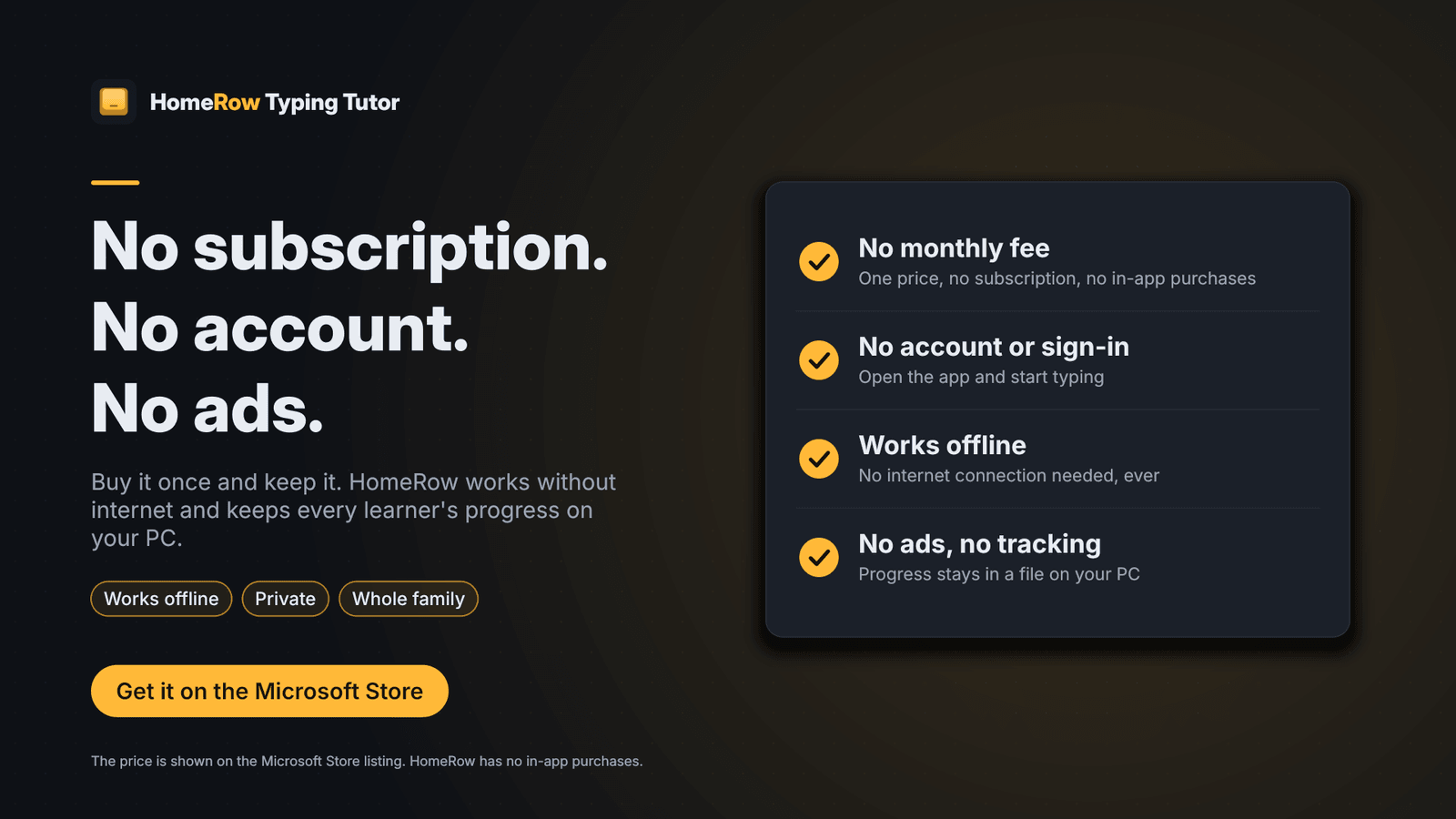
Learn to touch type with 21 step-by-step lessons, timed speed tests and a kids mode. Works offline. No account, no ads, no subscription.
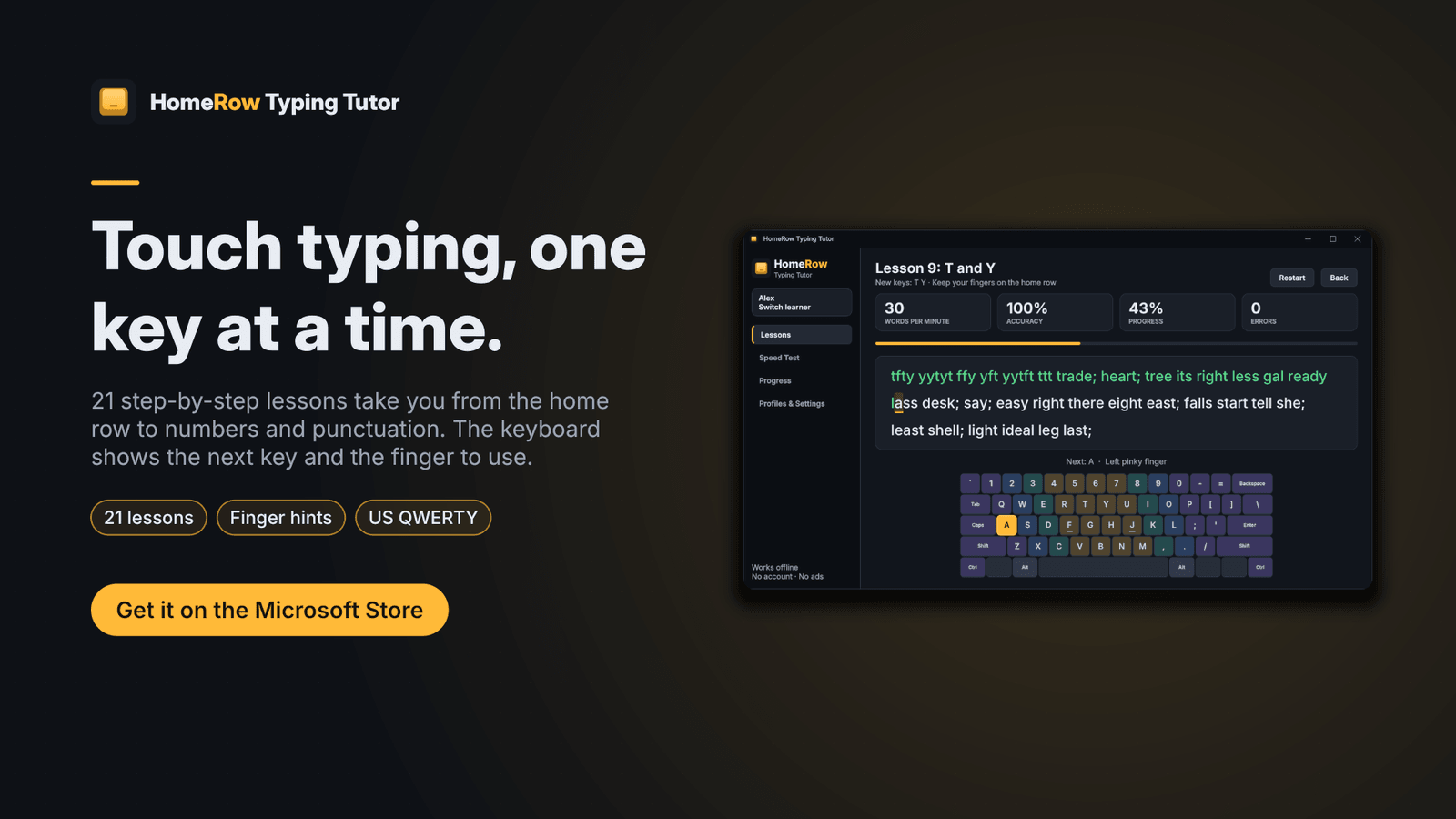
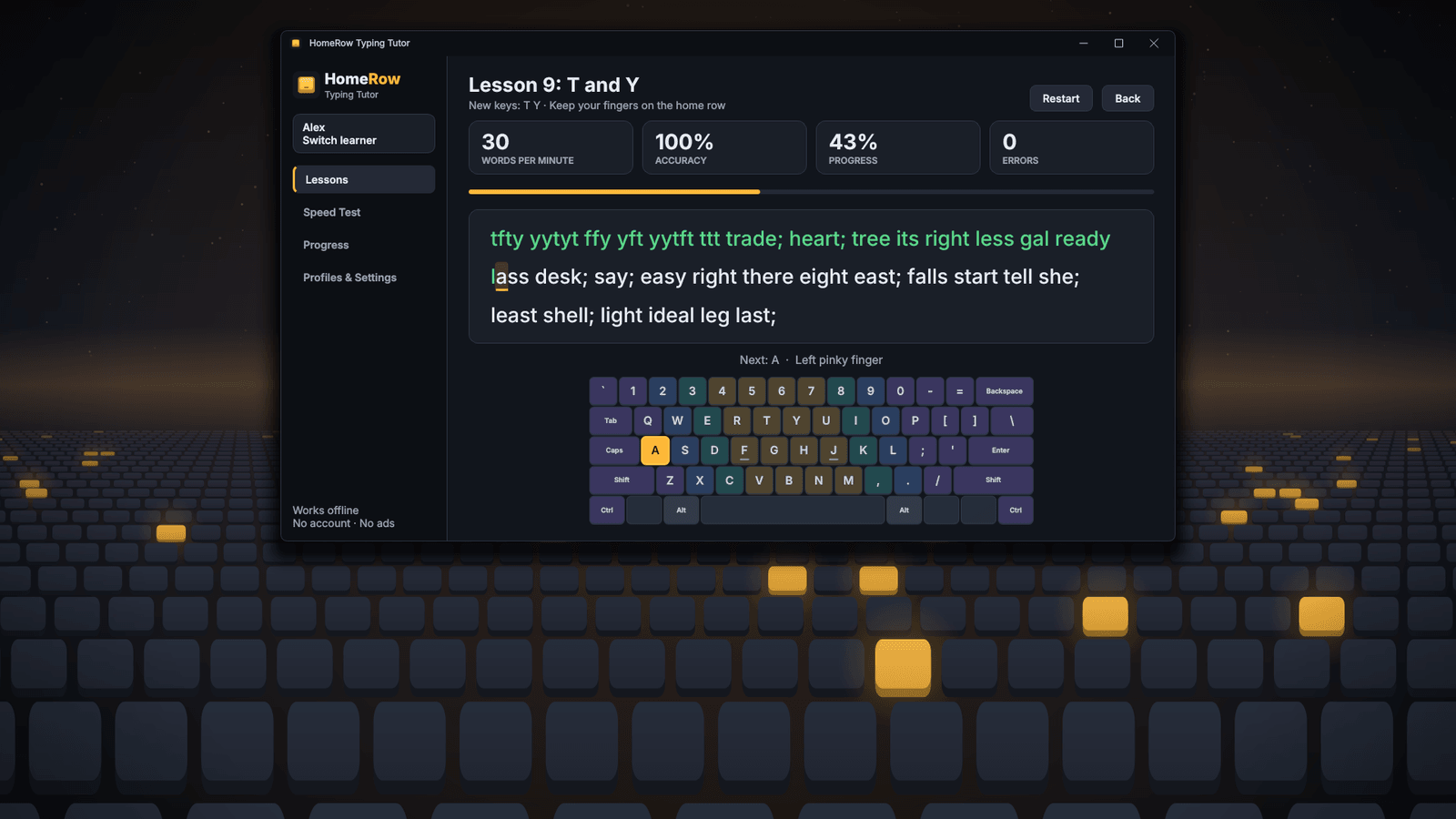
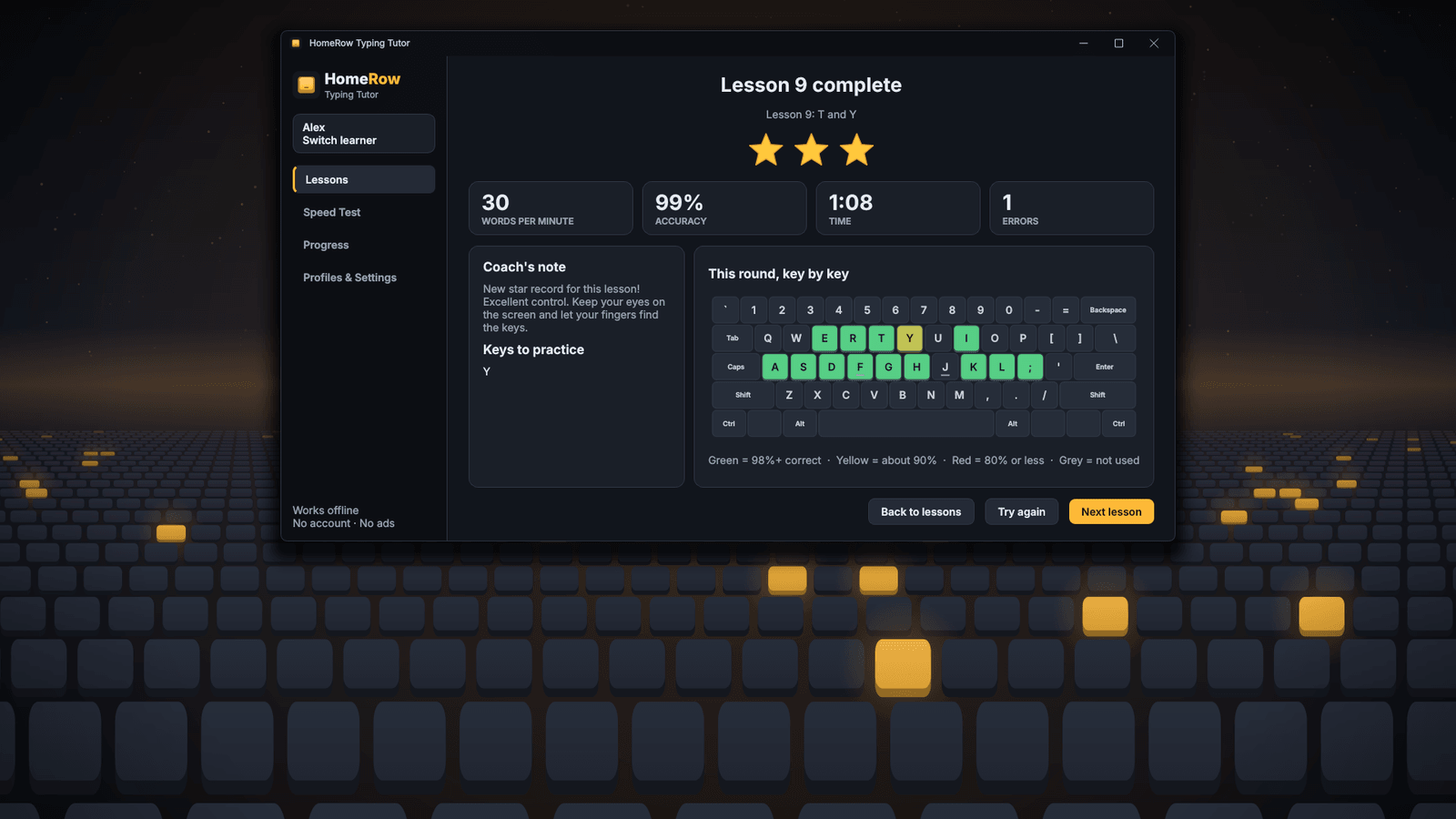
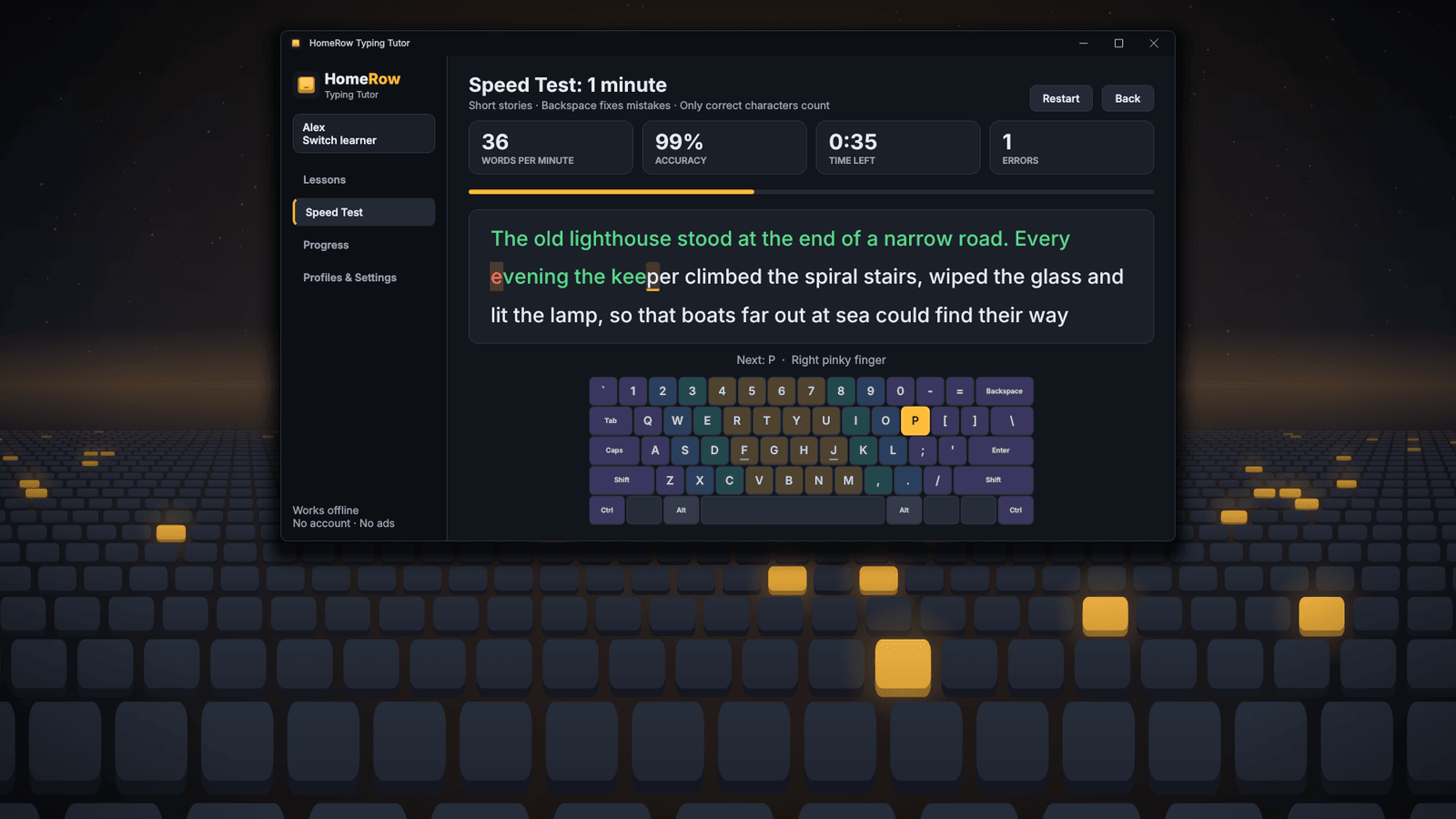
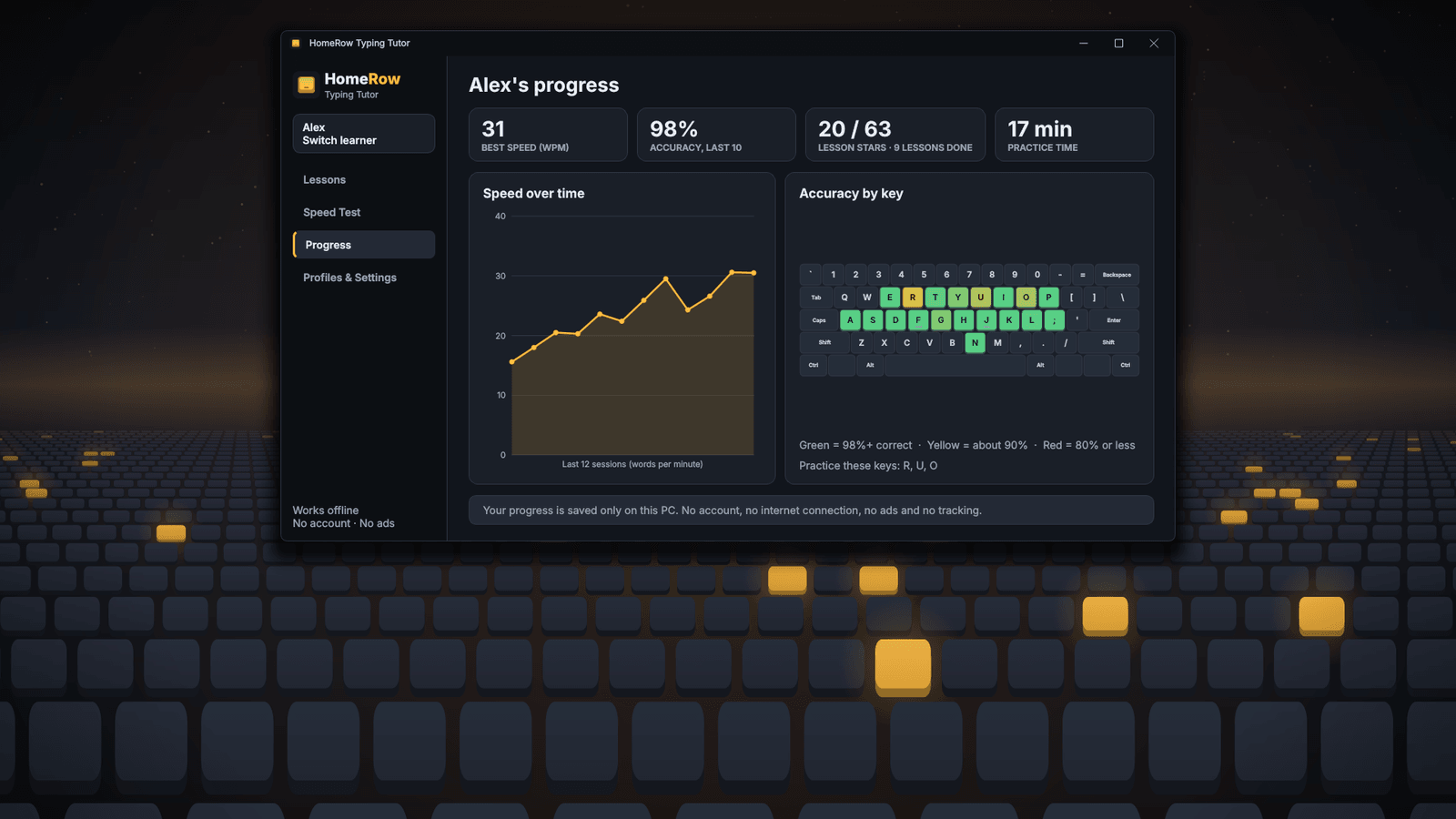
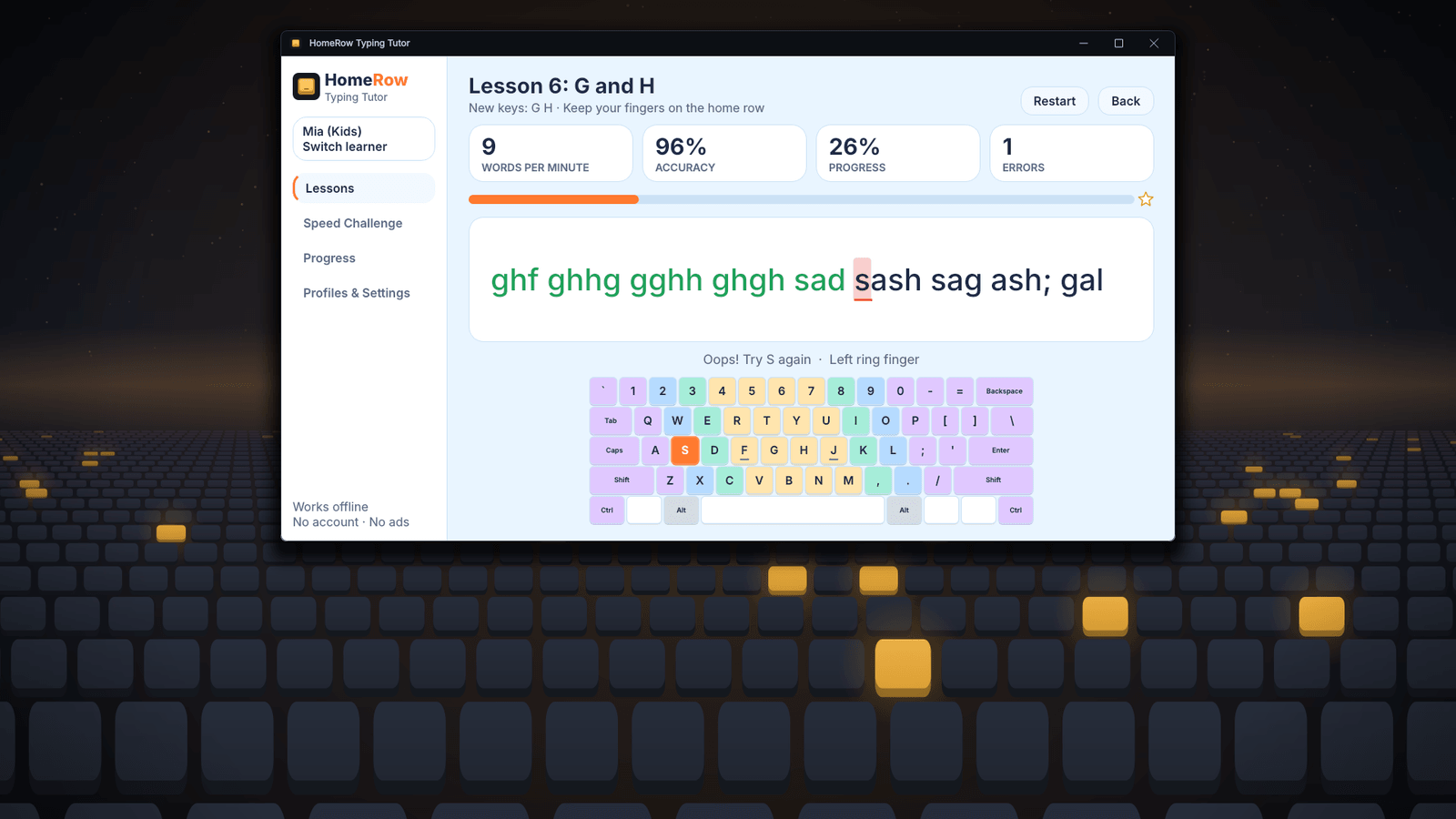
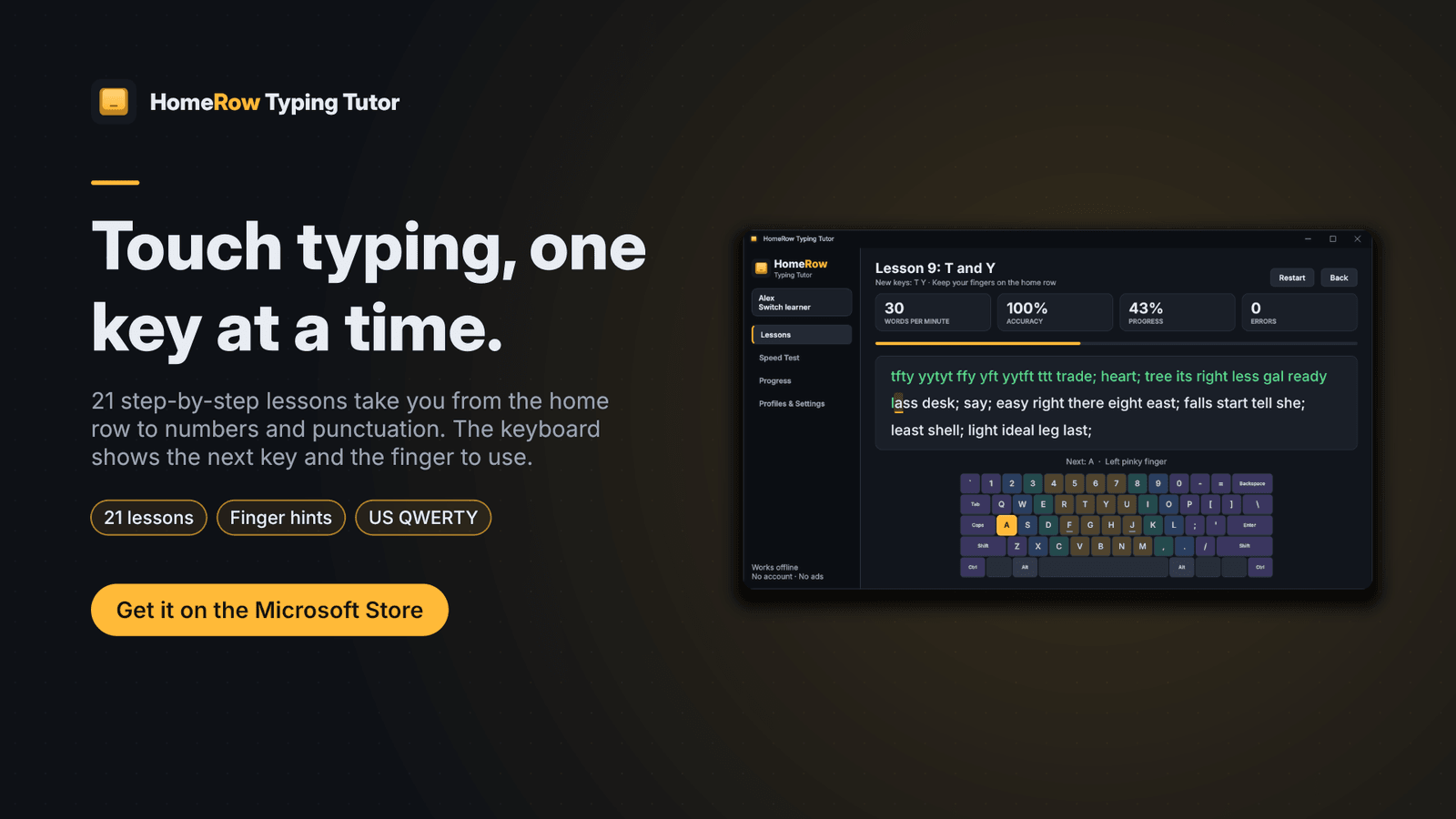
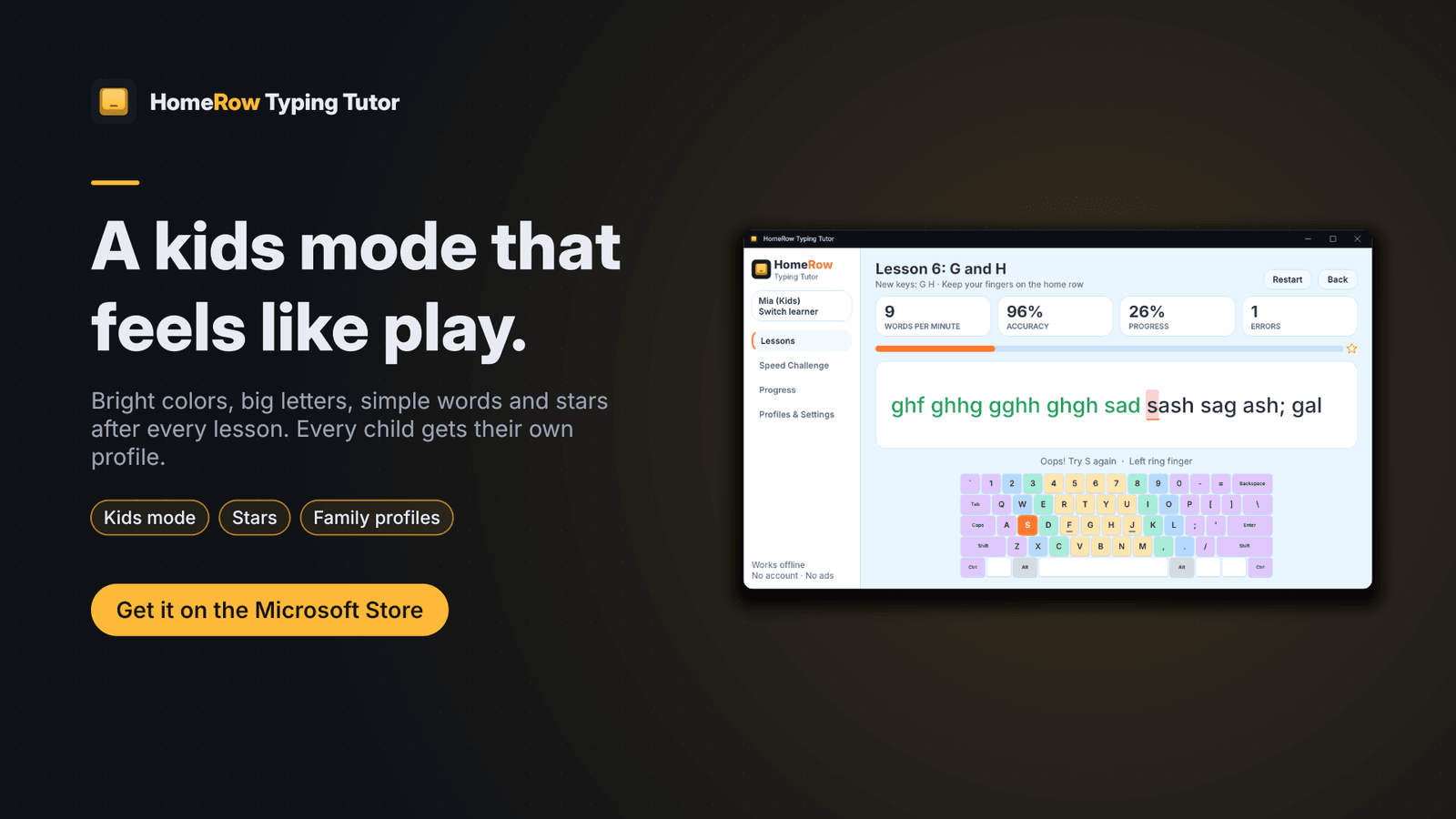
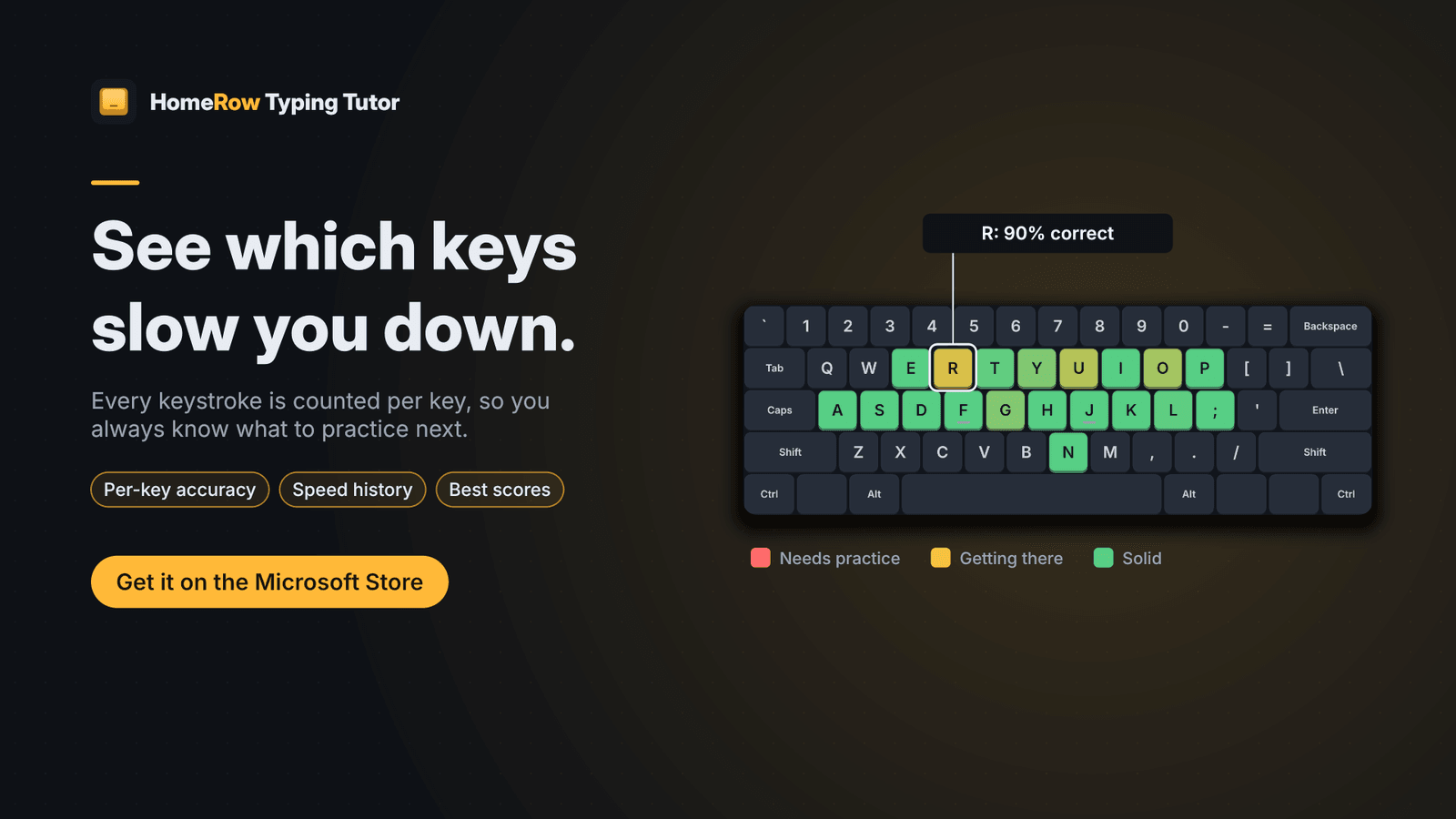
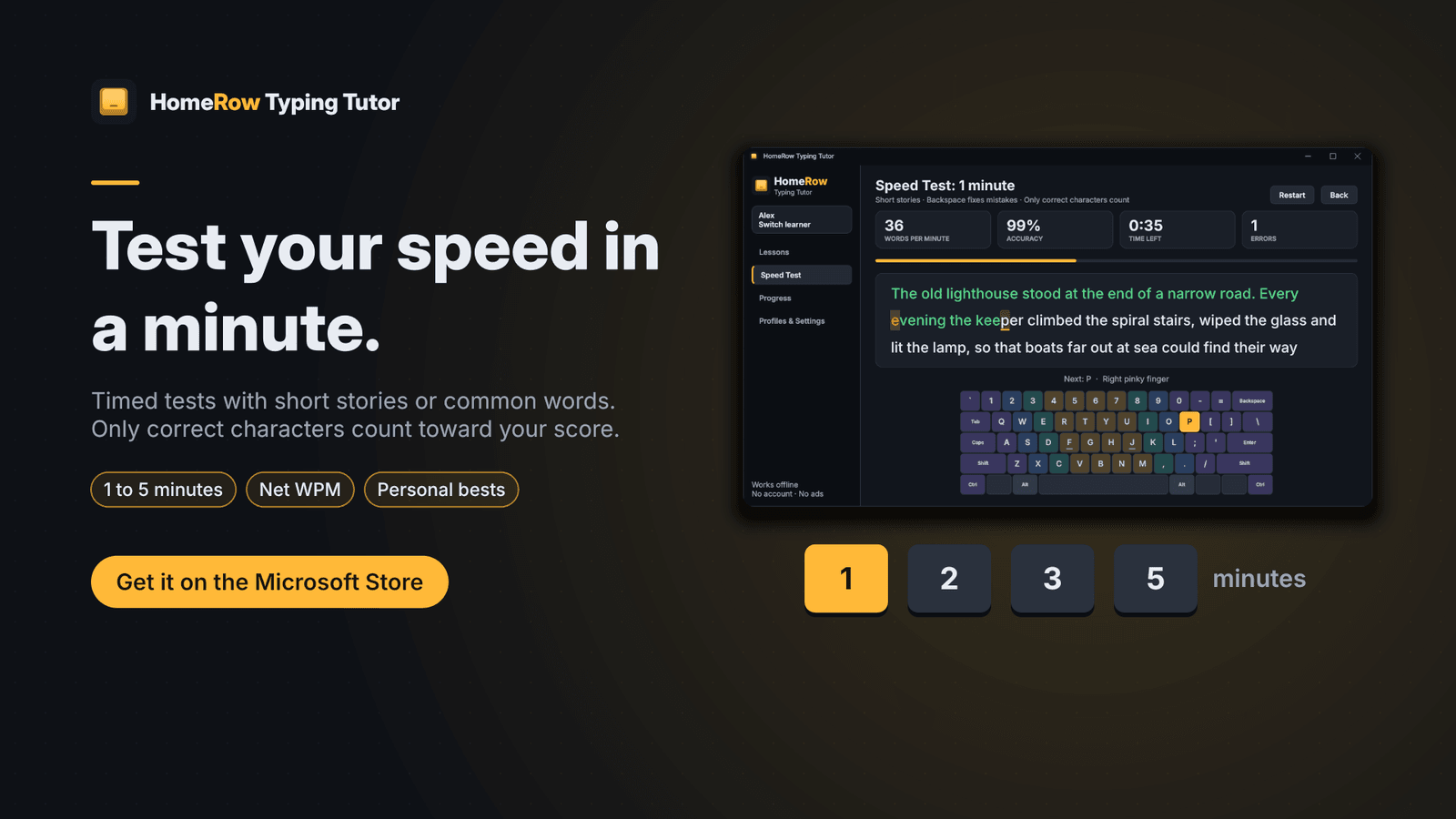
Learn to type without looking at the keyboard. HomeRow Typing Tutor teaches touch typing step by step, from your first two keys to full sentences, completely offline with no account, no ads and no subscription. Start on the home row with F and J; each lesson adds one or two new keys and mixes them with the keys you already know. The on-screen keyboard lights up the next key and colors every key by the finger that should press it, with a hint line for finger and Shift. In lessons, a wrong key doesn't move you forward — you fix it on the spot. Twenty-one lessons cover home row, top and bottom rows, capitals, numbers and punctuation. Timed speed tests of 1, 2, 3 or 5 minutes score net words per minute. After every lesson or test you get a key-by-key breakdown; Progress shows speed over time and an accuracy heat map. Kids mode uses bigger letters, simpler words, gentler messages and stars. Every learner gets their own profile. Progress is saved locally in one file on your PC. Designed for the US QWERTY keyboard; a physical keyboard is required.
- 21 step-by-step lessons, from the home row to every letter, capitals, numbers and punctuation
- On-screen keyboard lights up the next key and colors every key by finger
- Lessons hold the cursor on a wrong key, so you build accuracy before speed
- Timed speed tests of 1, 2, 3 or 5 minutes with short stories or common words
- Key-by-key results, accuracy heat map and a speed-over-time chart
- Kids mode: big letters, simple words, bright colors, gentle messages and stars
- A separate profile for every learner in the family
- Works completely offline — no account, no ads, no tracking, no subscription
Screenshots