App
DiskAtlas Pro
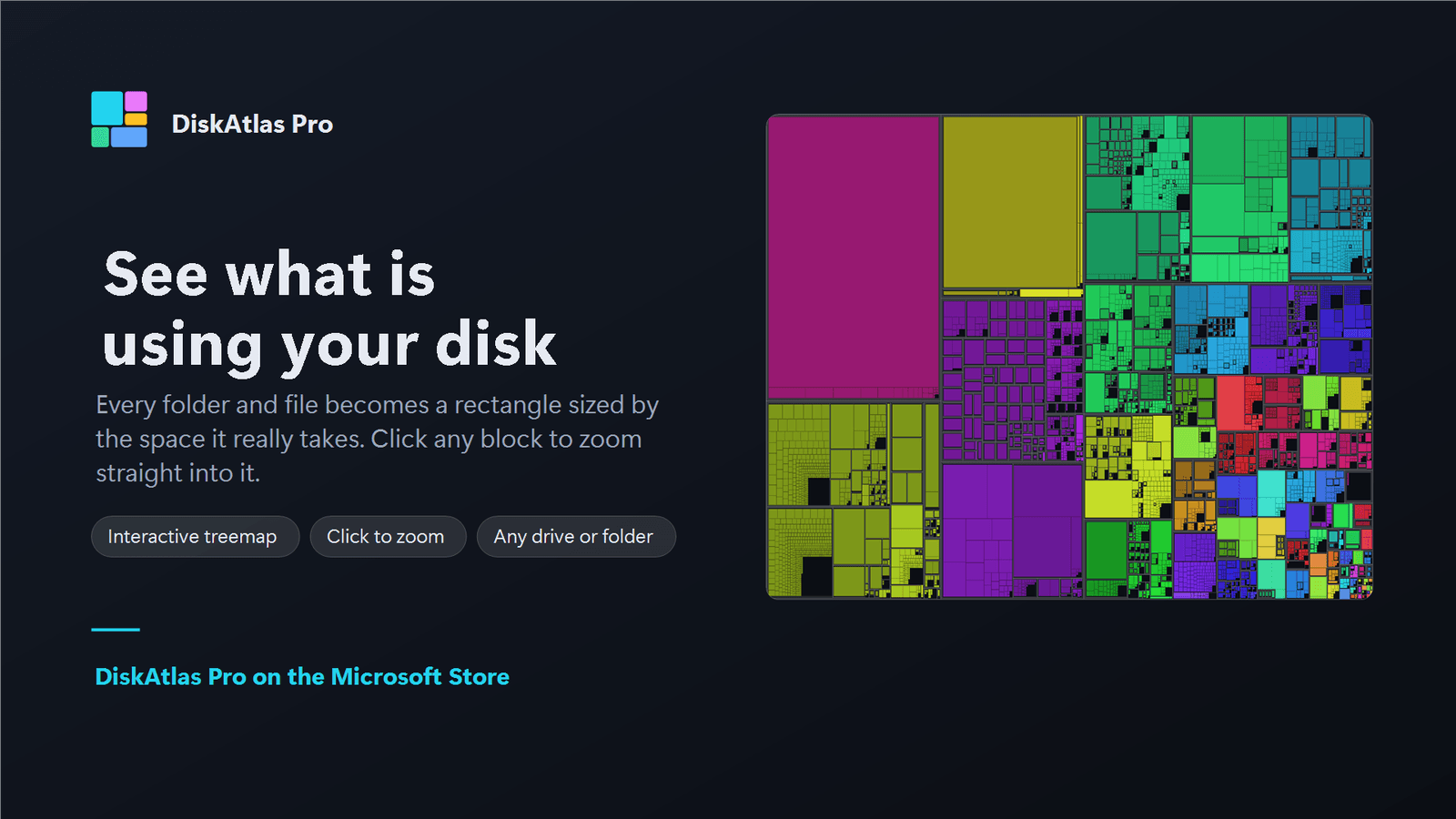
See exactly what is filling your drive. DiskAtlas Pro scans any drive or folder into an interactive treemap, ranked lists, a duplicate finder, and Recycle Bin cleanup — with no network access at all.

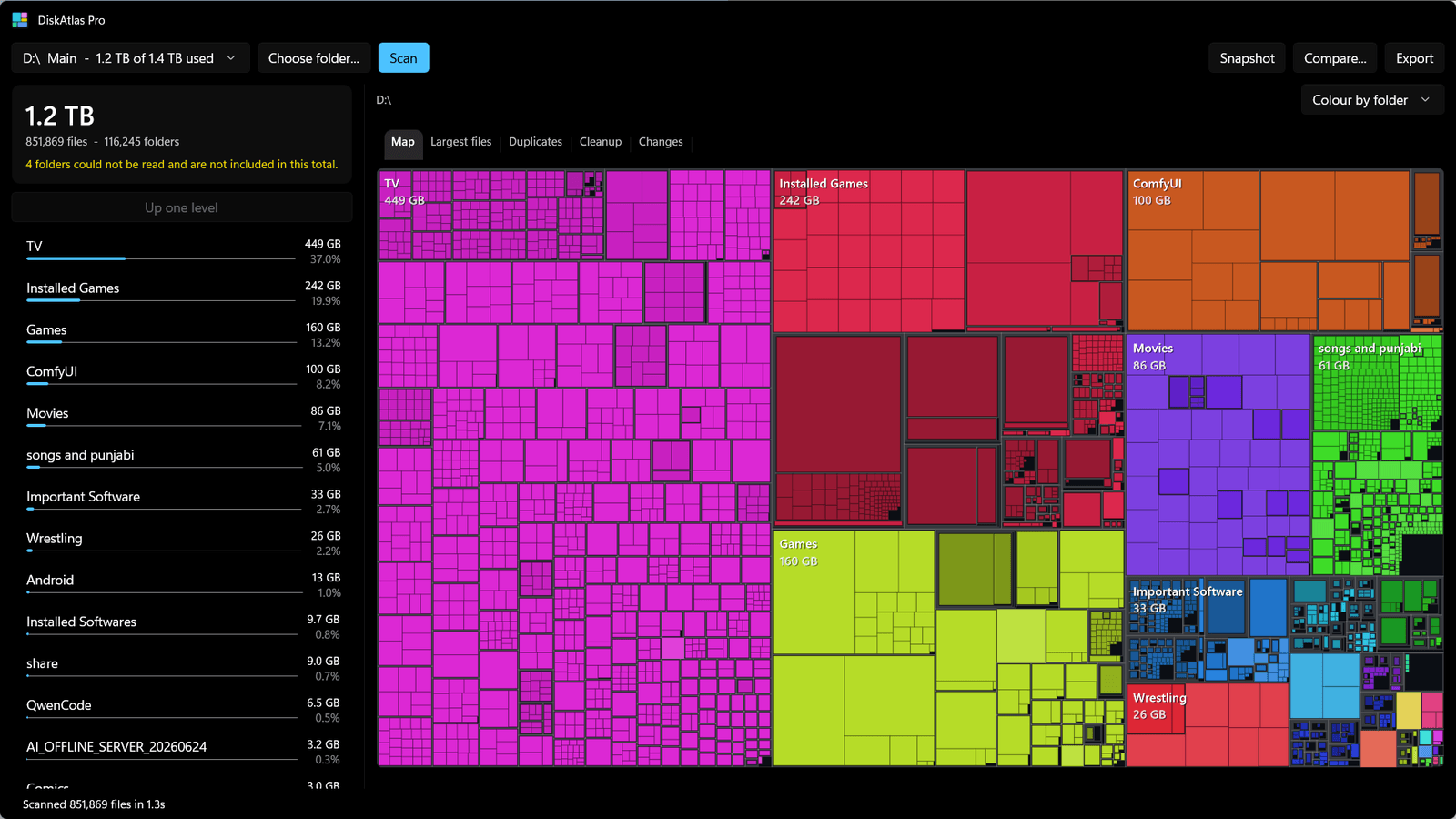
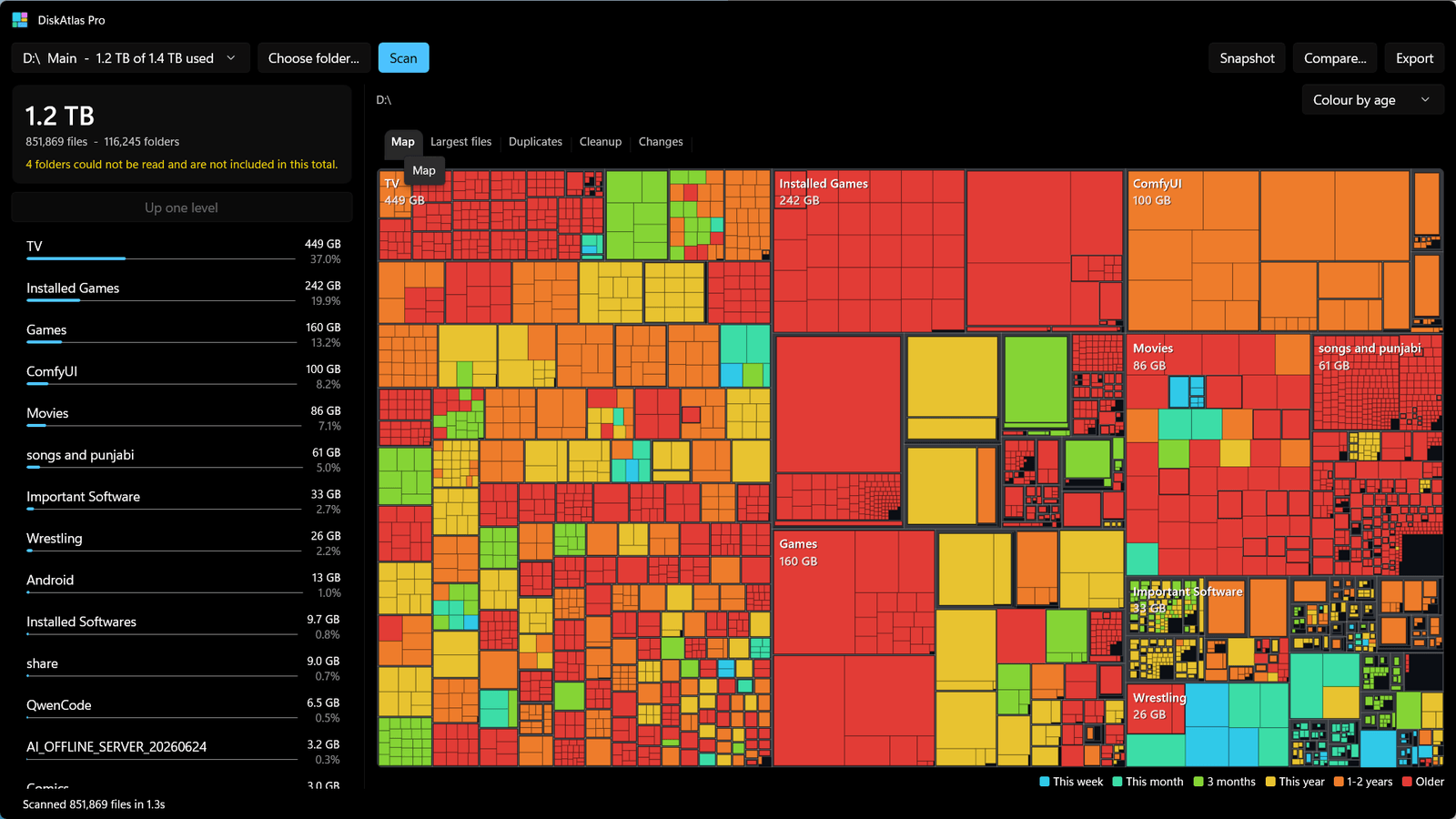
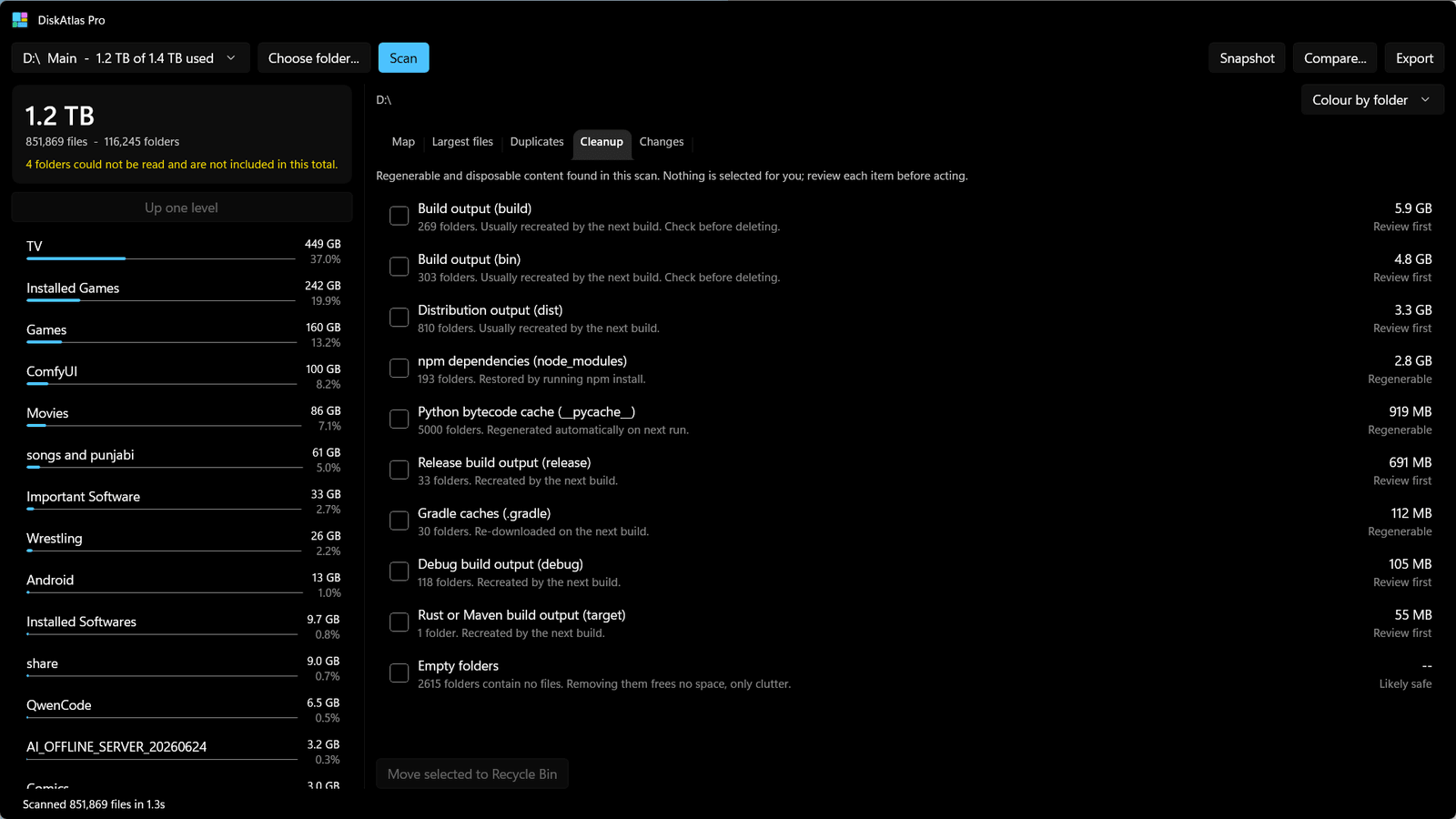
DiskAtlas Pro answers one question fast: what is actually using my disk? Point it at a drive or a folder. It scans, then shows you the answer three ways at once — an interactive treemap where every rectangle is sized by real bytes, a ranked folder breakdown you can drill through, and a list of your largest files. Click any block on the map to zoom into it. Colour by folder, file type, or age. Filter files by size or by how long they have sat untouched. A duplicate finder verifies full file contents and shows how much space each group of copies is wasting. Cleanup suggestions describe regenerable folders, old installers, and large archives in Downloads — and select nothing on your behalf. Save a snapshot, rescan later, and see exactly which folders grew. Deletion goes to the Recycle Bin by default; drive roots, Windows, Program Files, and known profile folders are refused. Export any scan as CSV, JSON, or a self-contained HTML report. DiskAtlas Pro makes no network connections at all — no account, no telemetry, no ads. One-time purchase. Windows 10 version 1809+ or Windows 11; native x64 and ARM64.
- Interactive treemap sized by real bytes — click any block to zoom in
- Colour the map by folder, file type, or age
- Ranked folder breakdown and largest-file lists with size and age filters
- Duplicate finder with full-content verification; cloud-only files are skipped
- Cleanup suggestions for regenerable folders, old installers, and large archives
- Save a snapshot, rescan later, and see exactly which folders grew
- Deletes to the Recycle Bin by default — system folders and drive roots are refused
- No account, no telemetry, no ads, no network access — one-time purchase
Screenshots