App
Crosshair DeadCenter
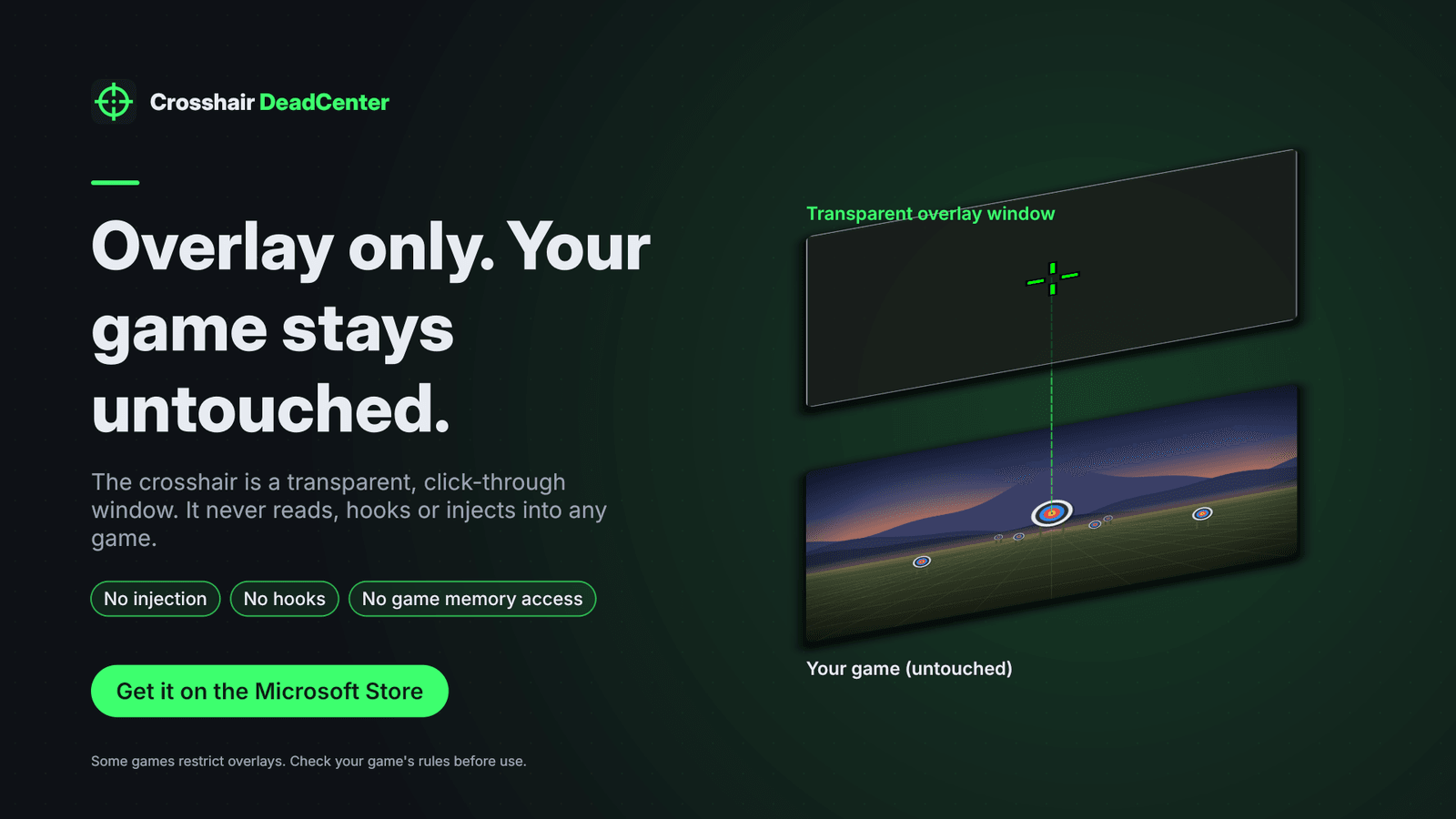
A custom crosshair overlay for any game in windowed or borderless mode. Pick from 12 styles or your own PNG, switch profiles with hotkeys, and let the built-in self-check confirm it's working. Overlay only: it never touches your game.
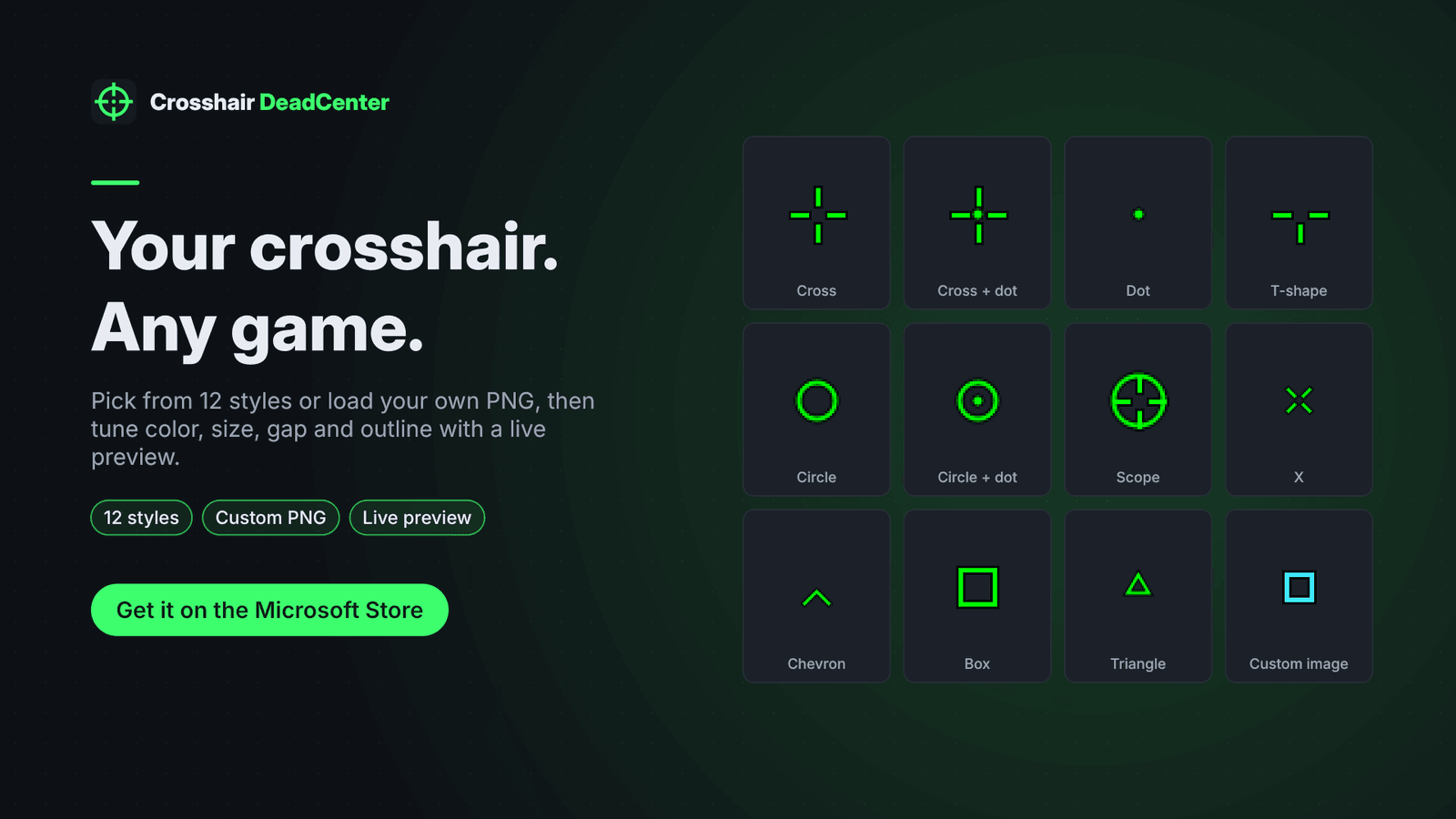
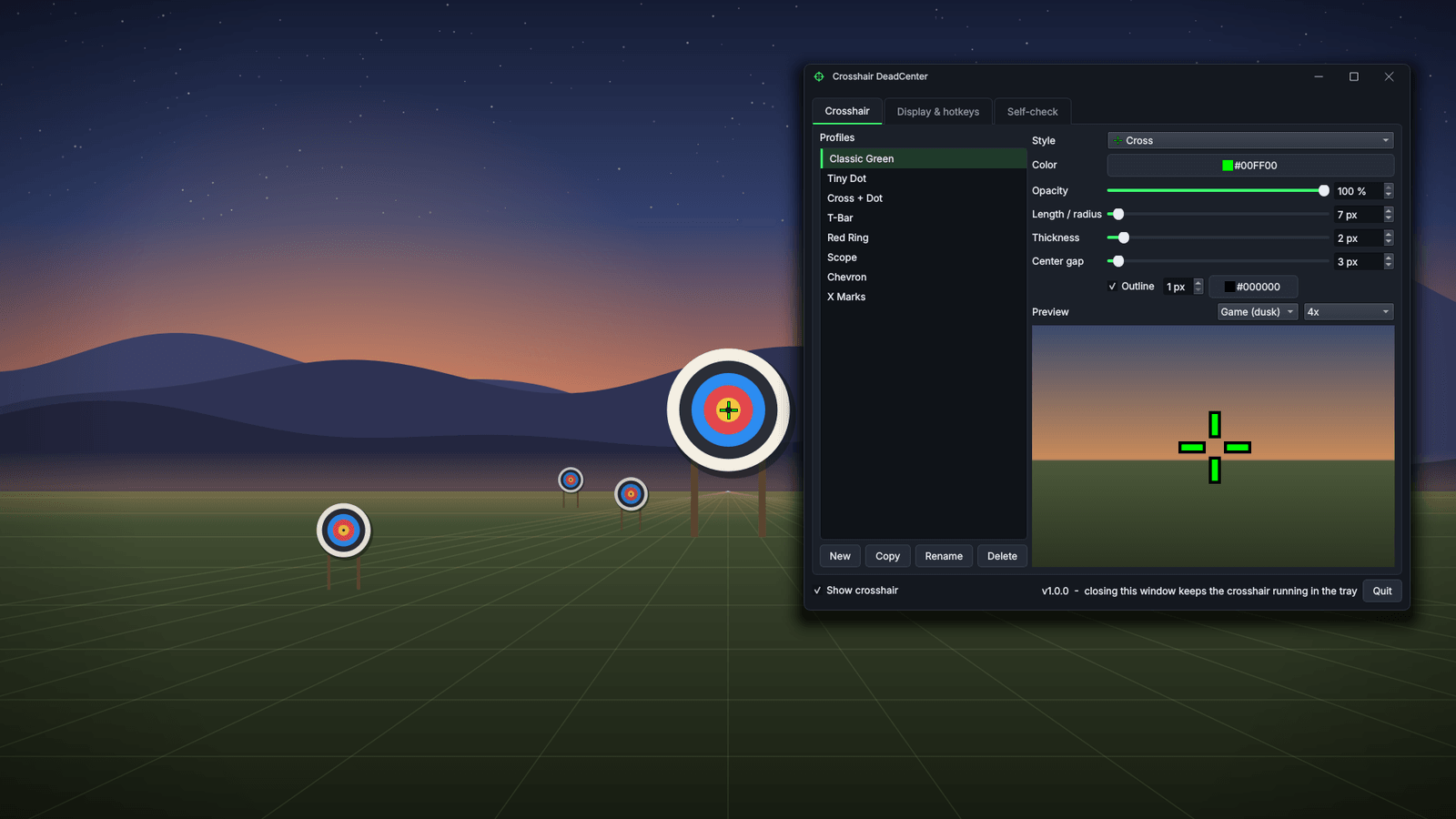
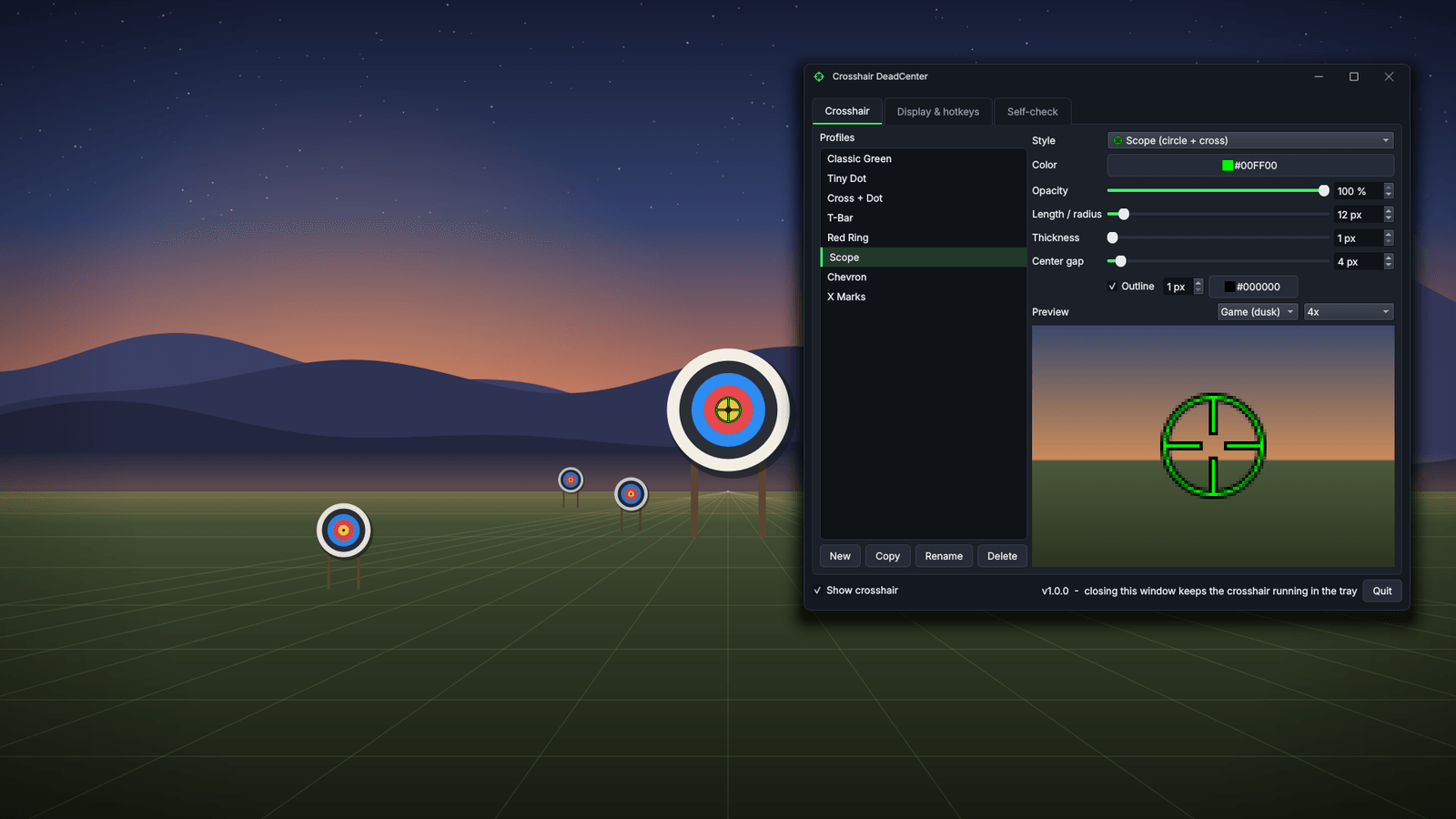
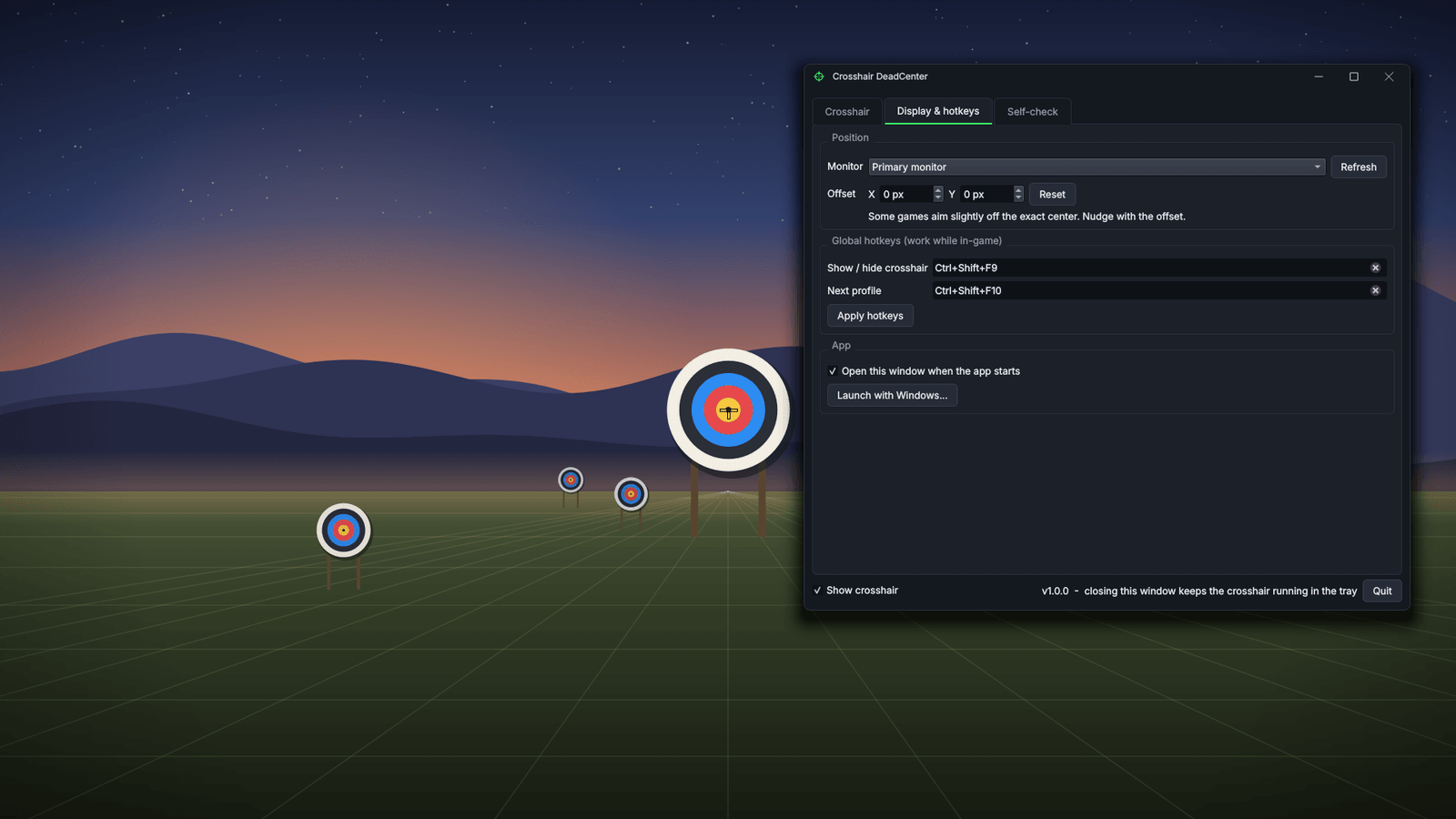
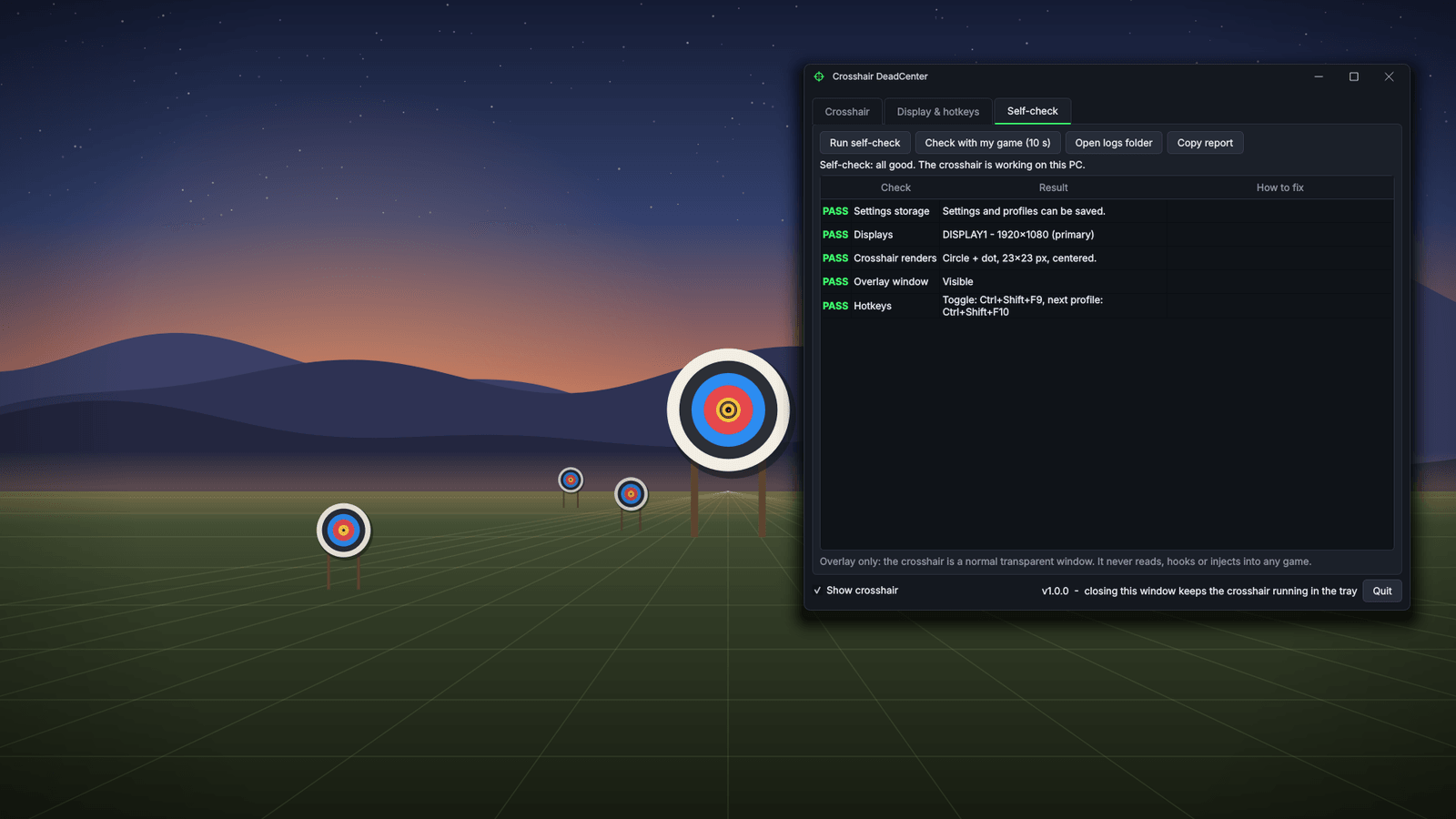
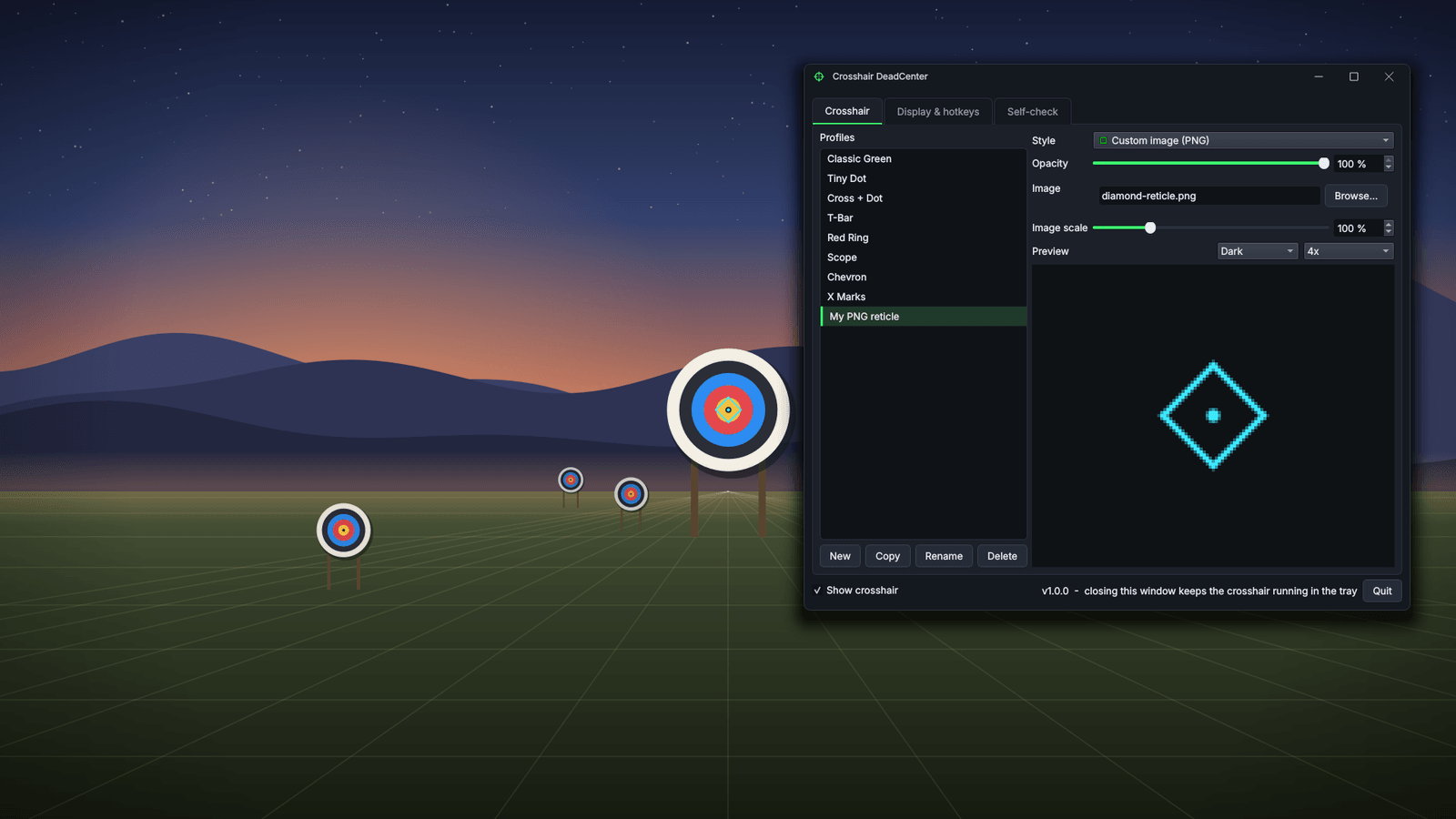
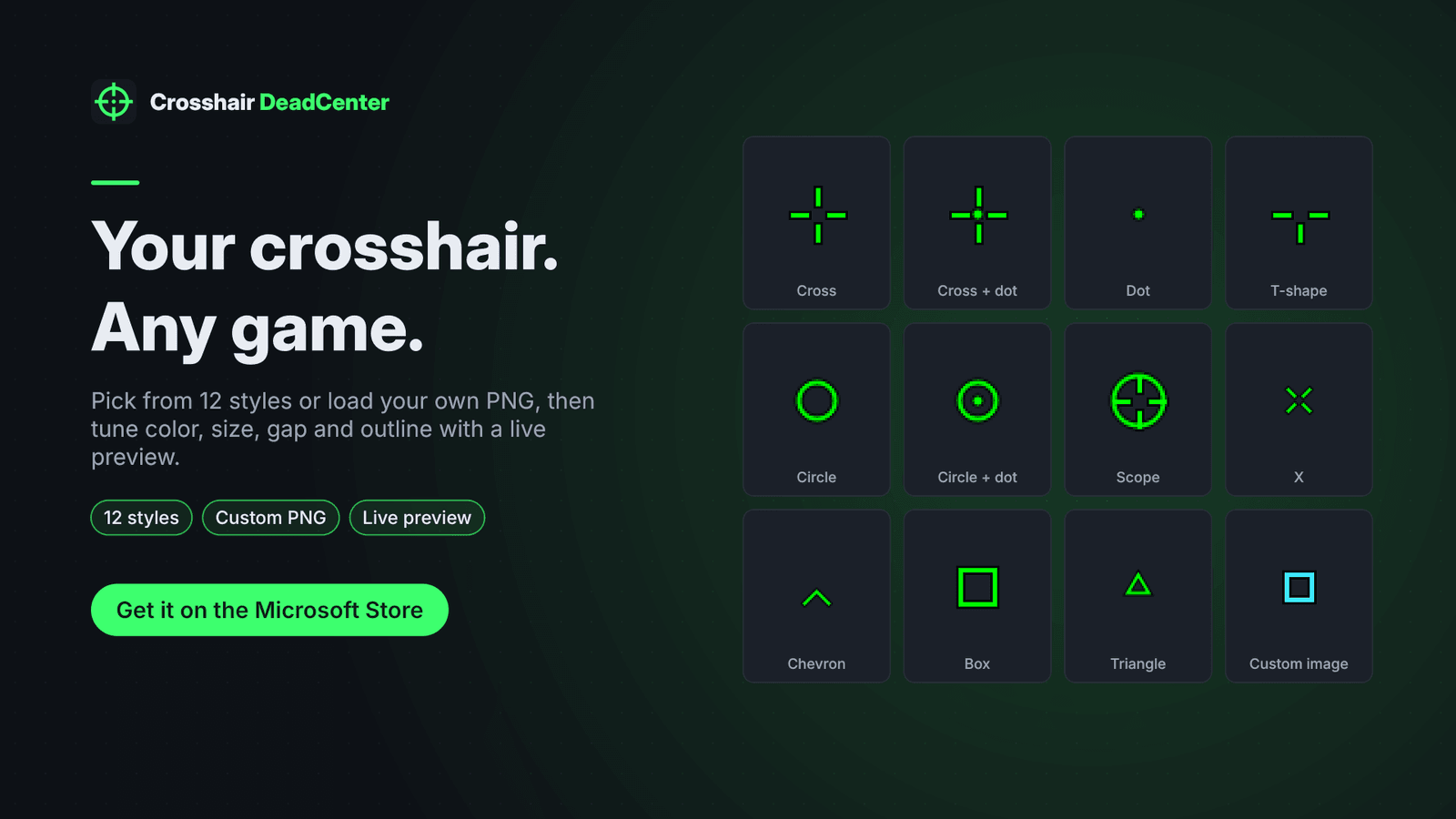
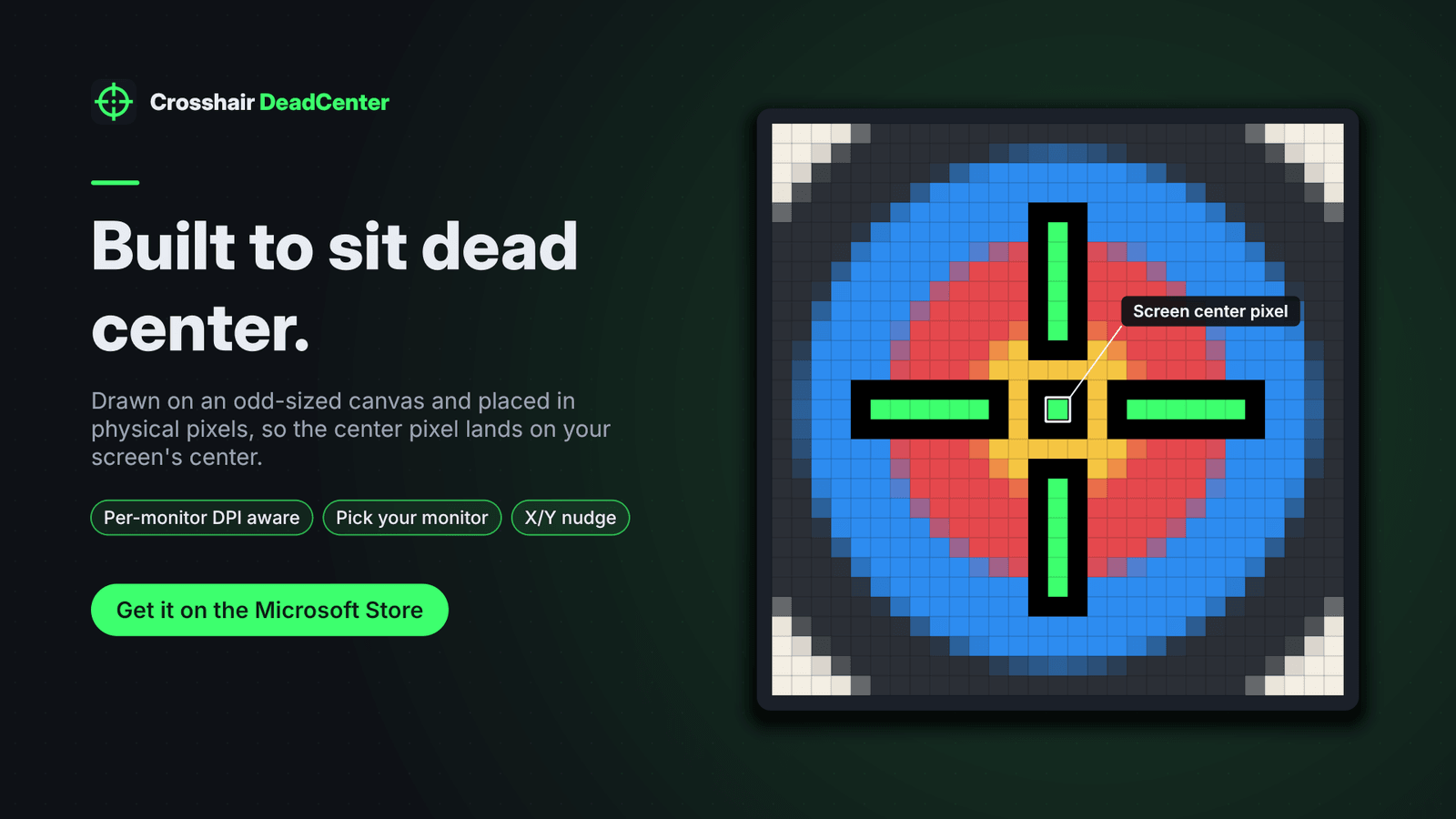
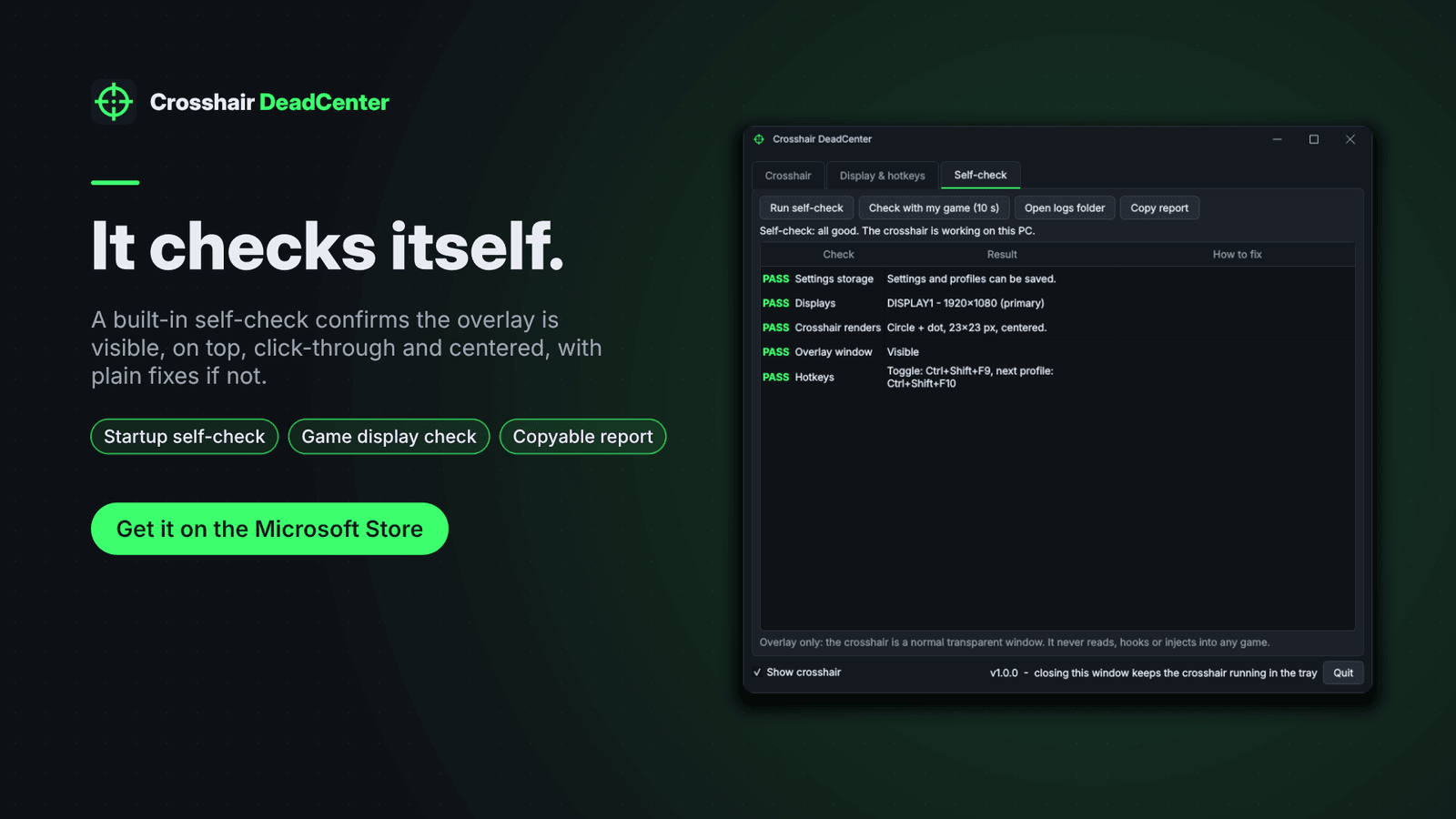
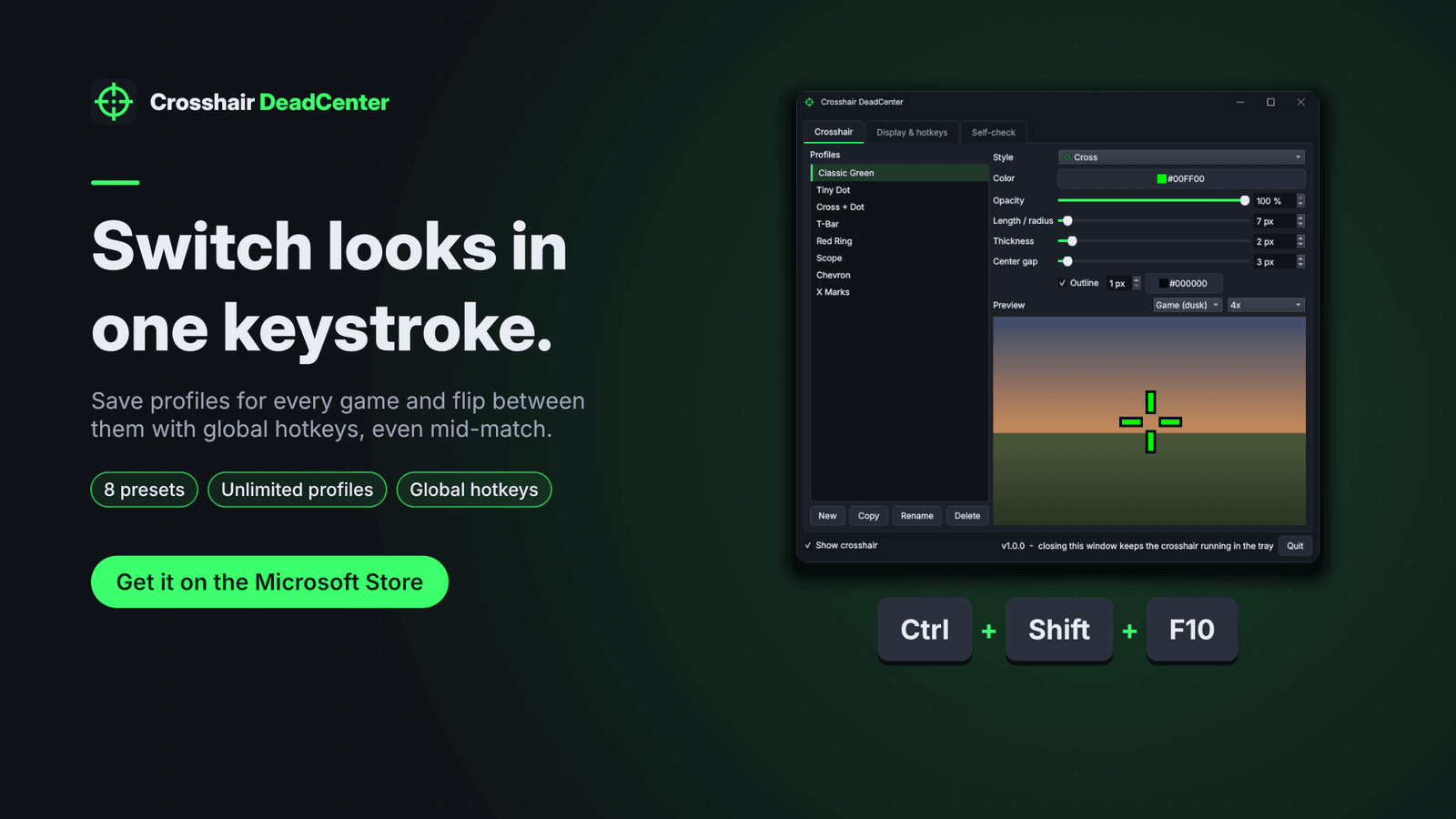
Crosshair DeadCenter puts a custom crosshair on top of your games — for a crosshair a game doesn't offer, to keep your aim point consistent, or to make a hard-to-see crosshair visible. The crosshair is an ordinary transparent, click-through window that stays on top. It never injects code into a game, never hooks its graphics, and never reads or writes game memory. Choose from 12 styles (cross, cross + dot, dot, T-shape, circle, circle + dot, scope, X, chevron, box, triangle) or load your own PNG. Adjust color, opacity, length, thickness, center gap, dot size and outline. Crosshairs are drawn on an odd-sized canvas so there is always one true center pixel; per-monitor DPI aware with X/Y offsets. Eight ready-made presets plus unlimited saved profiles. Global hotkeys show/hide and switch profiles while you play. A self-check at startup confirms settings, displays, rendering and overlay behaviour; "Check with my game" detects exclusive fullscreen. Works offline: no account, no ads, no telemetry. One-time purchase. Windows 10 version 1809+ (x64).
- 12 crosshair styles, including cross, dot, circle, scope, chevron, triangle and your own PNG
- Adjust color, opacity, length, thickness, center gap, dot size and outline
- Live preview with 1x, 2x and 4x pixel zoom over dark, bright and game-like backgrounds
- 8 ready-made presets plus unlimited saved profiles
- Global hotkeys to show or hide the crosshair and switch profiles while you play
- Built-in self-check with plain-English fixes and a copyable report
- Overlay only: no code injection, no graphics hooks, no game memory access
- Works offline: no account, no ads, no telemetry
Screenshots