App
Markdown Live Preview
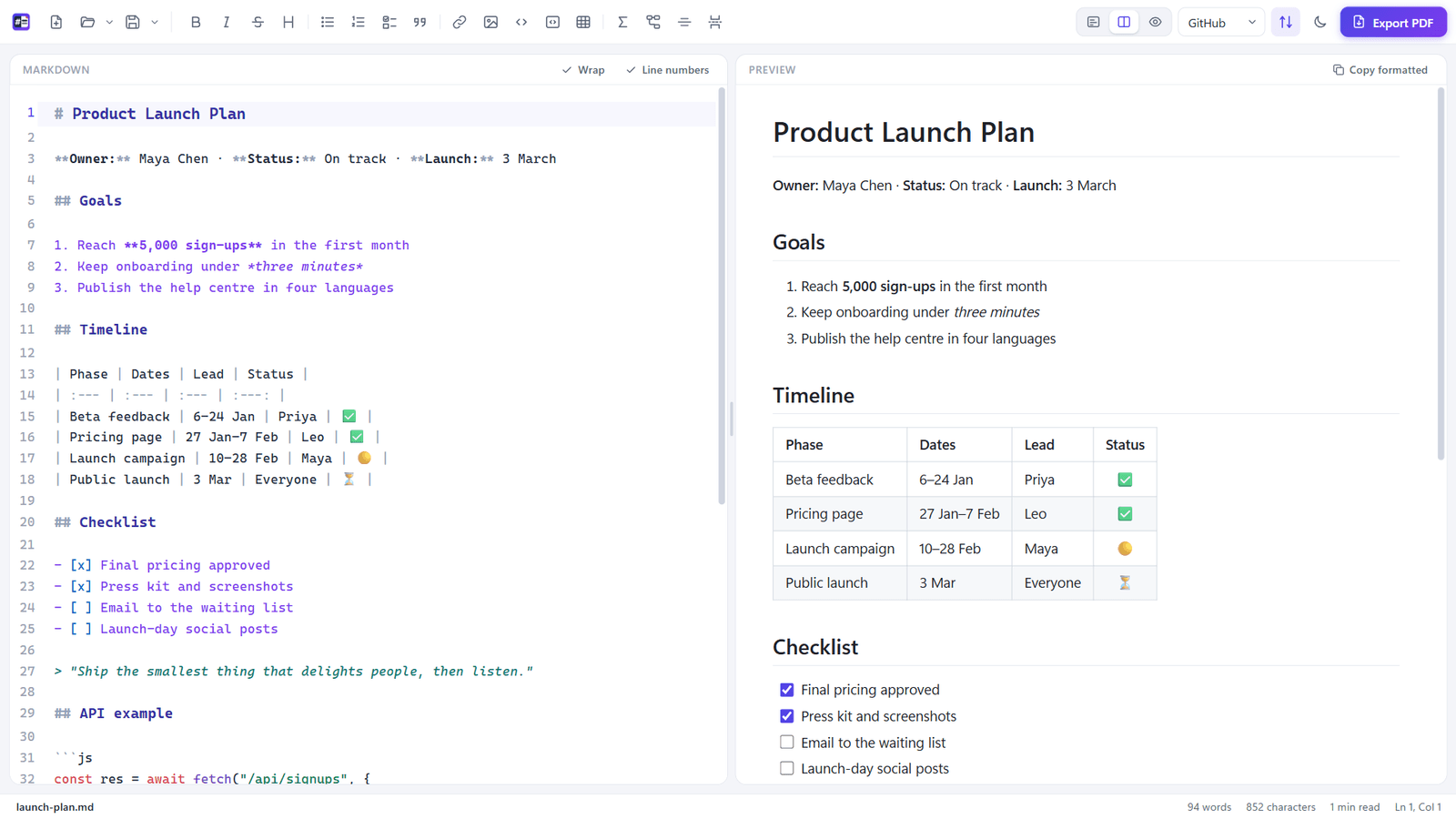
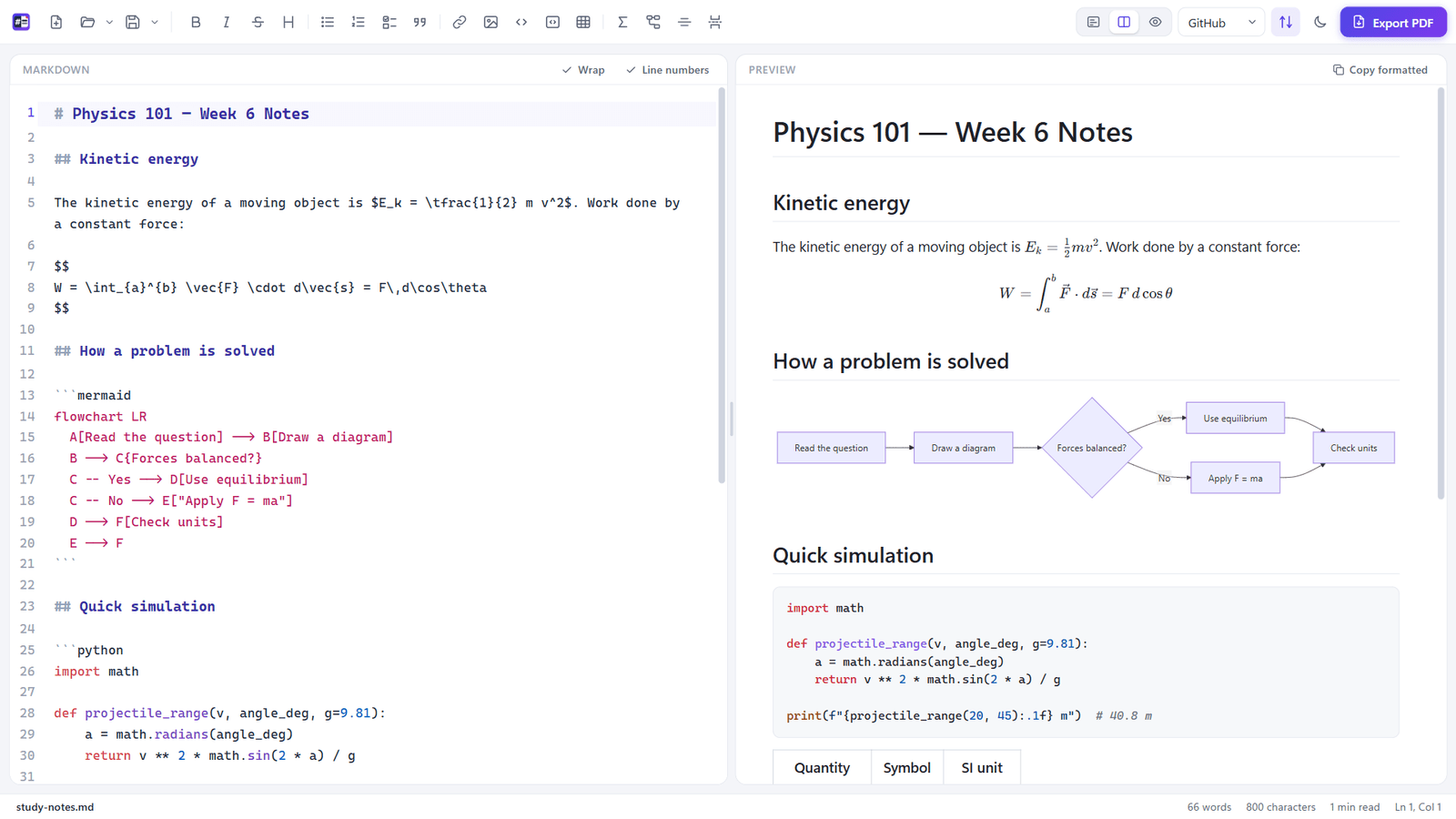
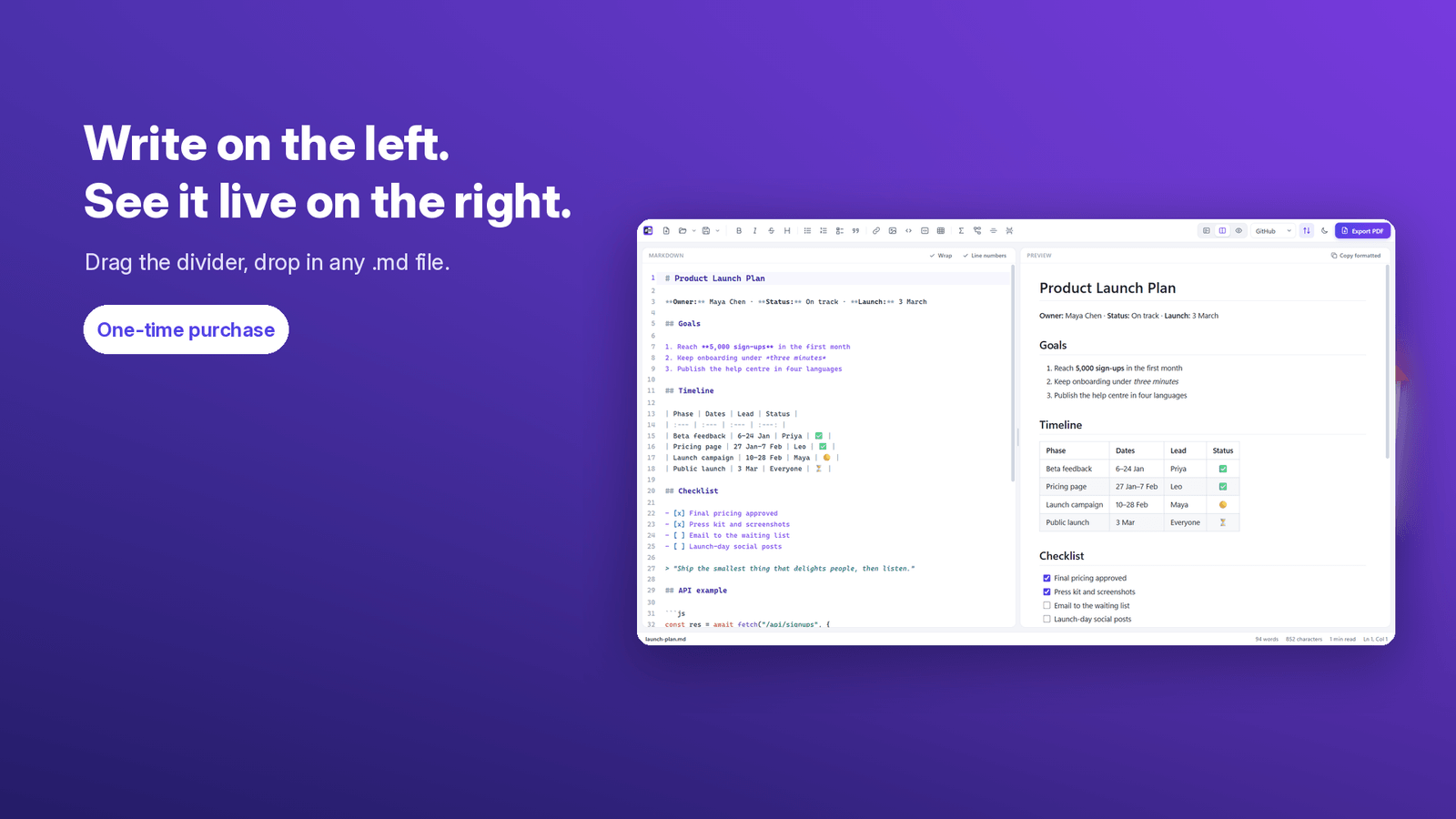
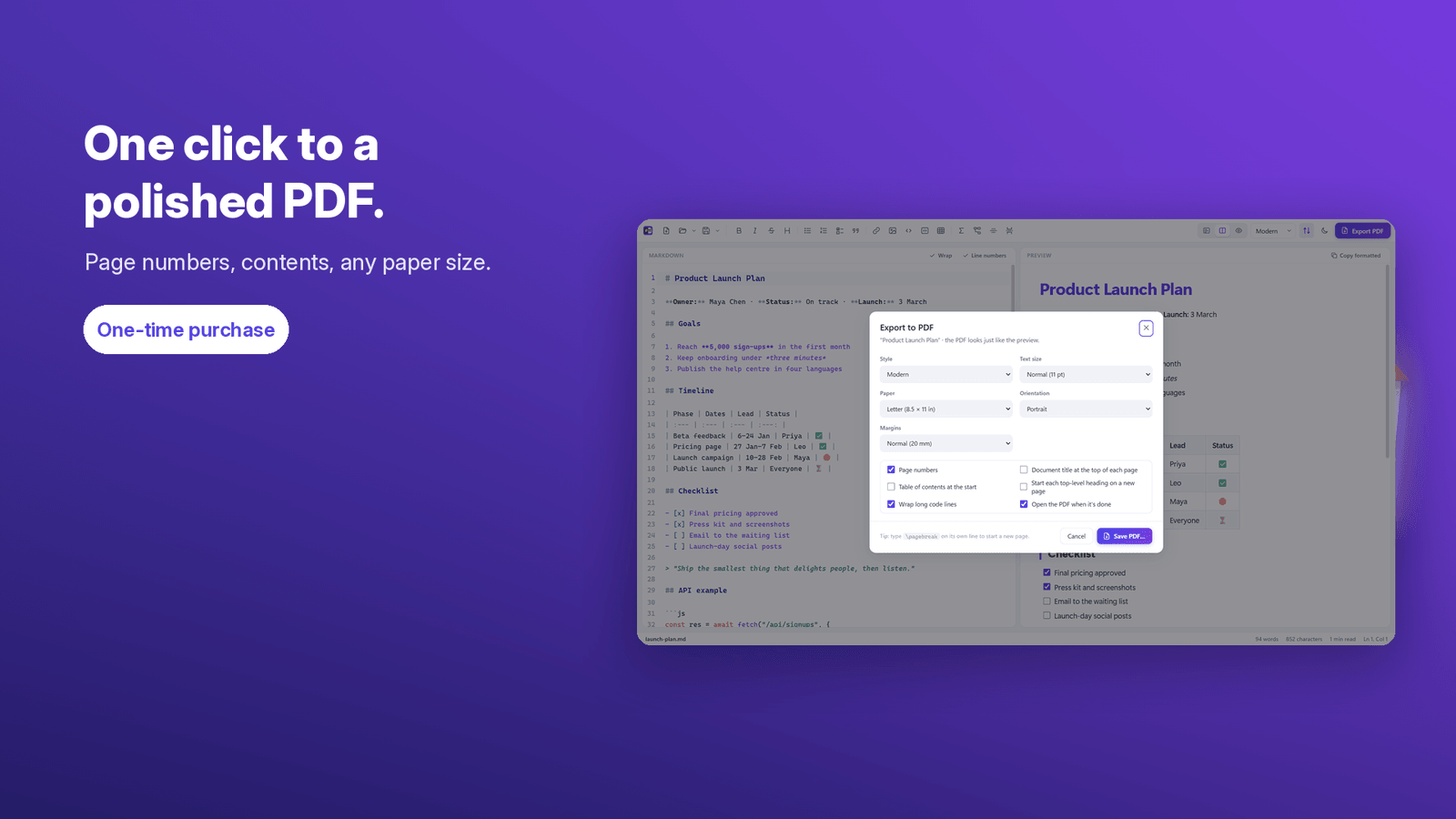
Write Markdown on the left and watch it render live on the right, then export a polished PDF in one click. Tables, code highlighting, math, diagrams, page numbers and a table of contents. Works offline; your files never leave your PC.
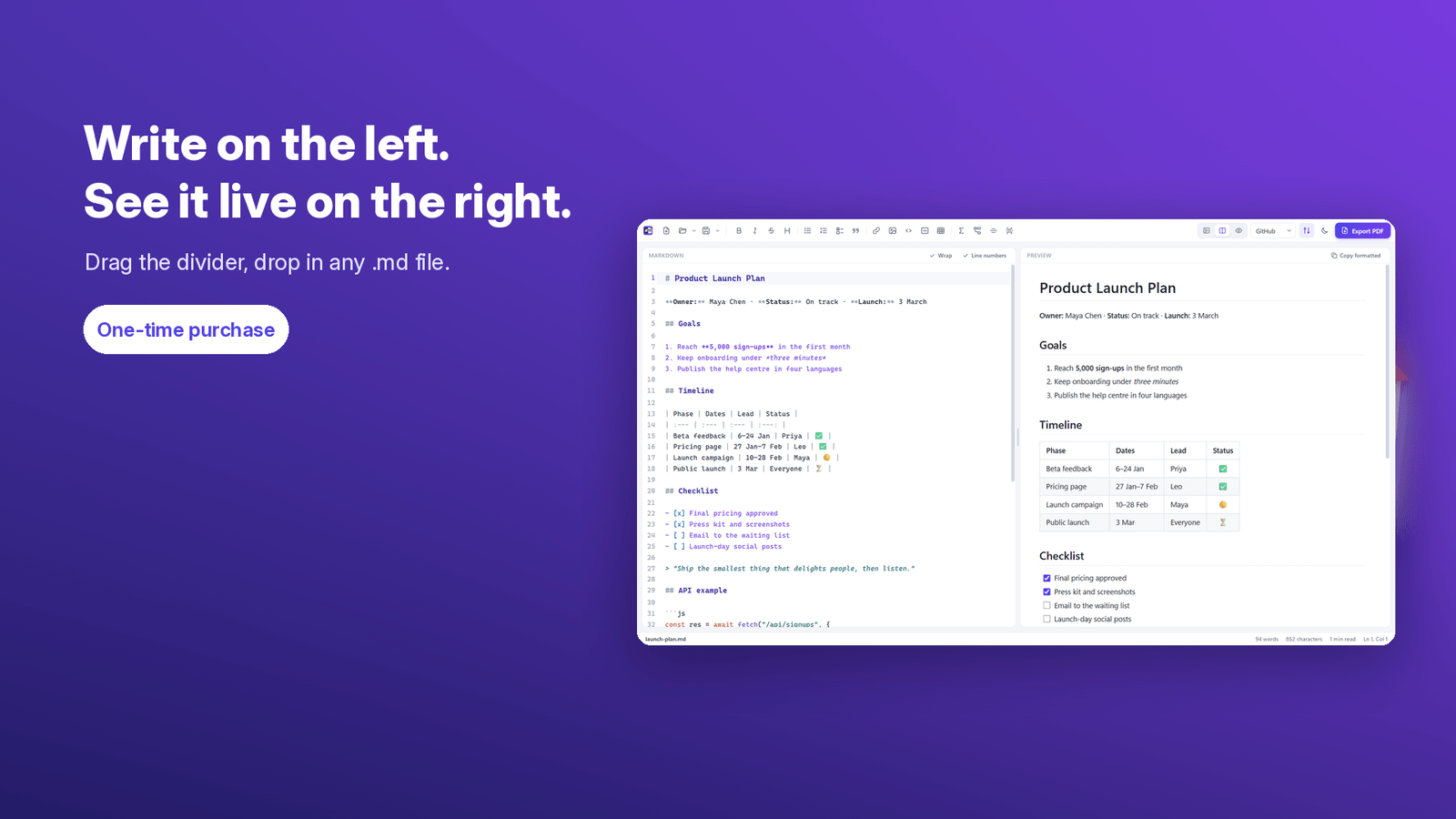
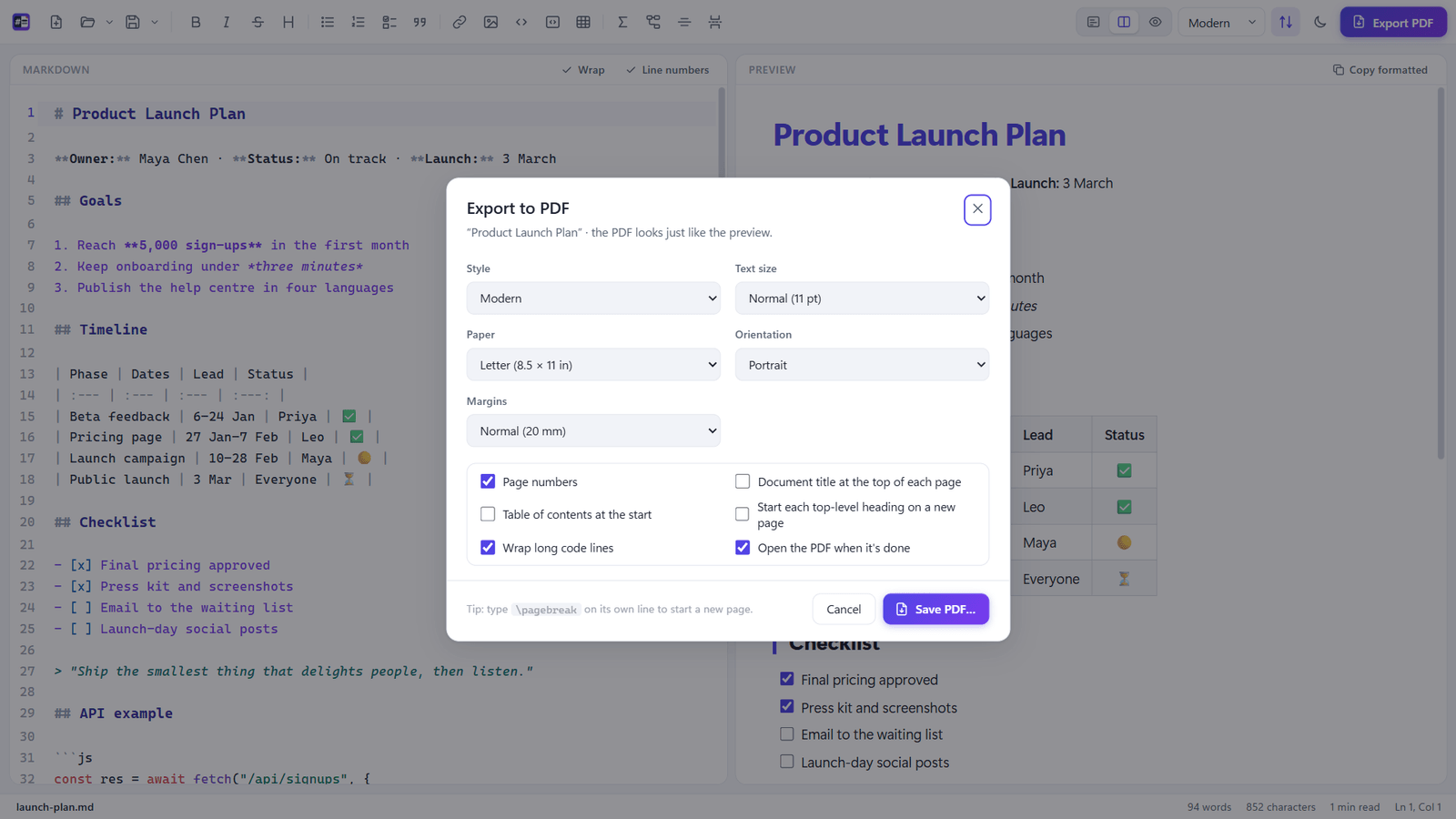
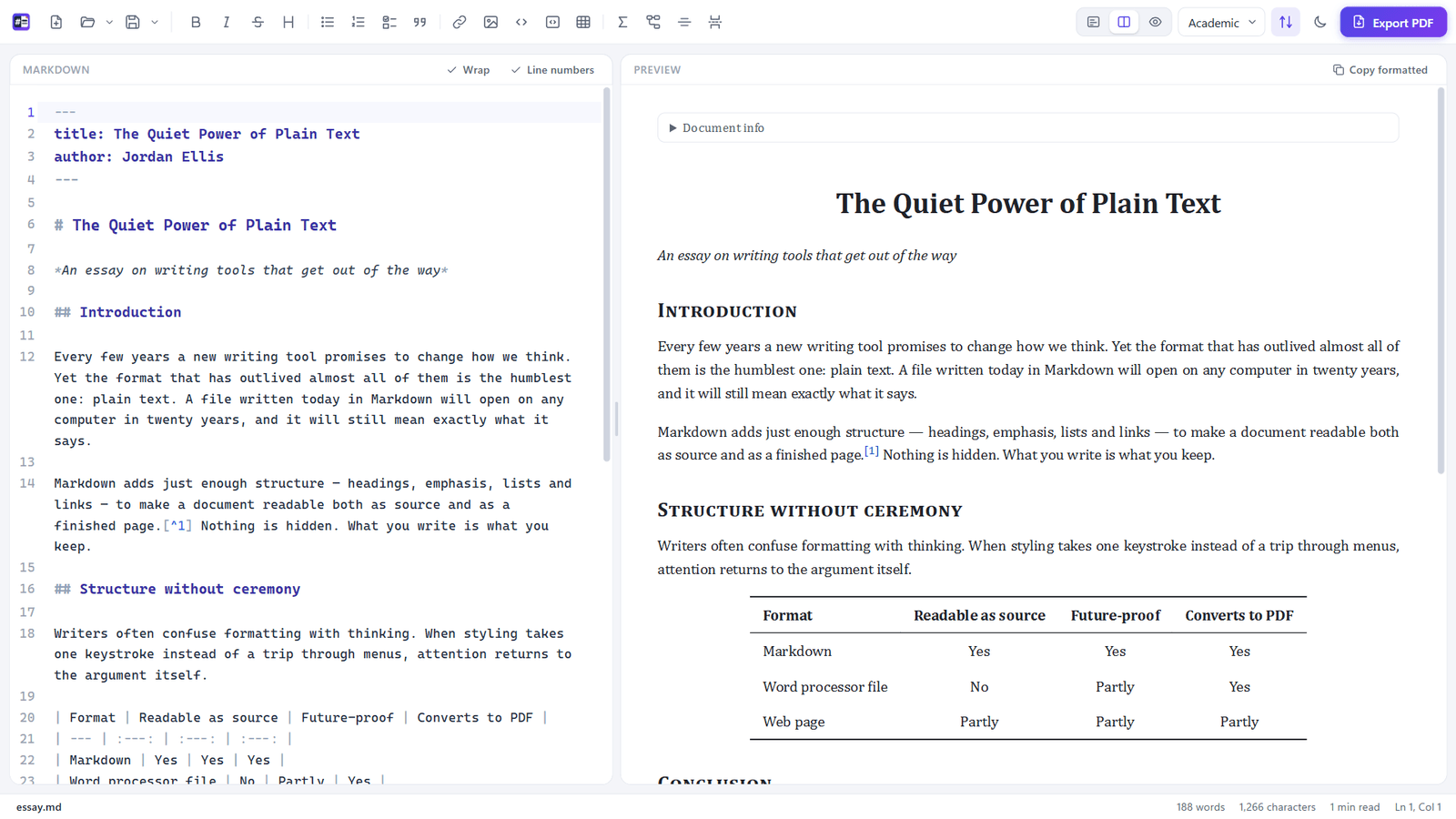
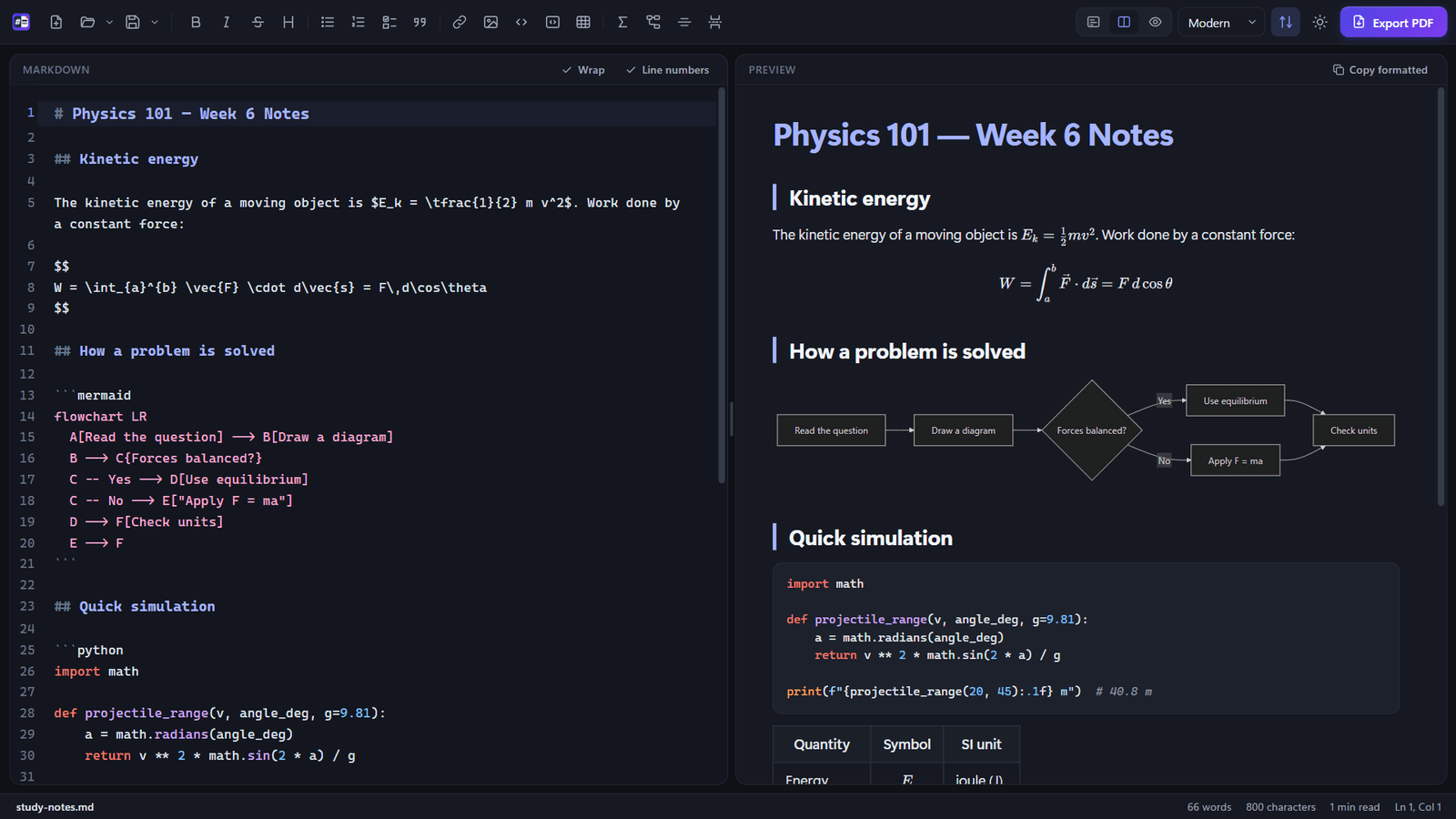
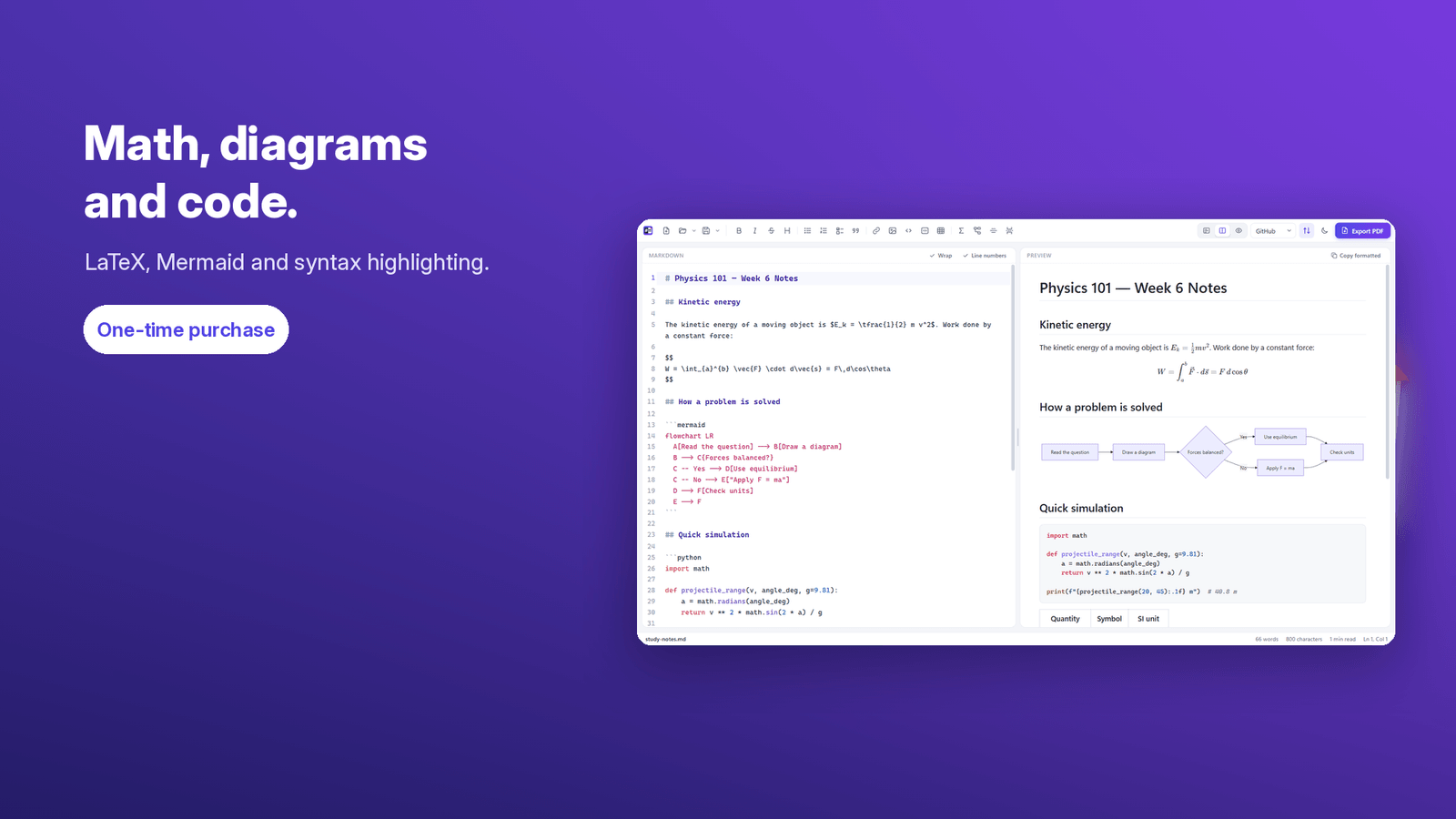
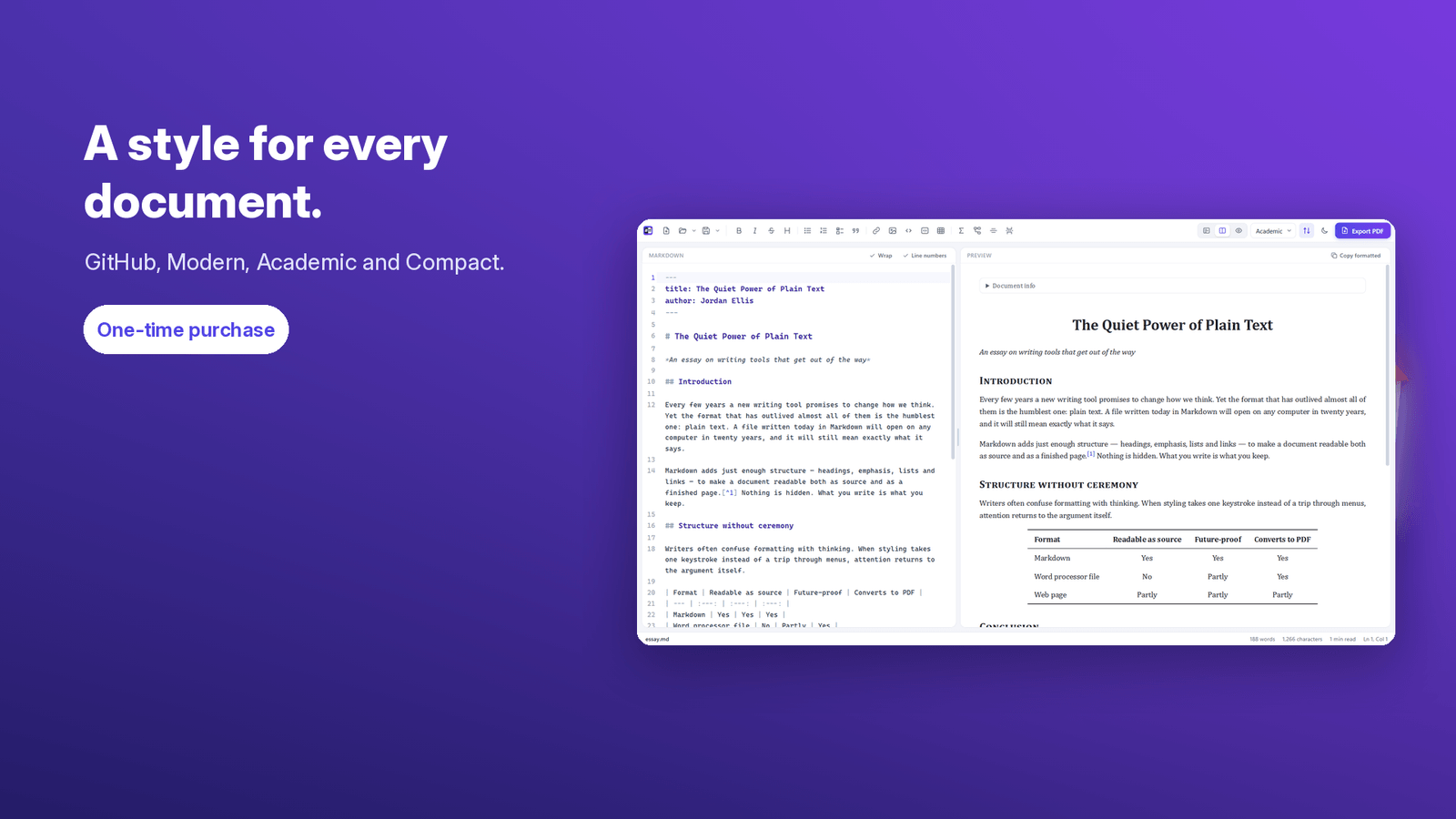
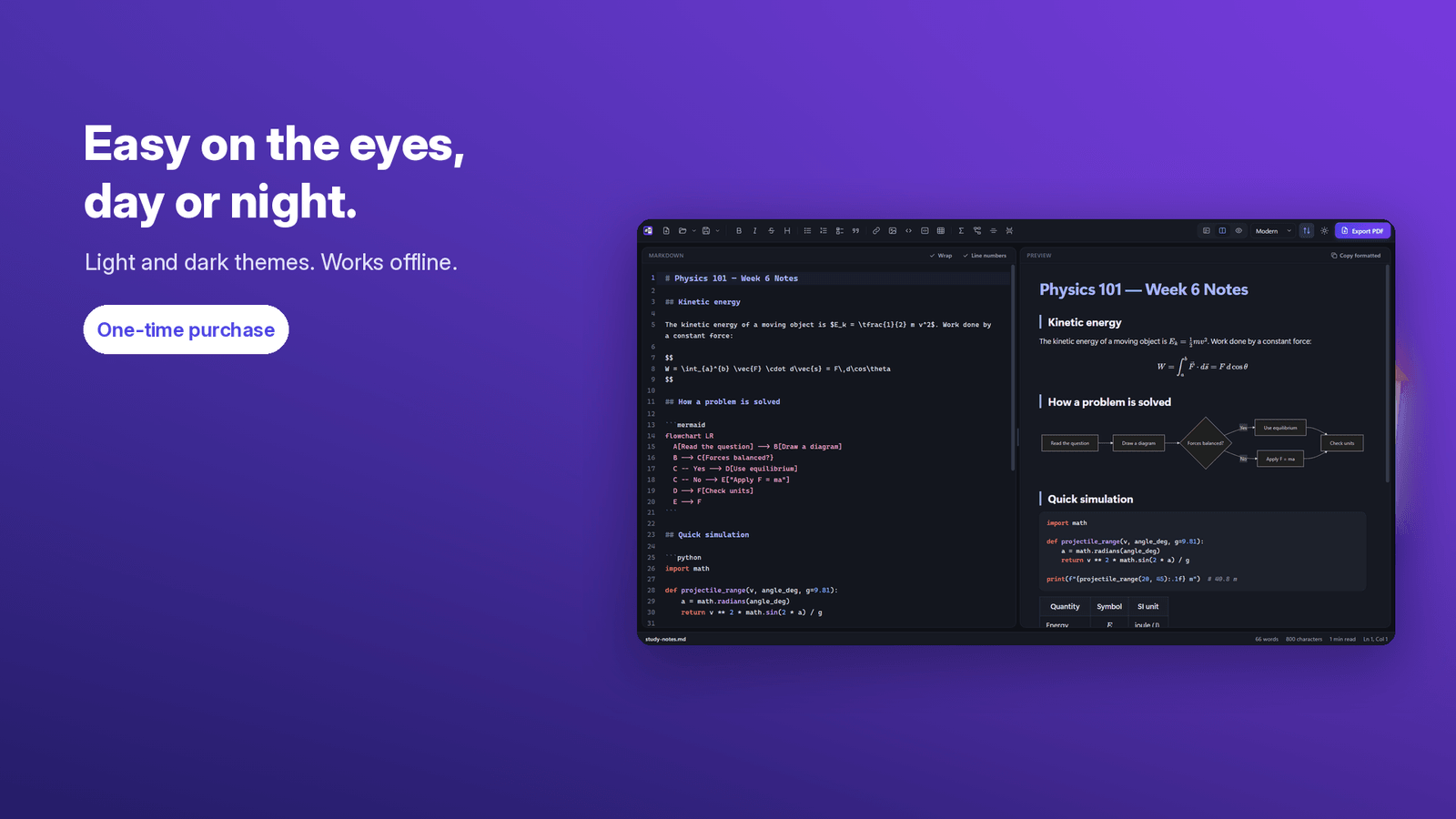
Write Markdown and see the result instantly. Markdown Live Preview puts a fast editor on the left and a live, formatted preview on the right, with a divider you can drag to any width. Drop a .md file onto the window to open it, or just start typing. The preview updates as you type and scrolls along with the editor. Export a PDF that matches the preview: choose paper size, orientation, margins and text size, and add page numbers, a page header or a table of contents. Headings become PDF bookmarks, links stay clickable and text stays selectable. Four document styles — GitHub, Modern, Academic and Compact — apply to both the preview and the PDF. Supports GitHub-style tables, task lists, footnotes, syntax highlighting, LaTeX math, Mermaid diagrams, local images, [TOC] and YAML front matter. Light and dark themes. Works offline: no account, no sign-in, no uploads, no tracking. One-time purchase, no subscription, no ads. Windows 10 version 2004 or later (x64).
- Side-by-side Markdown editor and live preview
- One-click export to a PDF that matches the preview
- Four document styles: GitHub, Modern, Academic and Compact
- Tables, task lists, footnotes and GitHub Flavored Markdown
- Math formulas with LaTeX and Mermaid diagrams
- Syntax highlighting for dozens of programming languages
- Light and dark themes
- Works offline: no account, nothing uploaded; one-time purchase
Screenshots