App
Gestures
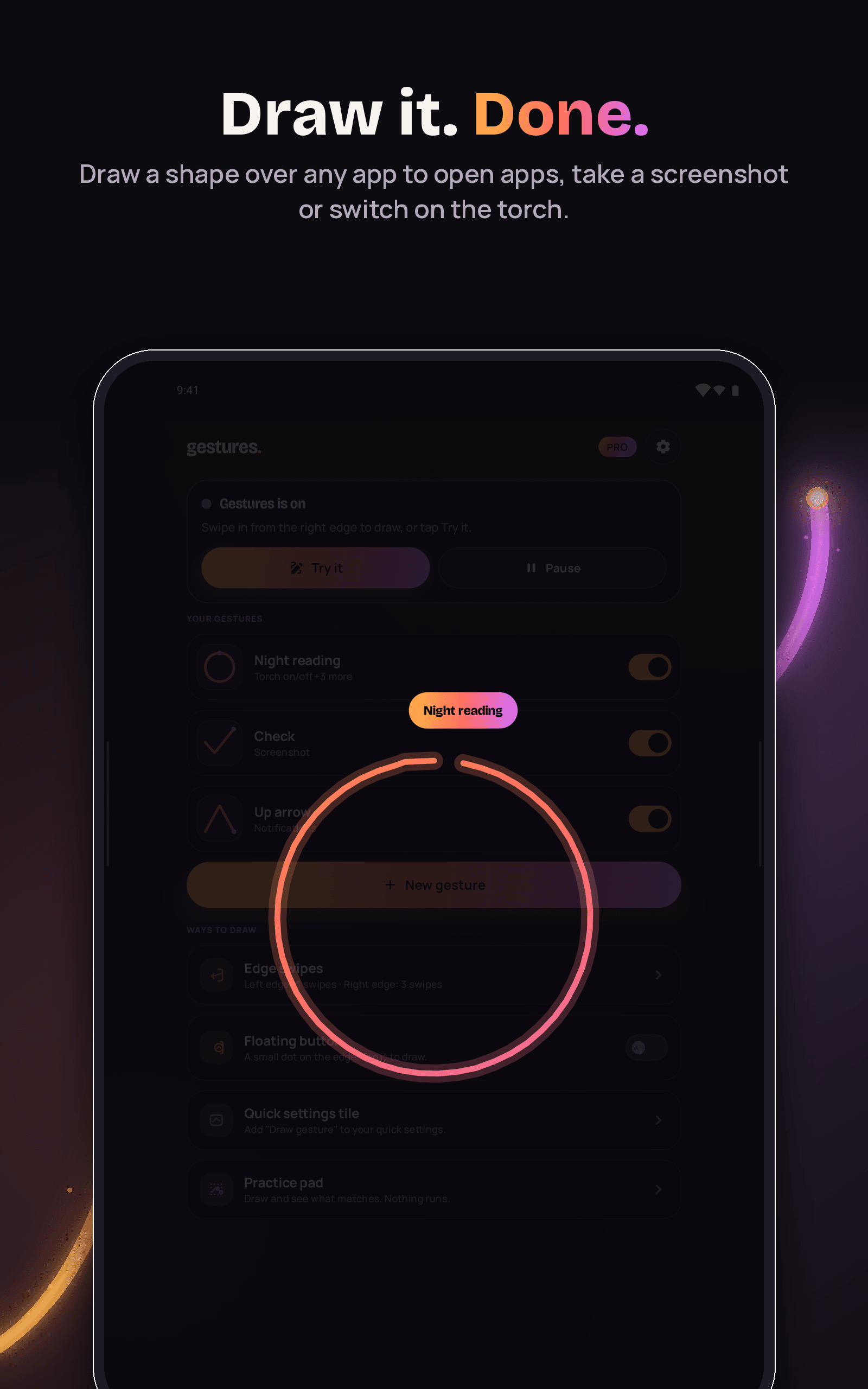
Draw a shape or swipe the screen edge to open apps, take screenshots, switch on the torch and more.
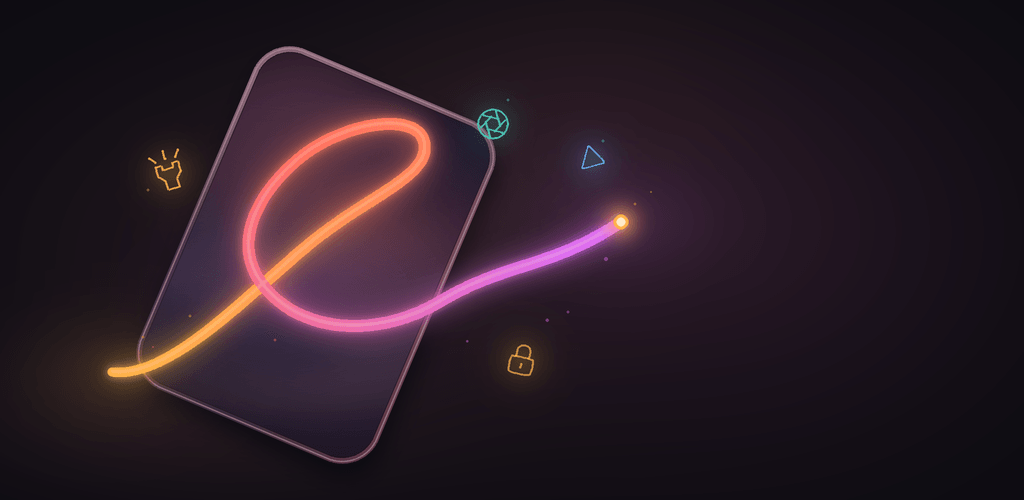
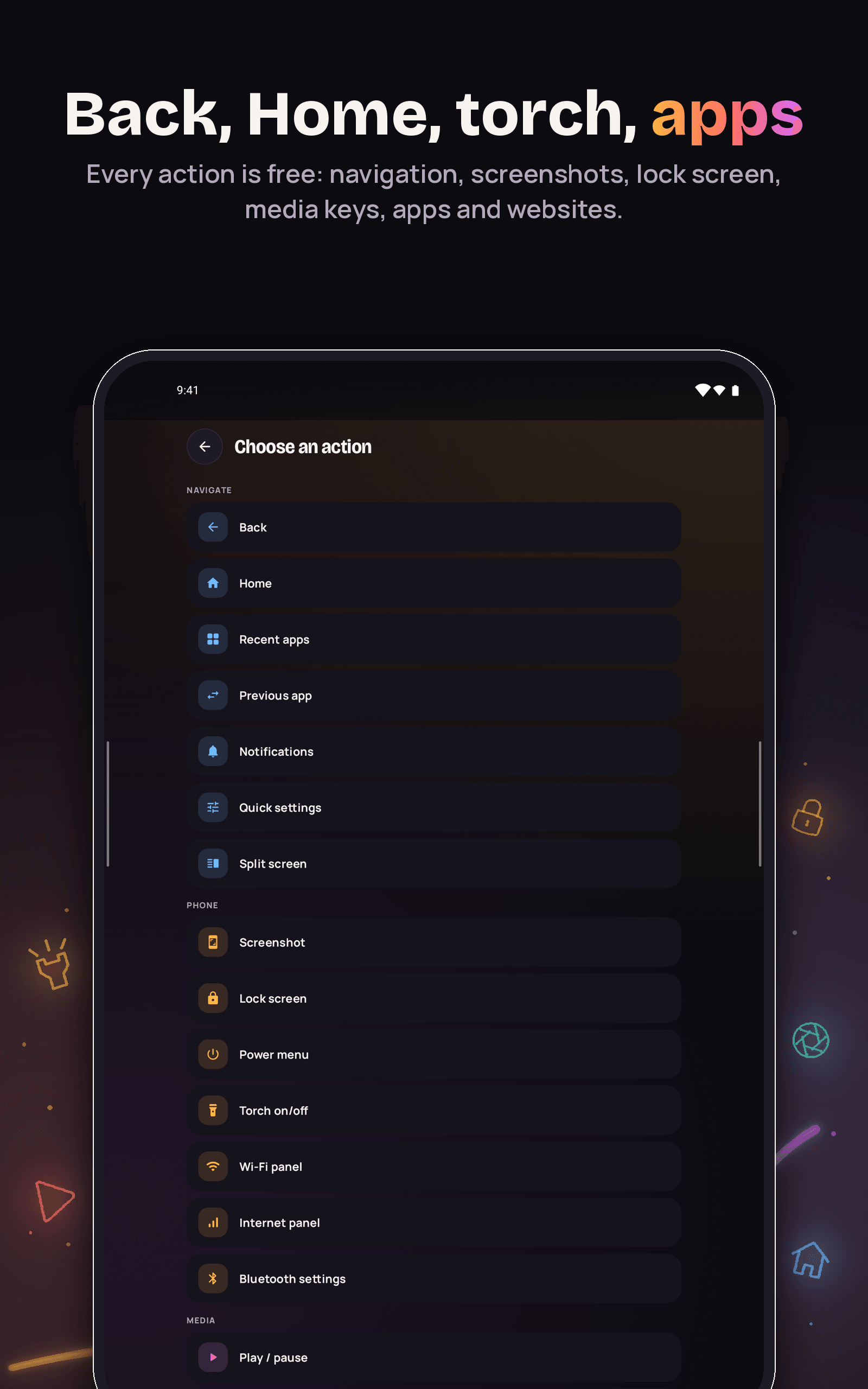
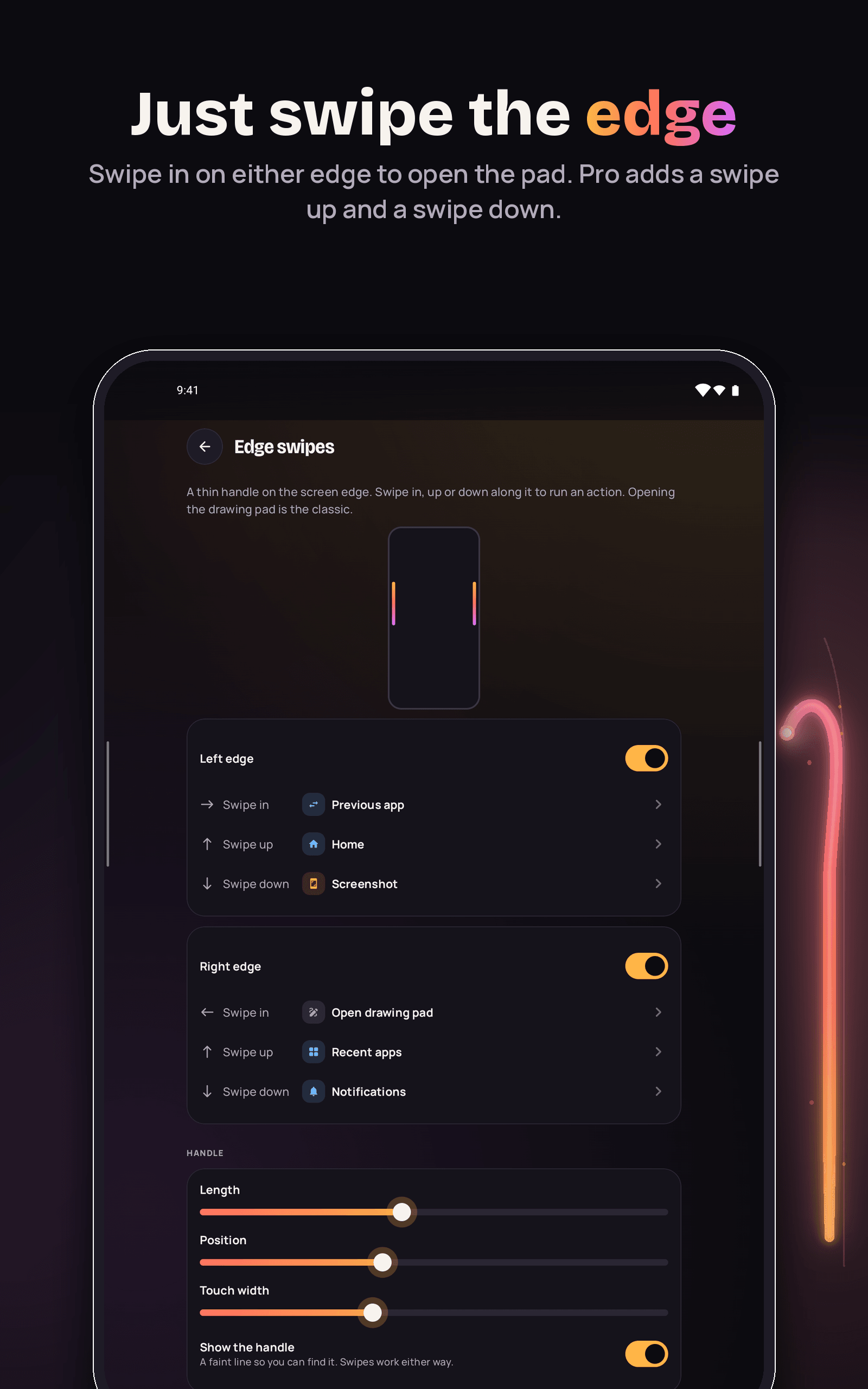
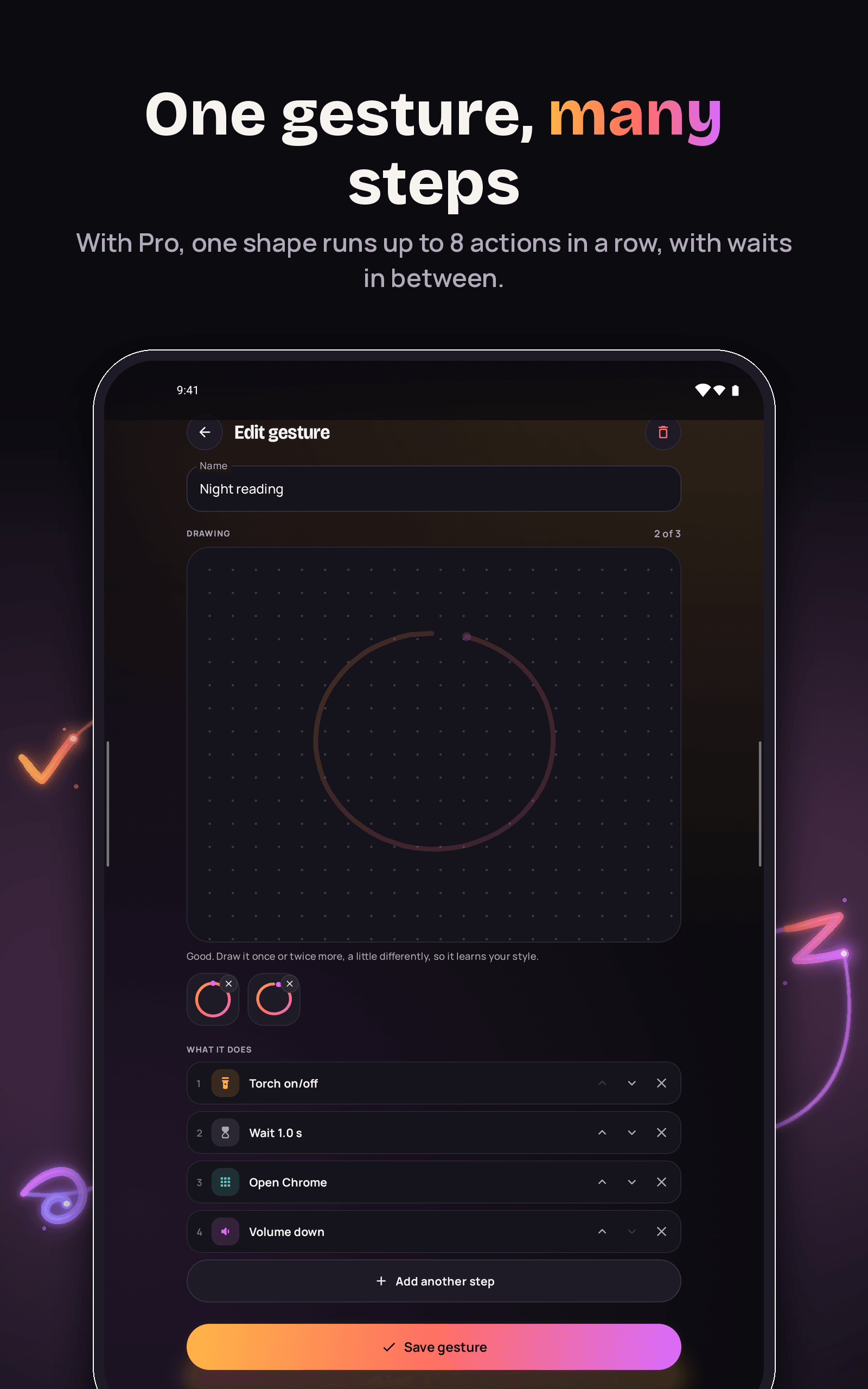
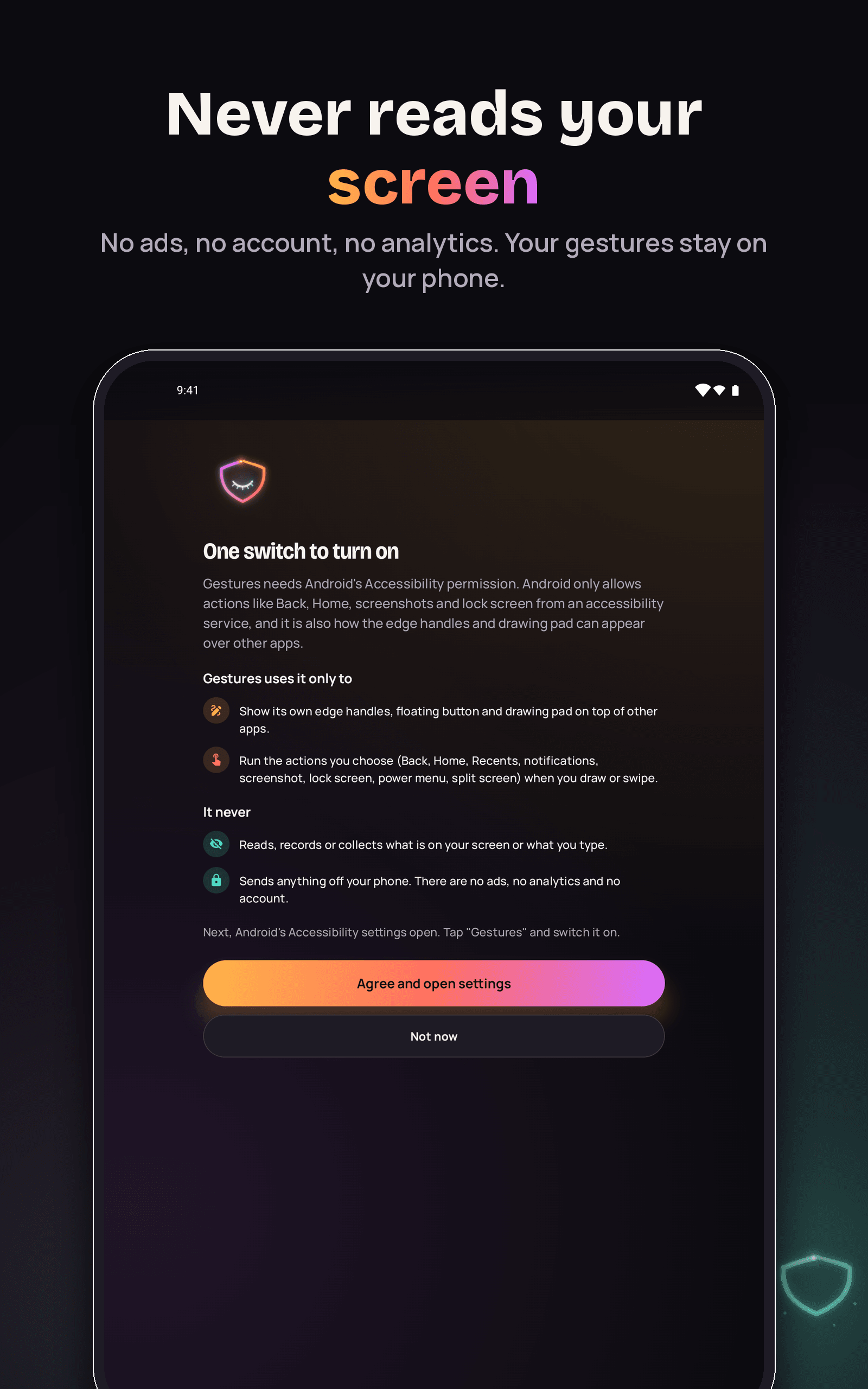
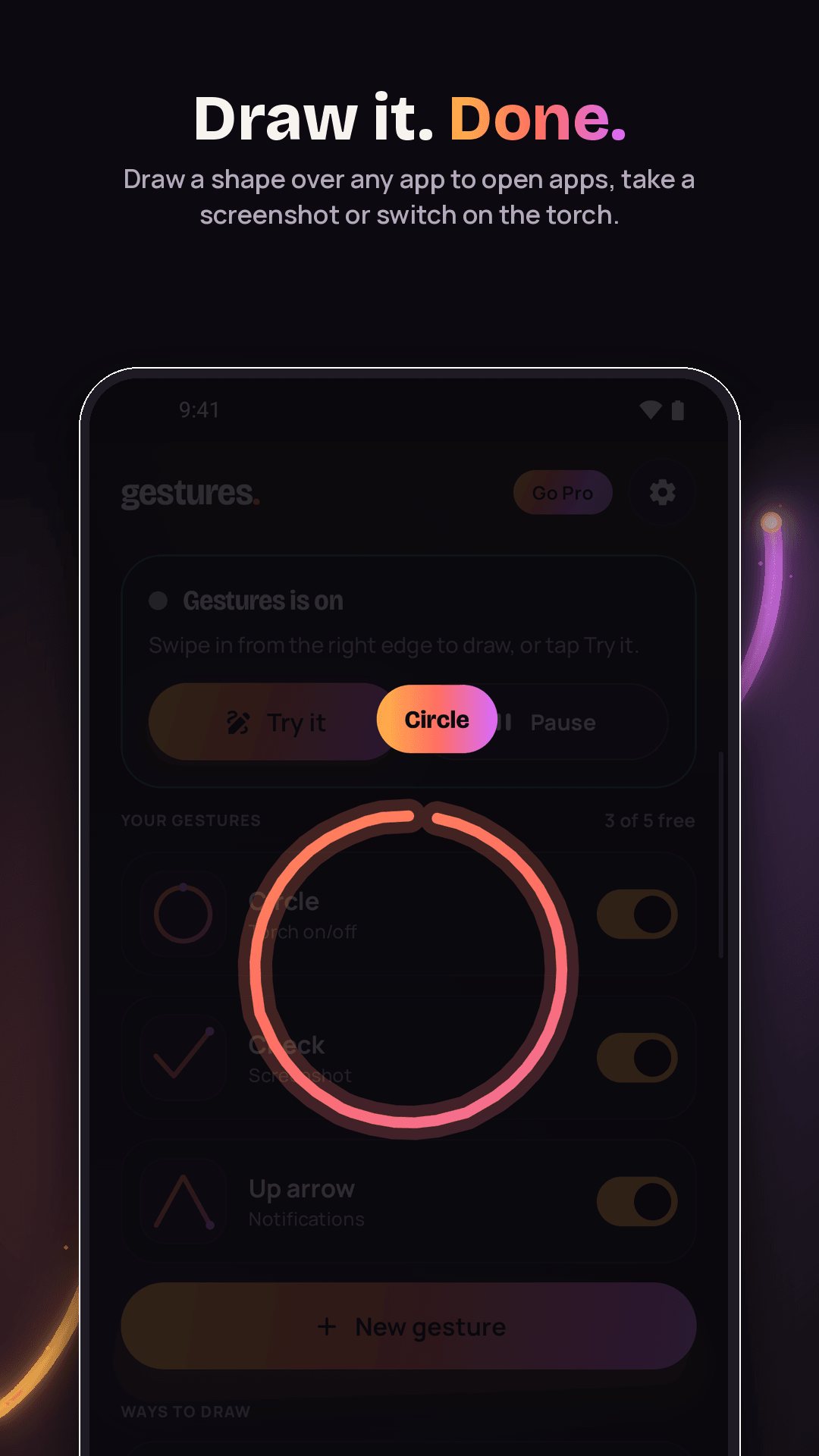
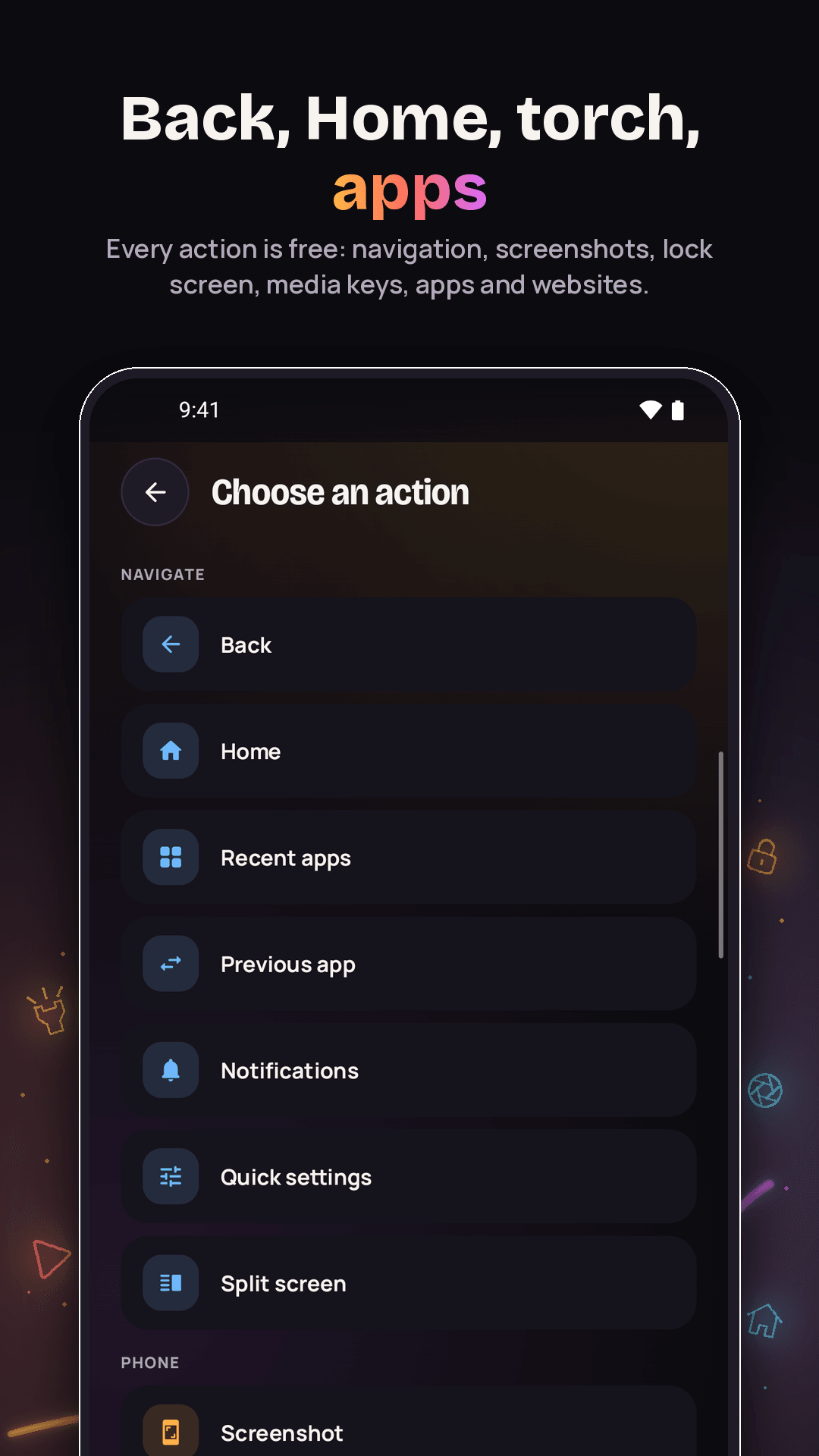
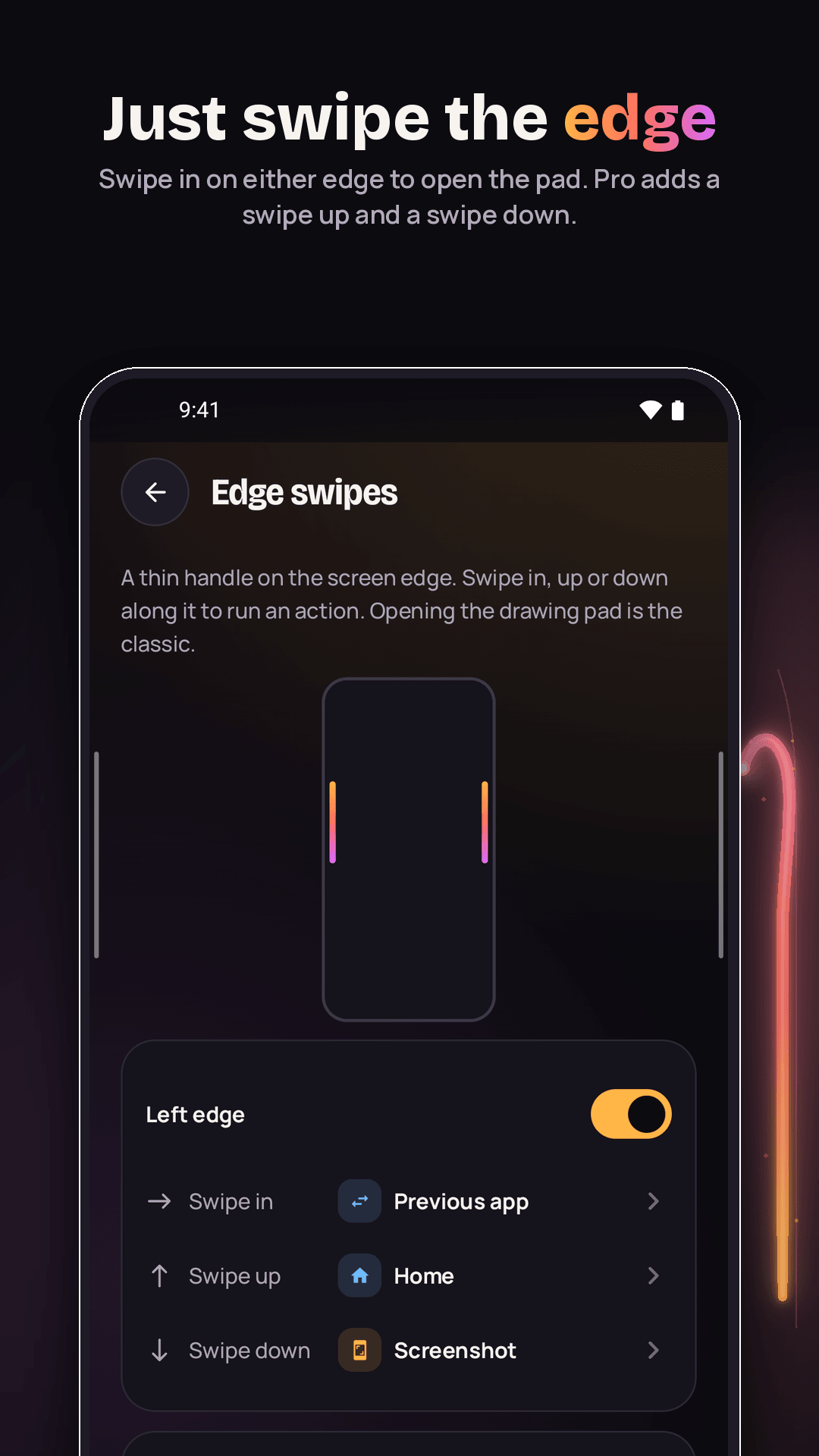
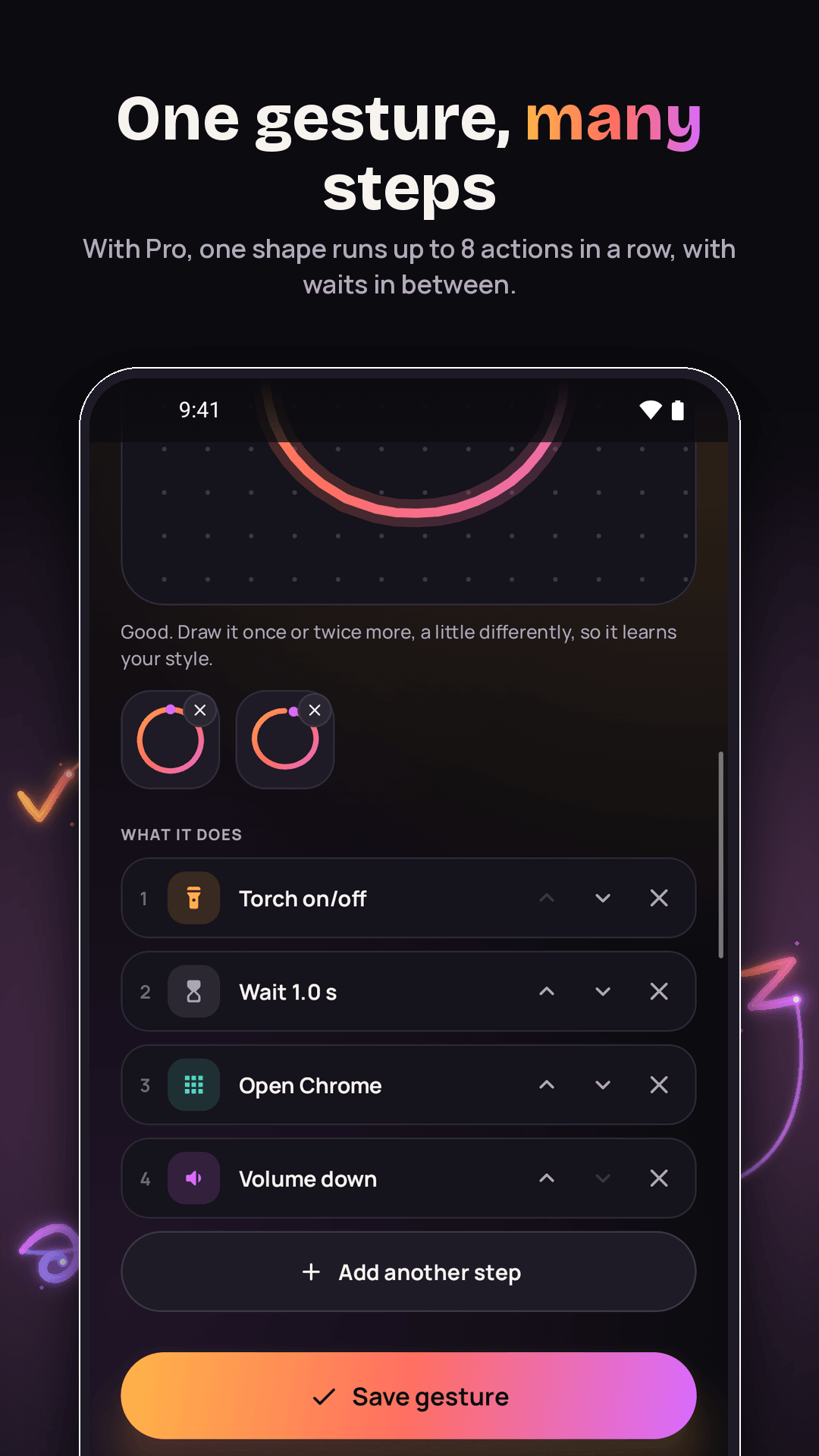
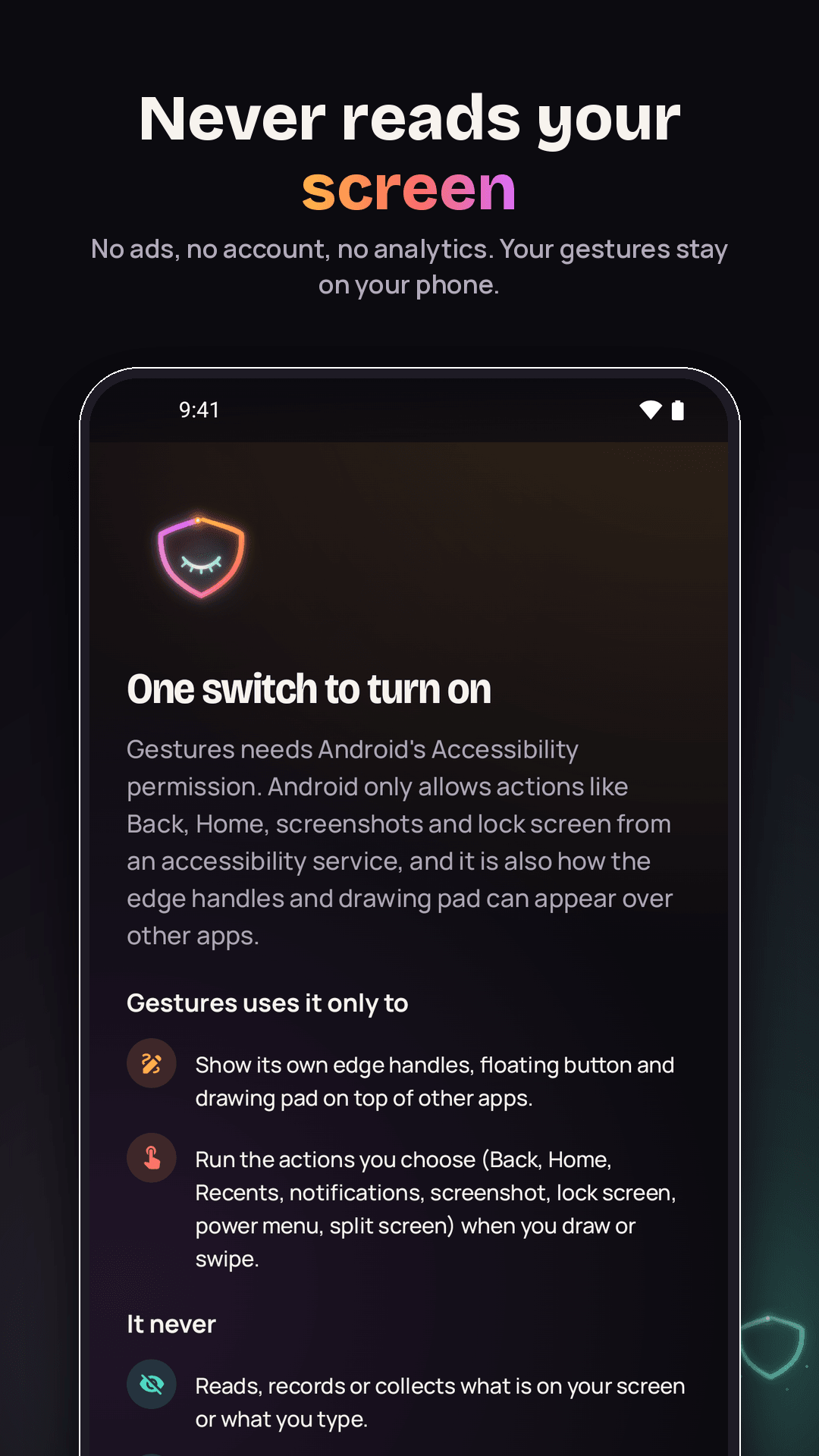
Gestures: Draw & Swipe Actions turns a quick doodle into a shortcut. Draw a circle and the torch comes on, draw a check for a screenshot, draw an "M" and your music app opens. Swipe in from the edge of the screen, tap a small floating button or use the quick settings tile, and a drawing pad opens over whatever app you are in. Draw your own shapes two or three times and Gestures learns your style. Free gives you 5 gestures, every action (Back, Home, recent apps, notifications, quick settings, screenshot, lock screen, power menu, split screen, torch, media keys, open an app, a website or the dialler), edge swipes on both sides, the floating button, the tile and a practice pad, with no ads and no watermark. Gestures Pro adds unlimited gestures, chains of up to 8 actions with waits in between, swipe up and down on each edge, and extra trail styles. Gestures uses Android's Accessibility service only to show its own handles and drawing pad and to run the actions you pick. It cannot read what is on your screen, and nothing leaves your phone. No account, no ads, no analytics. Pro is a weekly or monthly subscription with a free trial, or a one-time Lifetime purchase.
- Draw a shape anywhere, or swipe the screen edge, to run a shortcut
- Free: 5 gestures, every action, edge swipes, floating button, quick settings tile, practice pad
- Pro: unlimited gestures, chains of up to 8 steps, swipe up/down on each edge, trail styles
- Never reads your screen: the Accessibility service only draws the pad and runs your actions
- Pro is weekly or monthly (each with a free trial) or a one-time Lifetime purchase
- No account, no ads, no analytics; your gestures stay on your phone
Screenshots
Tablet