← Back to Apps

App
Draw to Melody
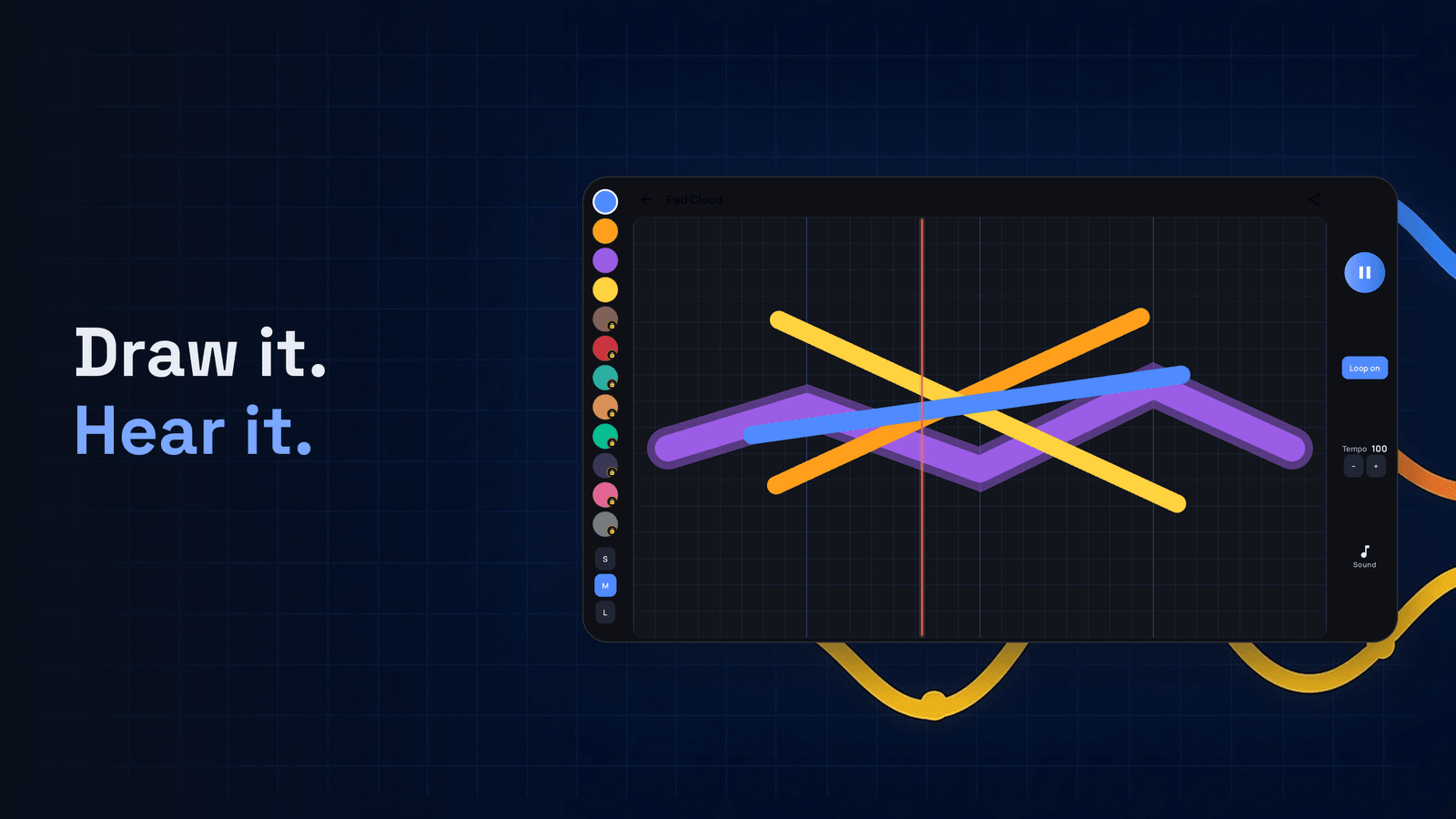
Draw a line. Hear a song. Sketch melodies — no music theory needed.
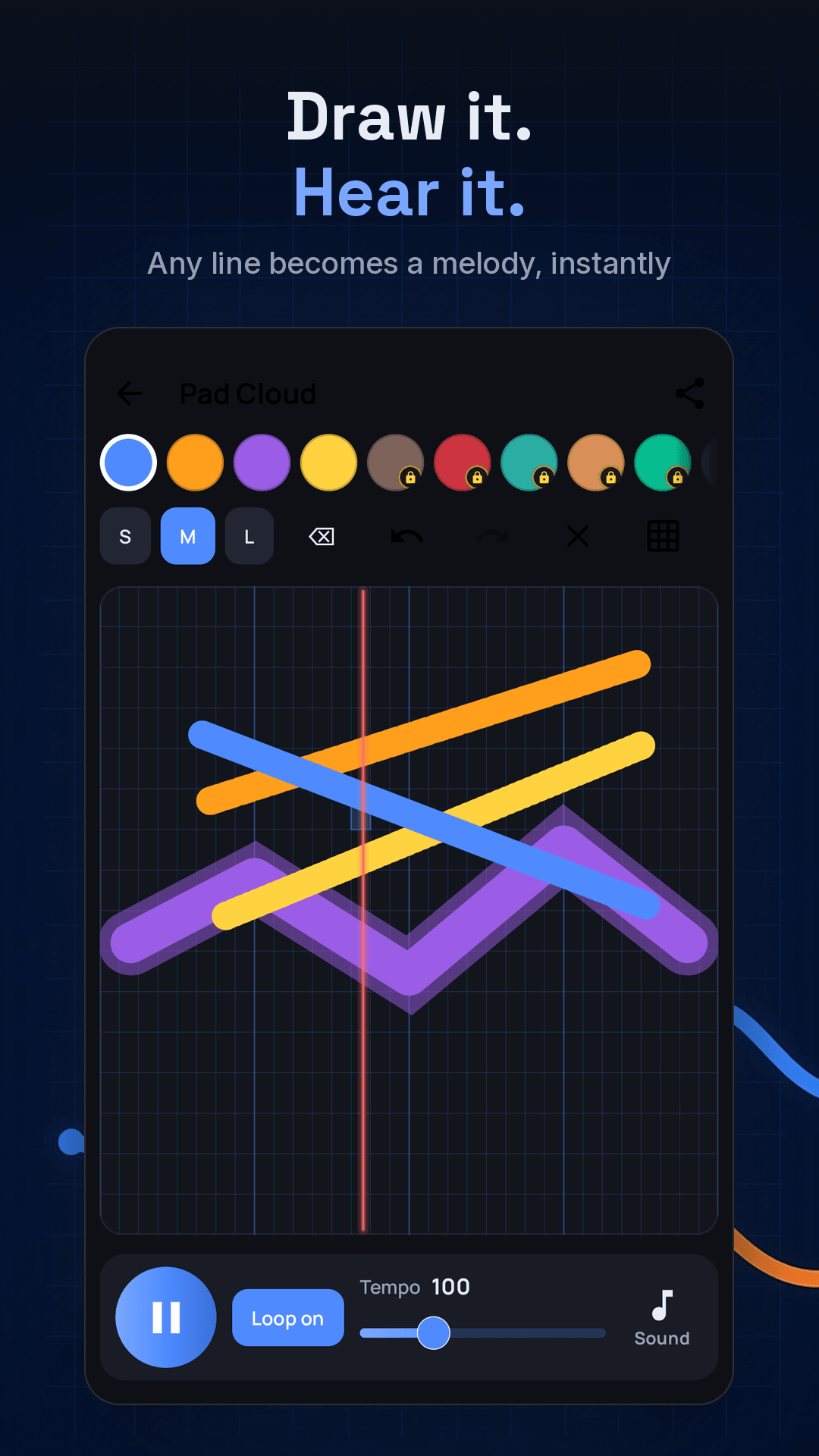
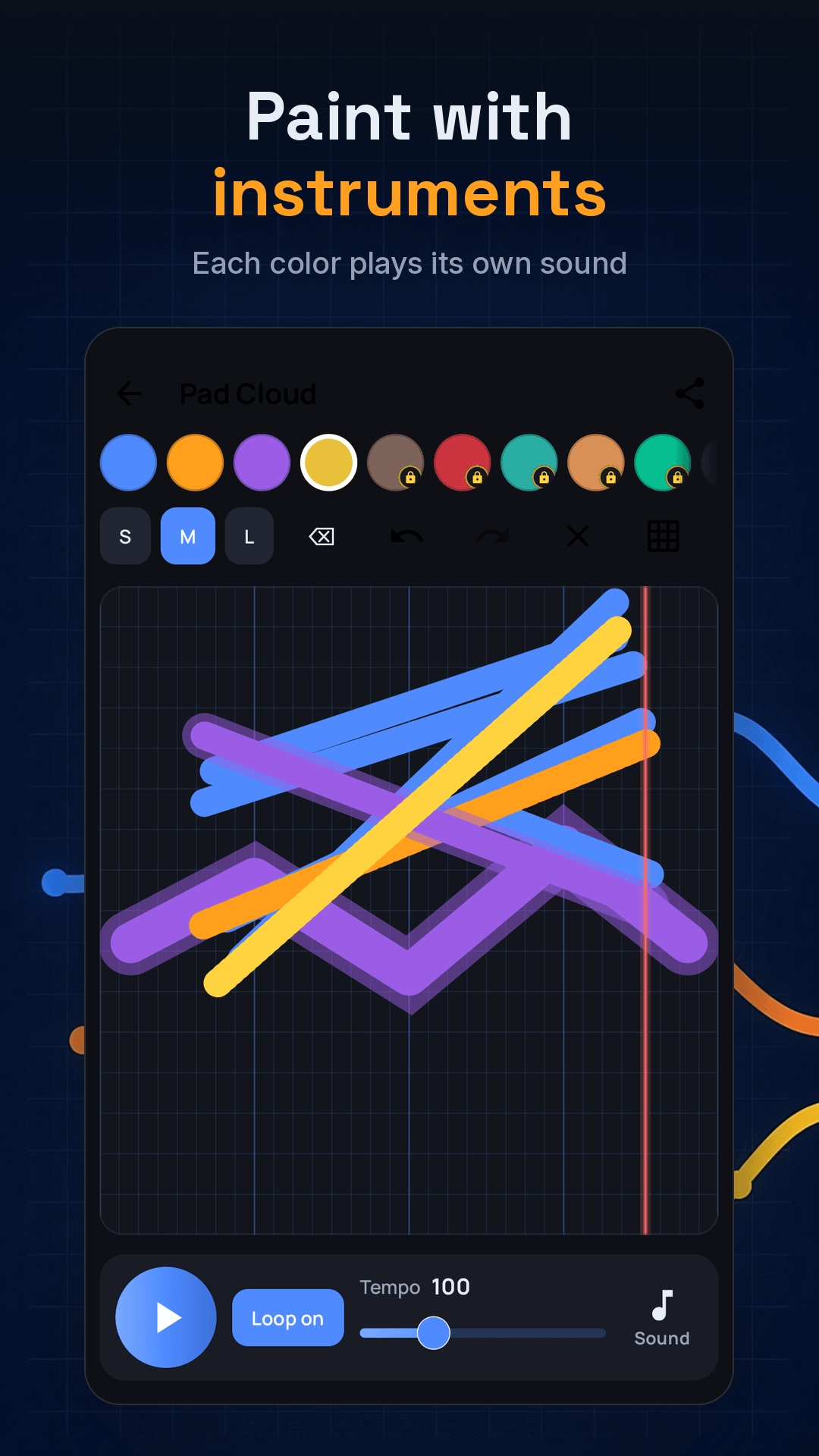
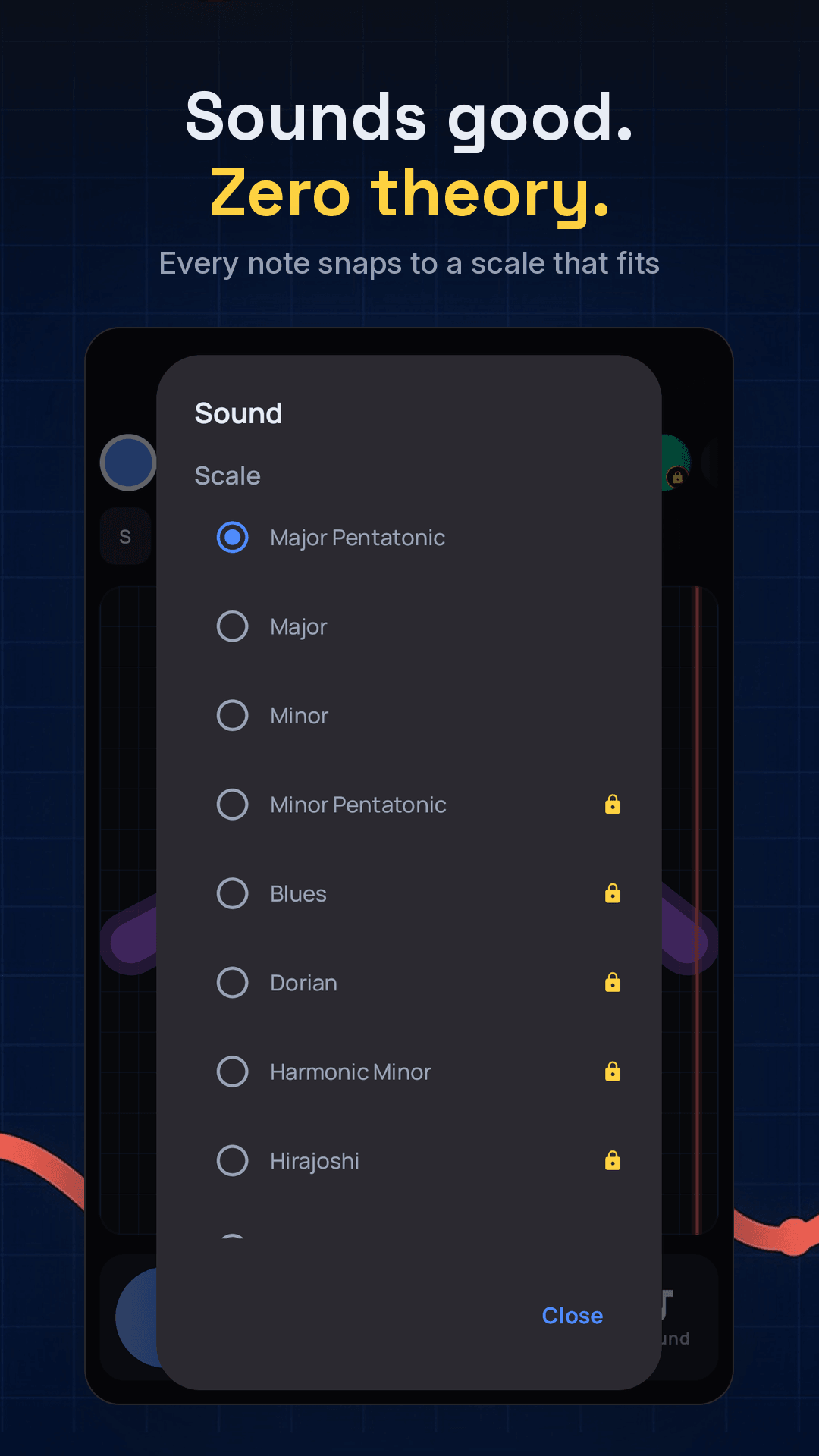
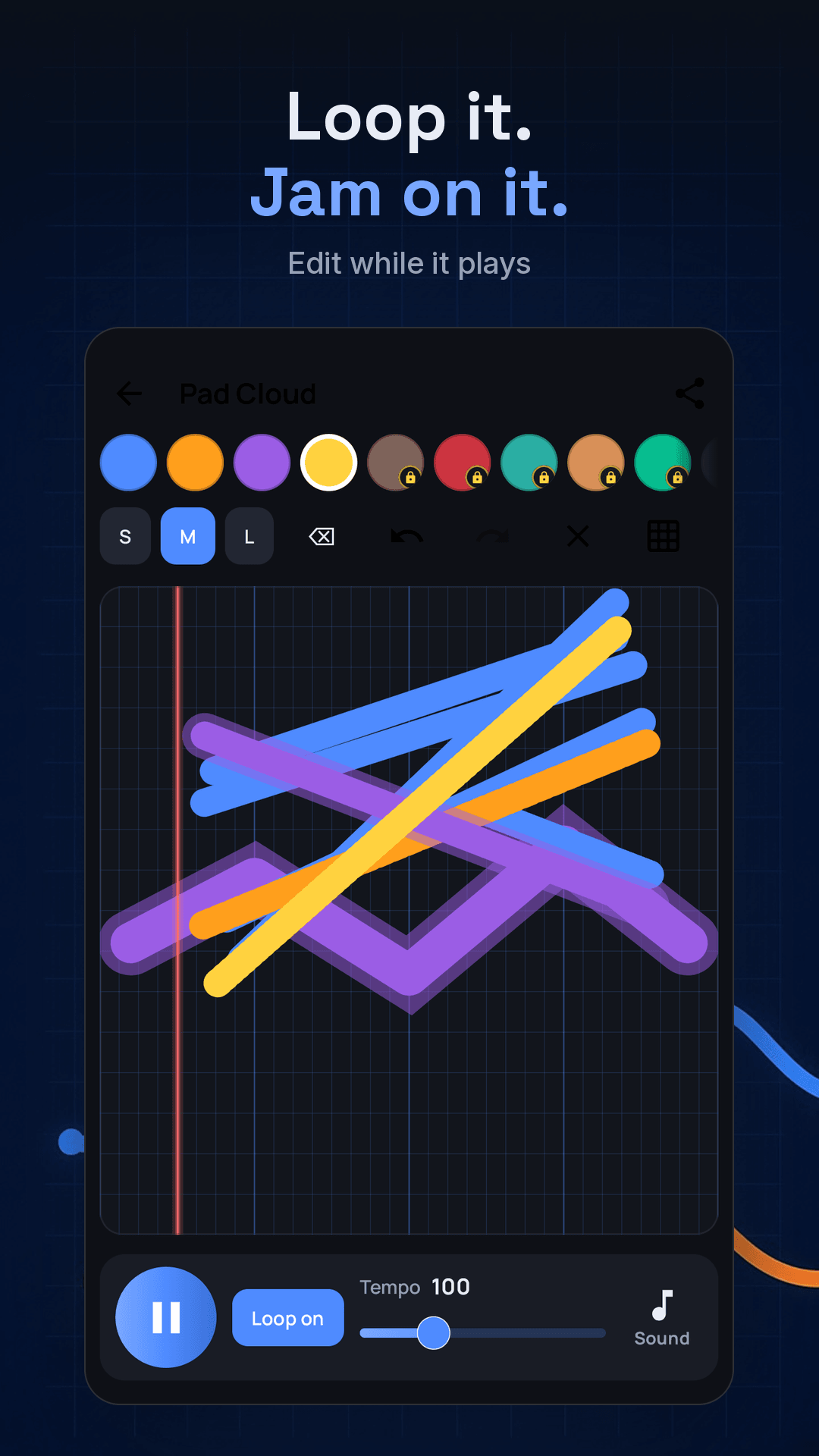
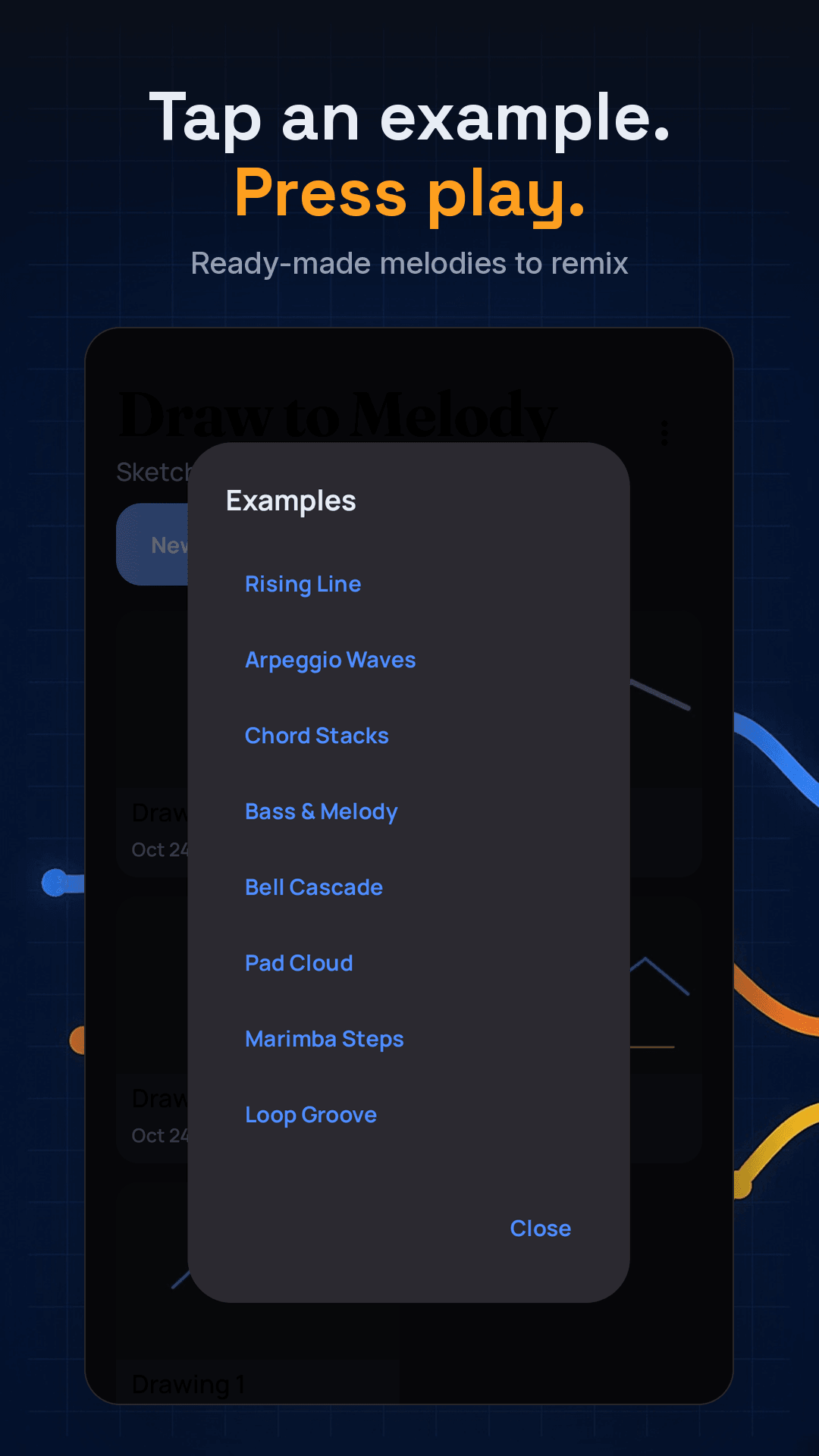
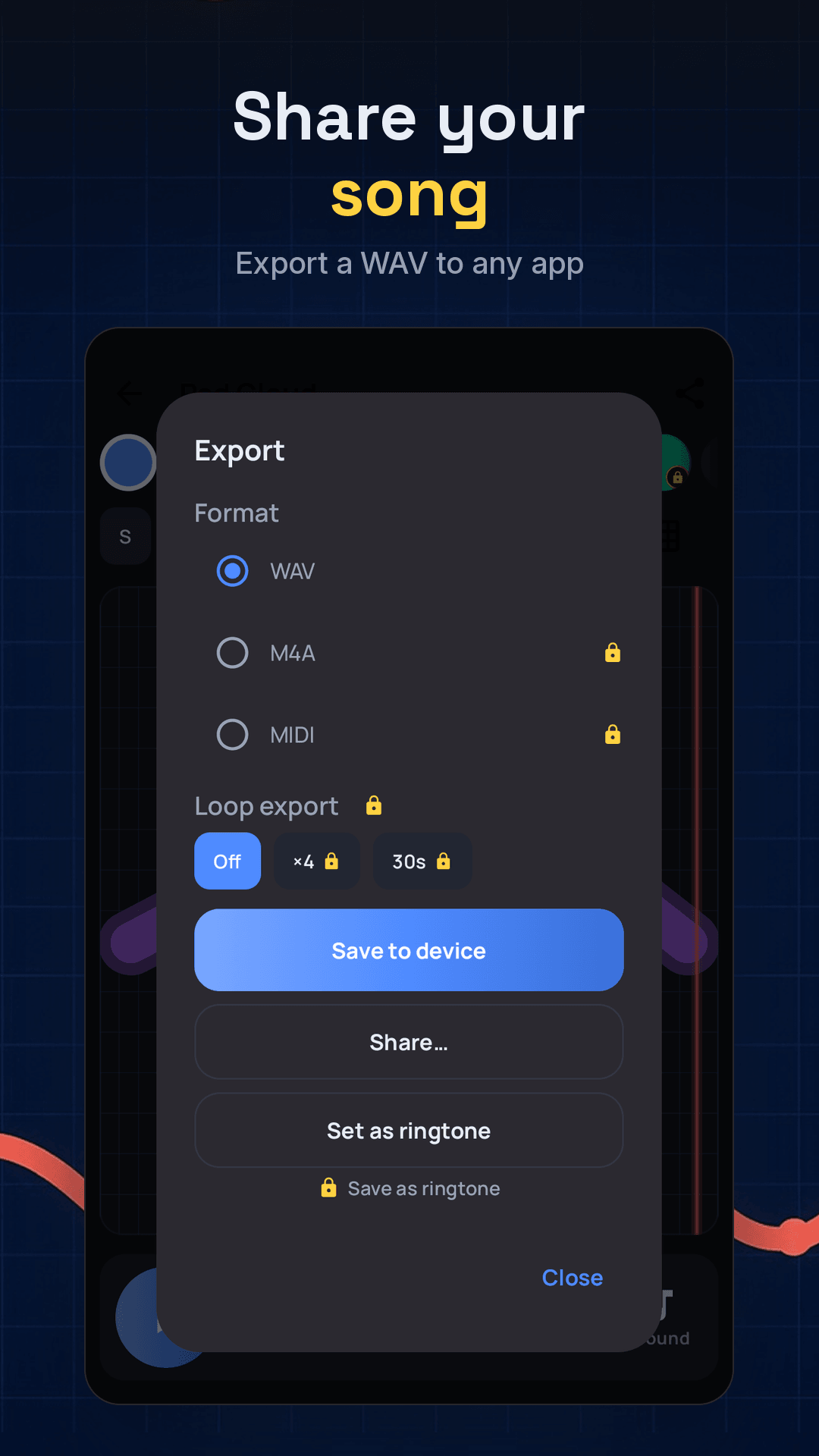
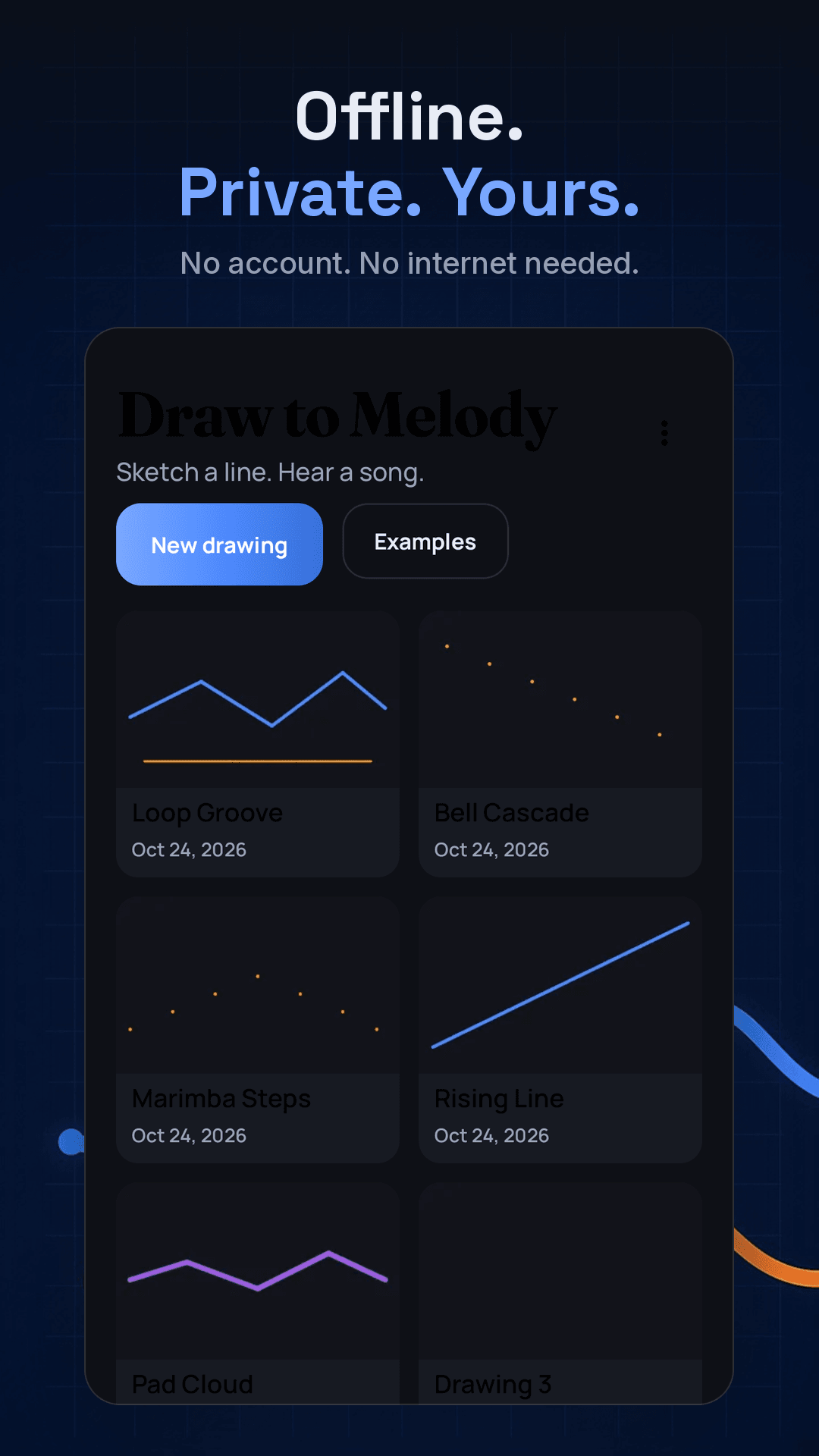
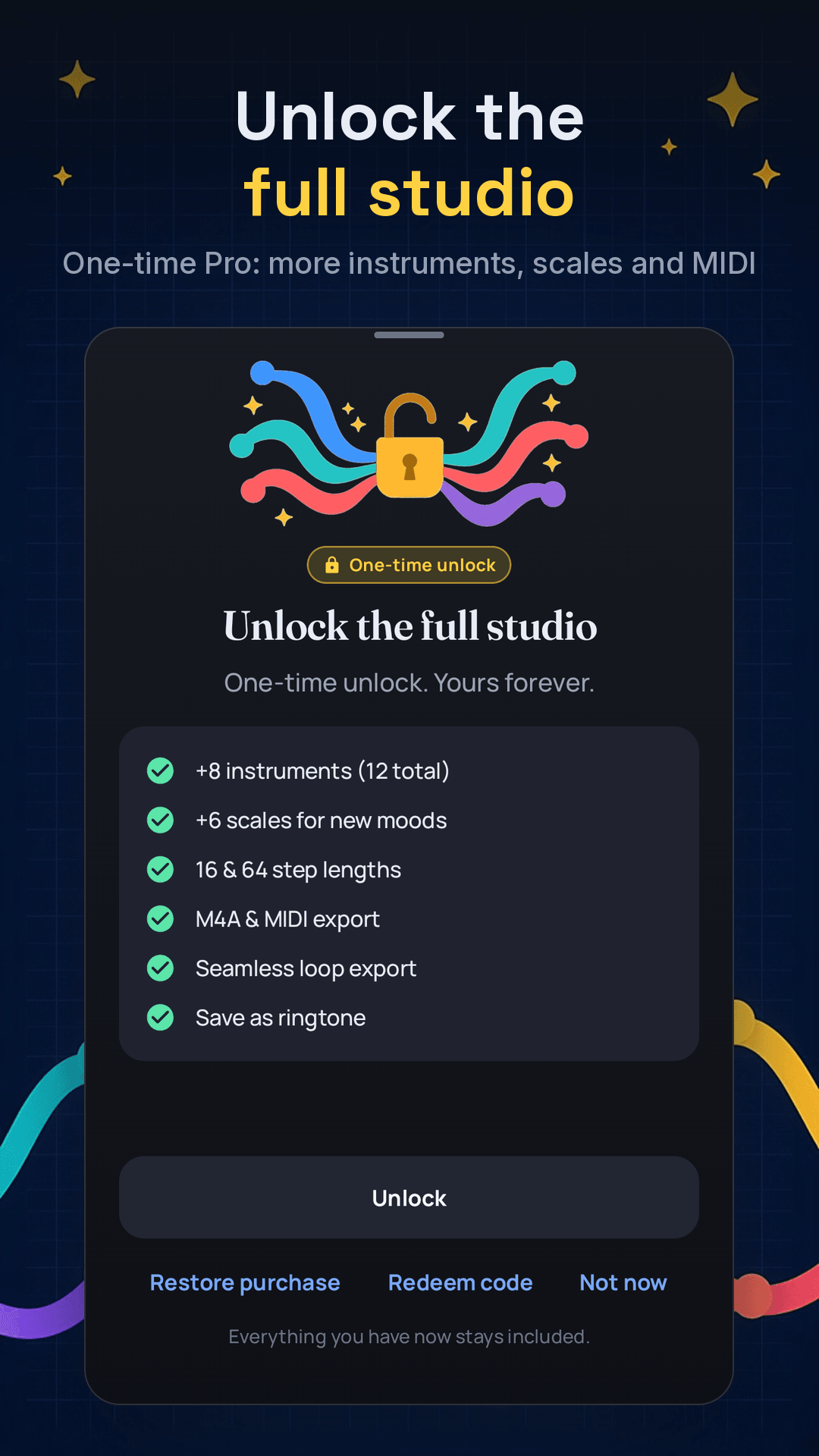
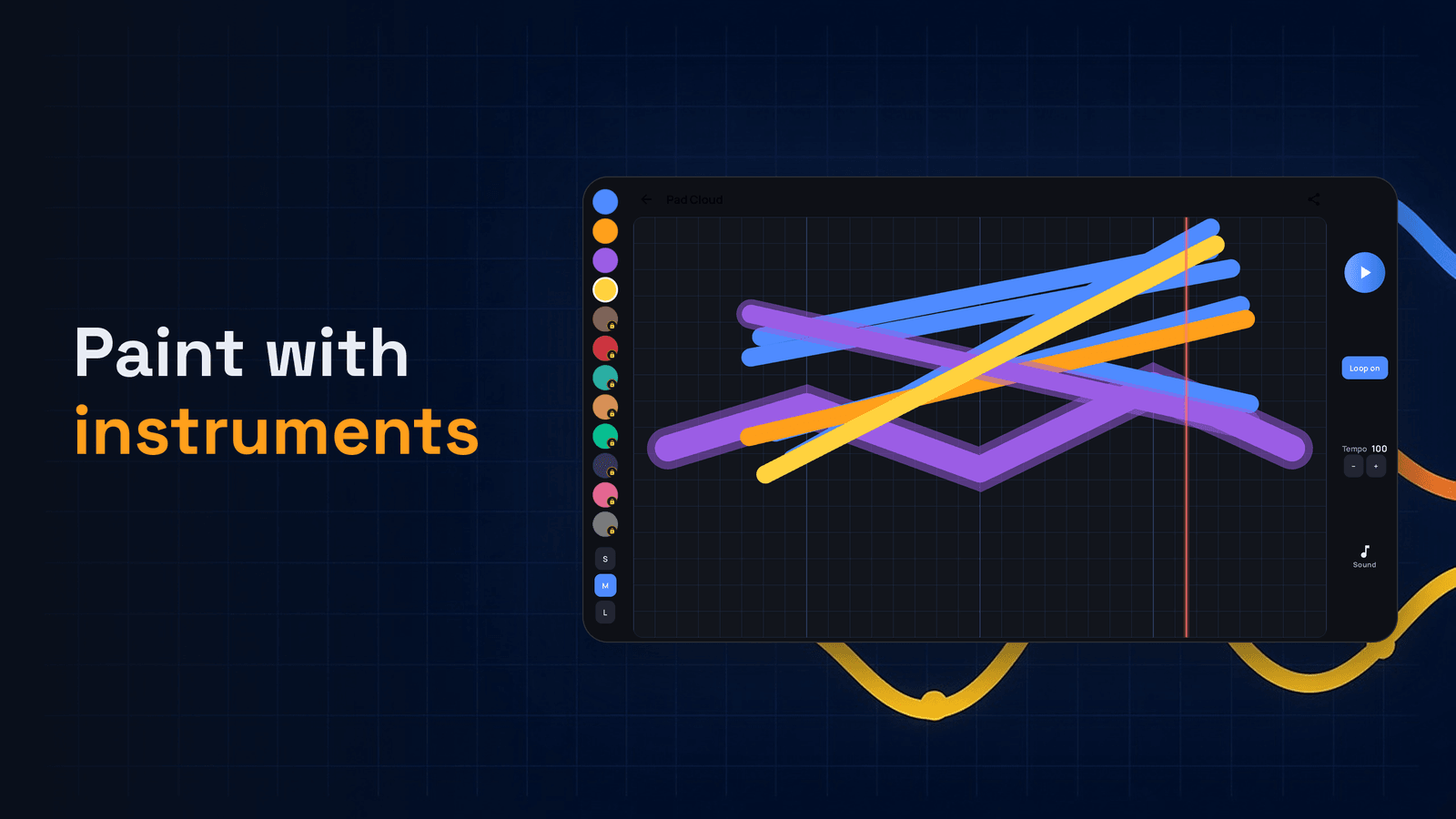
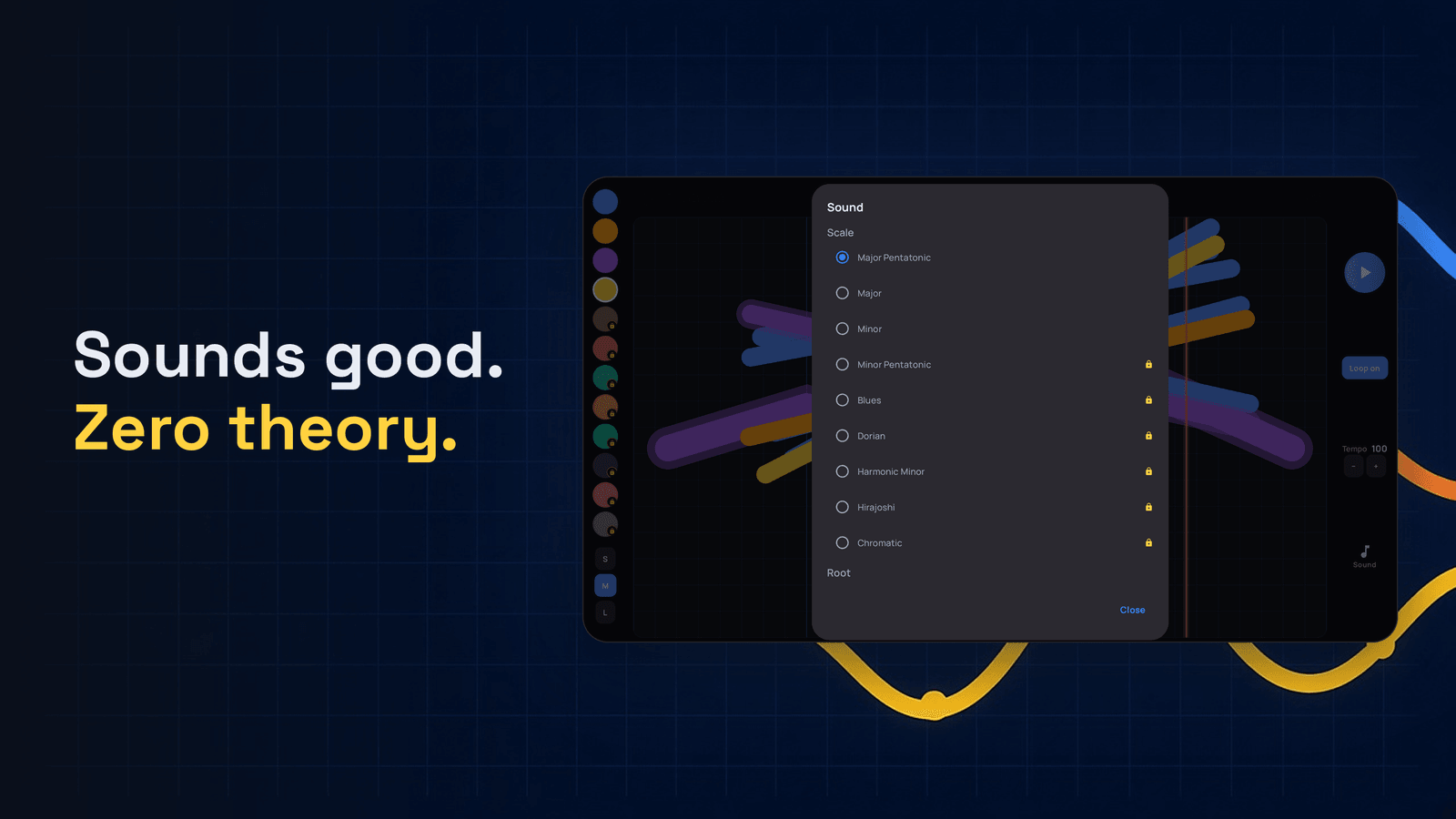
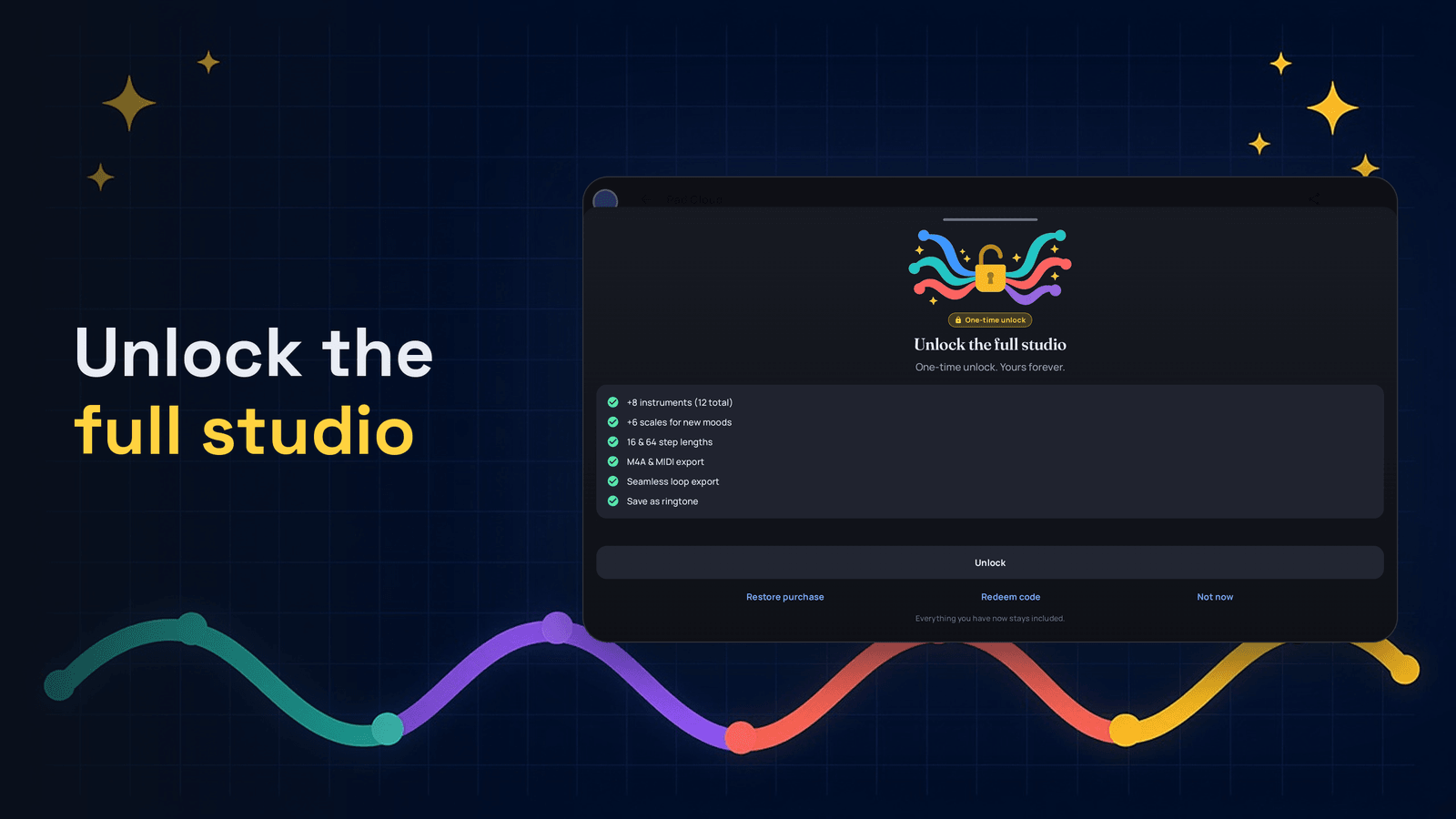
Draw to Melody turns simple drawings into music. Pick a color for each instrument, draw on the grid, press Play, and watch the playhead sweep across your sketch. Change the scale or tempo and the same drawing remaps instantly — no theory required. Free includes Soft Piano, Marimba, Warm Pad and Bells, tap-to-preview notes, looping while you sketch, undo/redo, auto-saved projects and eight bundled examples. Unlock is one payment for more instruments, scales, lengths and export options (M4A, MIDI, seamless loops, ringtone). No account, no ads, no tracking. The app has no internet permission; drawings stay on your device unless you export or share them.
- Four free instruments: Soft Piano, Marimba, Warm Pad, Bells
- Scales and tempo remap the same drawing instantly — no music theory needed
- Loop while you keep sketching; undo, redo, eraser, clear
- Free: save or share a WAV; Unlock: M4A, MIDI, seamless loops, set as ringtone
- One-time Unlock via Google Play — no subscription
- No internet permission, no account, no ads, no tracking
Screenshots
Tablet